
Used by NASA · the FBI · the U.S. Navy · Since 1999
USB Drive Says ‘Unreadable’? Here’s What That Status Means
- No Data, No Data Recovery Fee
- Chip-off recovery — our specialty
- 27+ years of recovery experience
- Every brand, every capacity
What Does ‘USB Unreadable’ Actually Mean?
Unreadable almost always means Windows can see the drive but not its file system — not that the memory chip is damaged. If the drive still shows up in Disk Management, the fix is a logical, filesystem-level recovery. If it doesn’t show up anywhere at all, the controller or connector has failed, and chip-off recovery reads the memory chip directly.
“‘Unreadable’ is a Windows opinion about the file system, not a verdict on your files.” — Bruce Cullen, founder, eProvided
You plug in a USB flash drive you’ve used a hundred times, and instead of your files, Windows shows “USB drive unreadable” or offers to format it. The drive still lights up. It still shows up somewhere on your computer. But nothing opens. That combination — visible, yet unreadable — confuses people more than an outright dead drive, because it looks like it should just work. After 27+ years diagnosing unreadable USB drives of every brand and capacity, here’s what the status actually means, why it’s different from a drive Windows can’t detect at all, and which of the two you’re actually dealing with.
“Unreadable” means Windows can talk to the drive but can’t make sense of its file system — usually a corrupted partition table or file allocation table, not damaged memory. It shows up as a RAW drive, a “you need to format the disk” prompt, or garbled folder contents. That’s a logical, filesystem-level problem, recoverable without opening the drive. A USB drive that doesn’t appear ANYWHERE — not in File Explorer, not in Disk Management — is a separate, harder failure: the controller or connector itself has died, and that needs chip-off recovery.
Do RIGHT NOW
- Check Disk Management (Windows key + X, then Disk Management) to see if the drive shows up there at all, even without a drive letter
- Note the EXACT wording of any prompt — “you need to format,” “RAW,” or “not accessible” each point to a different cause
- Stop copying new files to the drive the moment you see the unreadable status
- Try the drive on a second computer to see if the unreadable status follows the drive or stays with your machine
DON’T Do
- Don’t click “Format disk” when Windows prompts — formatting rebuilds the file system table and erases the map to your existing files
- Don’t run chkdsk or a disk-repair tool on a drive you care about before backing up what you can — a repair pass can overwrite data it’s trying to fix
- Don’t keep re-inserting a drive that shows unreadable on every port — repeated power cycles stress a controller that may already be failing
- Don’t assume “unreadable” means the same thing as “not detected” — they call for different fixes, and guessing wrong wastes the time that matters
Already staring at an unreadable USB drive with files you can’t lose? A free evaluation tells you what's still there, or call (866) 857-5950 if you'd rather talk first.
- Still Shows Up, Still Unreadable: The RAW / “Needs Formatting” Case
- Visible in Disk Management but Missing from File Explorer
- Doesn’t Show Up Anywhere: When “Unreadable” Really Means Undetected
- What Actually Causes a USB Drive to Go Unreadable
- How Each “Unreadable” Case Gets Recovered
- What Our Customers Say
- Frequently Asked Questions
- Recover Files from an Unreadable USB Drive
- Related Recovery Services
Still Shows Up, Still Unreadable: The RAW / “Needs Formatting” Case

The most common version of “unreadable” happens when a USB drive still plugs in, still shows a drive letter, and Windows still knows something is there — but instead of your folders, you get “You need to format the disk in drive E: before you can use it” or the drive shows up labeled “RAW” in its properties instead of NTFS or FAT32. Nothing about this means your files are gone. A file system is just an index — a table that records which files exist and where their data physically sits on the drive. When that table gets corrupted, partially overwritten, or interrupted mid-update, Windows can no longer read the index, so it reports the whole drive as unreadable even though the actual file data usually sits untouched underneath. This is exactly why the drive can look “empty” or “blank” while still showing its correct total capacity used — the space is accounted for, the index pointing to it just isn’t. It is also why running a quick-format, however tempting the on-screen prompt looks, is the wrong move: a quick format writes a brand-new, empty index over the damaged one, and the moment that happens the old index — the only thing standing between your files and total loss — is gone for good, even though the underlying file data briefly sat there recoverable the whole time.
Visible in Disk Management but Missing from File Explorer

A second pattern: the drive doesn’t appear in File Explorer at all, but opening Disk Management (Windows key + X) shows it listed, sometimes as “Unallocated” or with no drive letter assigned. This is a milder version of the same filesystem problem — the partition table itself is confused enough that Windows won’t even attempt to mount it for browsing, but the disk controller conversation is happening normally. Assigning a new drive letter through Disk Management sometimes brings the drive back to a “you need to format” prompt rather than fixing anything, because the underlying partition information is still damaged — that prompt is Windows offering the one fix IT knows how to do, which happens to be the one fix that erases your existing file index. Seeing the drive in Disk Management at all is a genuinely good sign: it means the USB handshake completed and the controller is responding, which rules out the harder failure covered next. One more thing worth checking here: right-click the drive in Disk Management and look at the reported total capacity. If it matches the drive’s real size, the controller is reading the chip correctly and only the partition map is confused — a strong sign the fix is quick and the data is untouched. A reported capacity of zero or an obviously wrong number points toward the harder, controller-level failure instead.
Doesn’t Show Up Anywhere: When “Unreadable” Really Means Undetected
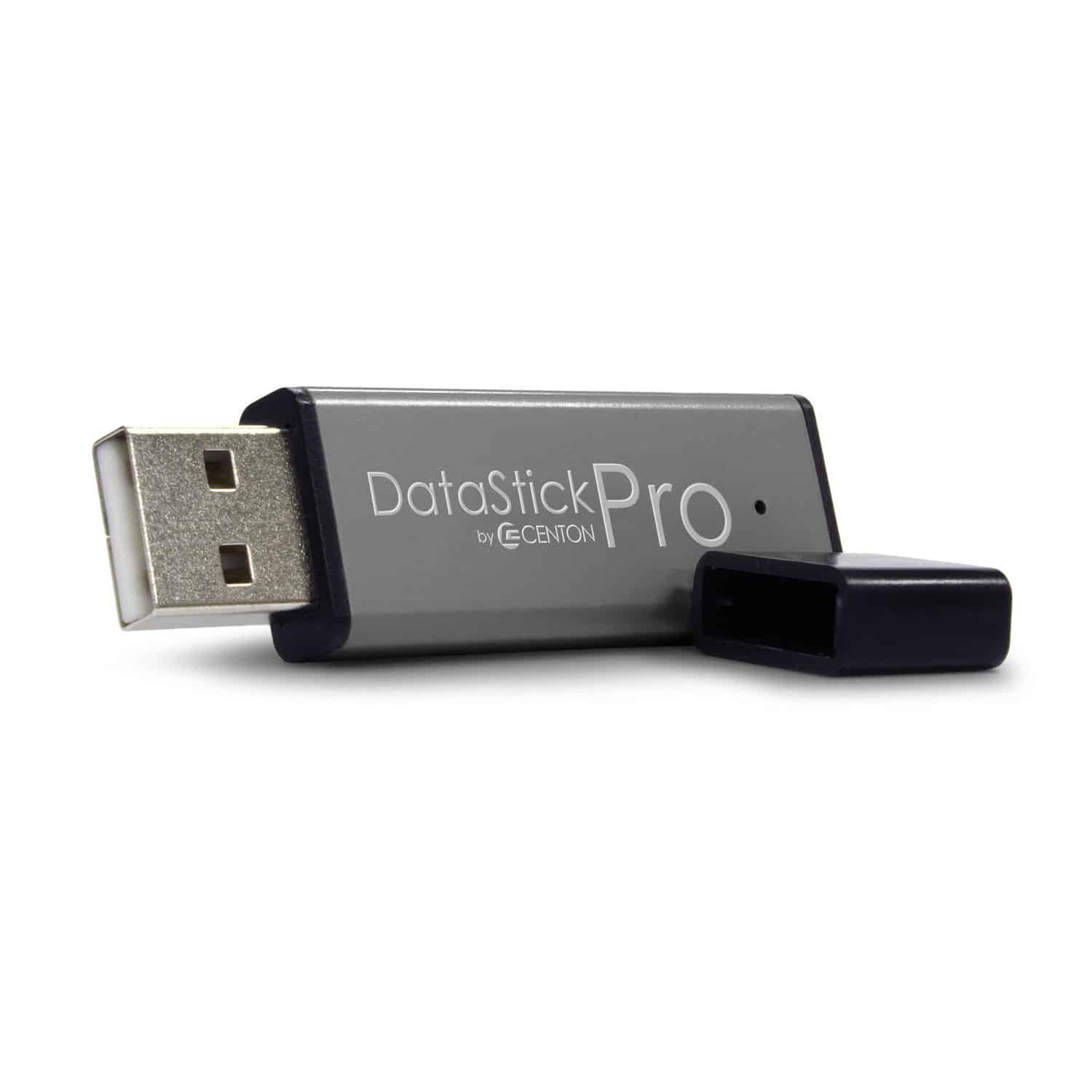
In everyday language, people call a drive “unreadable” even when it doesn’t appear in Windows at all — not in File Explorer, not in Disk Management, nowhere. That’s not actually the same problem as the RAW/format-prompt case above; it means the USB handshake between the drive and the computer never completed, which is a controller, firmware, or connector failure happening a layer earlier than any file system. If that description matches what you’re seeing — genuinely nothing, on any computer, in any port — the deeper diagnosis lives in our guide on USB device not recognized errors, which walks through exactly what a failed handshake means and how Windows reports it. This page focuses on the drive that DOES connect and DOES show up somewhere, which is the far more common way people describe a USB drive as “unreadable.” A quick way to tell the two apart without opening any menus: does the drive still light up or make the USB connection chime at all when you plug it in? A drive that gives no sign of life whatsoever, on more than one computer, is almost certainly the handshake failure, not a filesystem one, and no amount of Disk Management troubleshooting will change that.
What Actually Causes a USB Drive to Go Unreadable

Four causes account for nearly every unreadable USB drive or memory stick we see. Unsafe removal — pulling the drive out mid-write or mid-transfer — is the single biggest cause, because it interrupts the exact operation that updates the file system table, leaving it half-written. Virus or malware activity can corrupt the same table directly. A worn or failing controller chip can start writing filesystem data incorrectly even while everything else about the drive still works. And simple age or manufacturing defects in cheaper flash drives can cause the file allocation table to develop bad sectors over years of normal use. None of these four causes touches the NAND memory chip that actually stores your files — which is exactly why an unreadable status, however alarming the on-screen message, is one of the more reliably recoverable USB failures we handle. Cheaper, unbranded flash drives fail this way more often than name-brand SanDisk, Kingston, Samsung, or Lexar drives, simply because their controllers and NAND chips carry thinner error-correction margins to begin with — the same bump, static discharge, or unsafe removal that a premium drive shrugs off can be enough to corrupt the file table on a budget one.
How Each “Unreadable” Case Gets Recovered

Because a standard USB flash drive carries no processor-bound encryption key, both versions of “unreadable” are recoverable, but not the same way. Our full data recovery process starts with a free evaluation to confirm which one applies to your drive. A RAW or “needs formatting” drive that still shows up in Windows is recovered by reading the drive’s existing data through its own working circuitry and rebuilding the file-system index around it — no disassembly required, and the original drive is preserved throughout. A drive that never appears anywhere, because the controller or connector itself has failed, needs the NAND memory chip freed from the board and read directly on chip-reading hardware — that’s chip-off recovery, and it works precisely because the memory chip is a separate, sealed component from whatever part actually failed. Either way, an alarming on-screen message and a truly damaged file are two different things.
| Unreadable-USB Scenarios & What Actually Happens | ||
|---|---|---|
| What you see | What it usually means | Data recoverable? |
| “You need to format the disk” prompt | File system table (partition/FAT) corrupted, index unreadable | ✓ Yes, without formatting |
| Drive shows “RAW” in Properties | Same as above — Windows can’t identify a valid file system | ✓ Yes, via logical recovery |
| Visible in Disk Management, not in File Explorer | Partition table confused, drive letter not assigned | ✓ Yes, usually low-risk |
| Folders visible but files won’t open | Partial file system corruption, index mostly intact | ✓ Yes, targeted extraction |
| Not visible anywhere, on any computer | Controller, firmware or connector failure — not a filesystem issue | ✓ Yes, via chip-off |
What Our Customers Say
Frequently Asked Questions
Recovery Services for Every Storage Device Class
An unreadable USB drive isn’t the only device eProvided recovers — we cover every storage class from one lab: hard drive data recovery (Seagate, Western Digital, Toshiba mechanical and logical failures), microSD card recovery (including monolithic substrate-level work) and SSD data recovery (Samsung, WD, Crucial, NVMe and SATA). See all our data recovery services →
More USB & Flash Drive Recovery Guides
- Repairing a damaged USB — step-by-step diagnostic process for a USB drive that won’t connect.
- Bumped your USB drive? What happens next — when a knock mid-write causes the same RAW/unreadable status.
- How to recover a USB flash drive — the general DIY-first checklist before sending a drive in.
Once your files are safe, backing up before you eject unsafely is the single best way to make sure the next unreadable prompt never happens.
Recover Files from an Unreadable USB Drive
RAW status, a format prompt, or a drive that won’t show up at all — our engineers will confirm what’s recoverable during a free evaluation. No obligation, confidential.
Start My Free Evaluationor call (866) 857-5950 now
Related Recovery Services
An unreadable USB drive isn’t the only device eProvided recovers — these recovery services get the data back from every storage class in one lab: