
Used by NASA · the FBI · the U.S. Navy · Since 1999
SD Card Recovery Service: How eProvided Recovers Your Photos and Files
- No Data, No Data Recovery Fee
- Free evaluation before any work begins
- 27+ years of recovery experience
- Every brand, every capacity
What Does an SD Card Recovery Service Actually Do?
A real SD card recovery service starts with a free evaluation, diagnoses whether the problem is physical or logical, reads the NAND memory chip directly (chip-off) when the card can’t be read through its own contacts, then rebuilds the file structure and returns your photos, video and files — all before you’re charged anything.
“People ask what we actually do to the card. The honest answer is: as little as possible to the shell, and everything necessary to the chip.” — Bruce Cullen, founder, eProvided
Most people searching for an “SD card recovery service” have no idea what actually happens once a card is sent in — and that uncertainty is often what makes a bad situation worse, because the wrong first move (reformatting, running repair software, or waiting too long) can cost you data a proper recovery service would have gotten back. After 27+ years running SD and microSD card data recovery as a full-time recovery lab, here’s exactly what our service does at every step, what we typically recover first, and the one mistake that turns a recoverable card into an unrecoverable one.
An SD card recovery service is a five-step process: free evaluation, diagnosis (physical vs. logical), chip-off recovery when the card can’t be read through its own contacts, rebuilding the file structure from the raw data, and returning your files. Photos and video are recovered first because they’re what people ask about most and the easiest file types to verify are intact. The single biggest mistake that turns a recoverable card into an unrecoverable one is reformatting it or running “repair” software before sending it in.
Do RIGHT NOW
- Stop using the card the moment you notice a problem — every additional read/write attempt risks overwriting recoverable data
- Write down exactly what the device says (RAW, “needs to be formatted,” blank, not detected) — it helps us diagnose faster
- Keep every piece if the card is cracked or in pieces — the chip only needs to be intact, not the shell around it
- Start a free evaluation before deciding whether the recovery is worth pursuing — there’s no cost or obligation to find out
DON’T Do
- Don’t reformat the card, even if the device offers to “fix” it that way — formatting can overwrite the file table that a recovery service needs
- Don’t run a repair utility, chkdsk, or a free recovery tool first — these write to the card and can reduce what’s recoverable before a professional service ever sees it
- Don’t keep re-inserting the card into different readers hoping one will work — this is one of the most common ways contact pins get further damaged
- Don’t wait weeks to start the process — NAND cells and controller faults can degrade further with time and continued power cycling
Ready to find out what a real evaluation will show for your card? Start your free evaluation » or call (866) 857-5950 to talk it through first.
- What an SD Card Recovery Service Does, Step by Step
- What Gets Recovered First: Photos and Video
- The Free Evaluation: What We’re Actually Checking
- When the Service Moves to Chip-Off Recovery
- Don’t Reformat: The Mistake That Costs Recoverable Data
- Rebuilding Your Files and Getting Them Back
- What Our Customers Say
- Frequently Asked Questions
- Start Your SD Card Recovery
- Related Recovery Services
What an SD Card Recovery Service Does, Step by Step
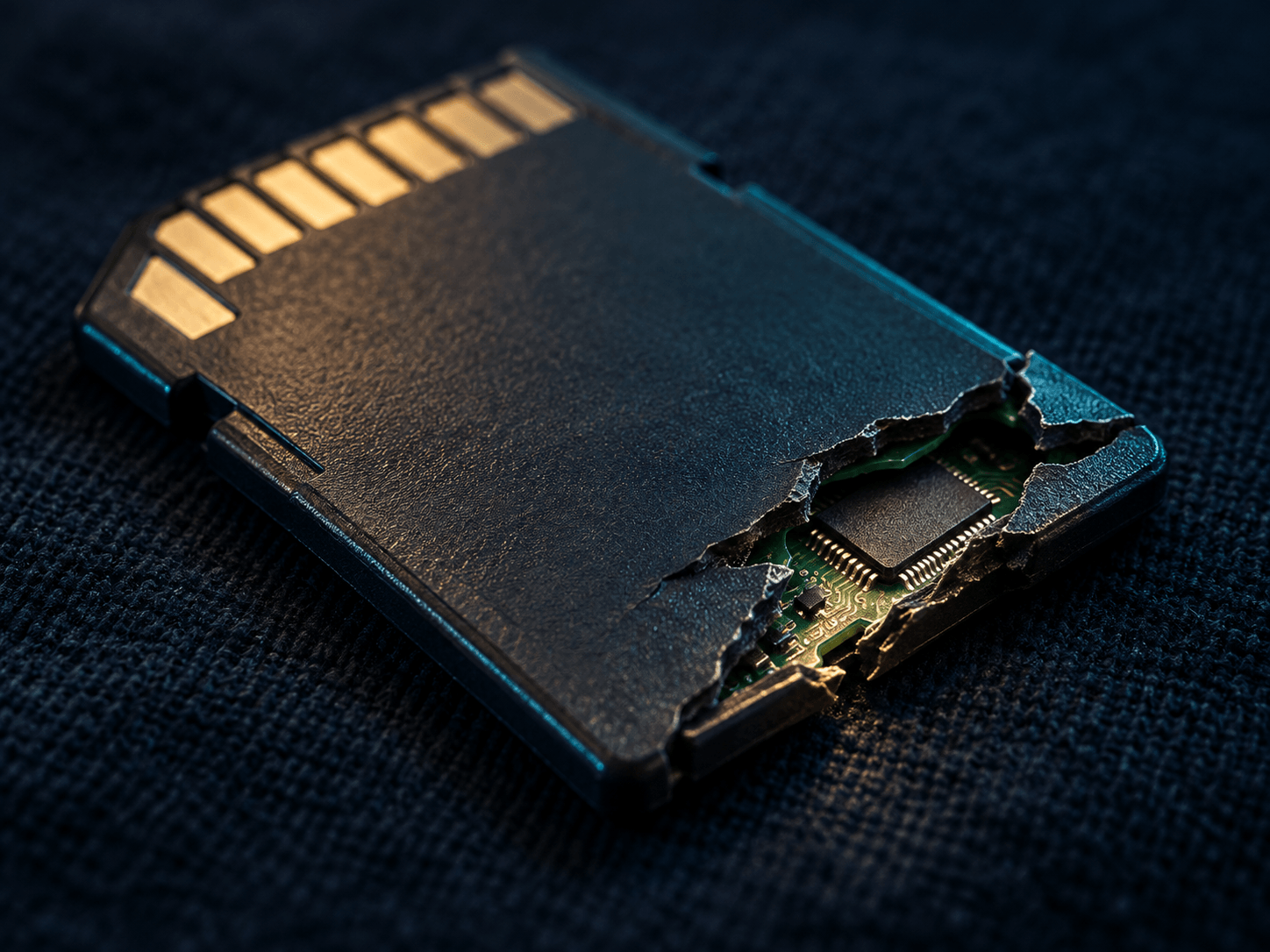
A recovery service isn’t one action, it’s a sequence, and skipping a step is usually where amateur attempts go wrong. Our full data recovery process runs in five stages: (1) a free evaluation of the physical card and what the device reports about it, (2) a diagnosis that separates physical damage (a cracked shell, bent or corroded contacts) from logical failure (file-system corruption, a card the OS sees as blank or RAW), (3) chip-off recovery when the card can’t be read safely through its own contacts — freeing the NAND chip and reading it directly on specialized hardware, (4) rebuilding the file system and folder structure from the raw data pulled off the chip, and (5) returning your recovered files on a drive, download link, or new card, whichever you prefer. Every step happens in that order because skipping the diagnosis and jumping straight to a generic recovery attempt is exactly how software tools and rushed repair attempts damage a card that a proper service would have recovered cleanly.
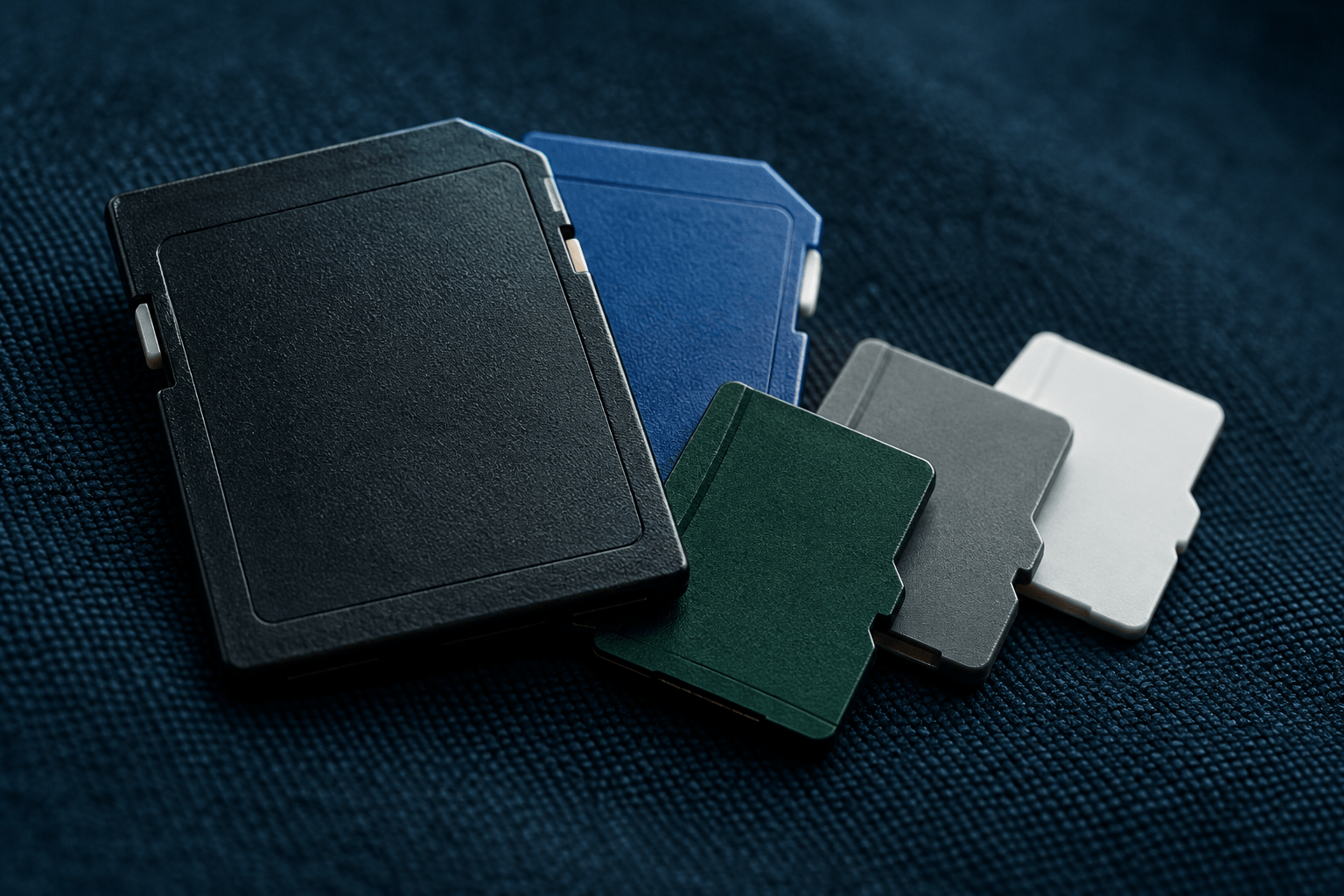
The service scope also matters: eProvided recovers from every SD form factor — full-size SD, microSD, SDHC, SDXC — and every brand, whether the card came out of a camera, phone, dashcam, drone, or voice recorder. The process above doesn’t change based on brand or capacity; it changes based on what condition the card is actually in when it arrives, which is why step one is always a real evaluation, not a guess from a phone description.
What Gets Recovered First: Photos and Video
Once the raw data is off the chip, our lab prioritizes photo and video files first, for two practical reasons. First, they’re what nearly every customer actually wants back — a card full of vacation photos, a wedding video, or dashcam footage of an incident is rarely valued for its spreadsheet backups. Second, image and video files are the easiest format to verify quickly: a JPEG or MP4 either opens and displays correctly or it doesn’t, so we can confirm recovery success on the files that matter most before moving through the rest of the card’s contents (documents, app data, or other file types). This doesn’t mean other file types are ignored — the full rebuild covers whatever the card contained — but it does mean you’ll typically see your photos and video confirmed recoverable early in the process rather than waiting until everything is done. It also means we can give you a real, specific answer early — not just “recovery looks promising” but an actual count of photos and video files that opened correctly, well before the full file-system rebuild is finished. Cards used in dashcams and security cameras get the same photo-and-video-first treatment, since footage is almost always the entire reason the card was sent in.
The Free Evaluation: What We’re Actually Checking

“Free evaluation” sounds like a marketing phrase until you know what it actually covers. On an SD or microSD card, our evaluation checks: whether the contact pins are bent, corroded, or making a clean connection; whether the card is detected at all through its own controller; whether the shell or substrate shows physical cracking or separation; and what the file system reports (RAW, unformatted, 0 bytes, or a normal-looking but empty directory). That combination tells us whether the card is a candidate for a contact-level or pinout read, or whether it needs to go straight to chip-off. You get a specific answer — what’s likely recoverable and what the fixed-price quote is — before any recovery work begins and before you’re charged anything, under our “No Data, No Data Recovery Fee” policy. We also document the card’s condition with photos before any physical work starts, so you can see exactly what state it arrived in and what changed. If a card has clearly visible corrosion, that’s usually the first thing we check, since it tells us whether the damage is contained to the pins or has spread toward the controller itself.
When the Service Moves to Chip-Off Recovery
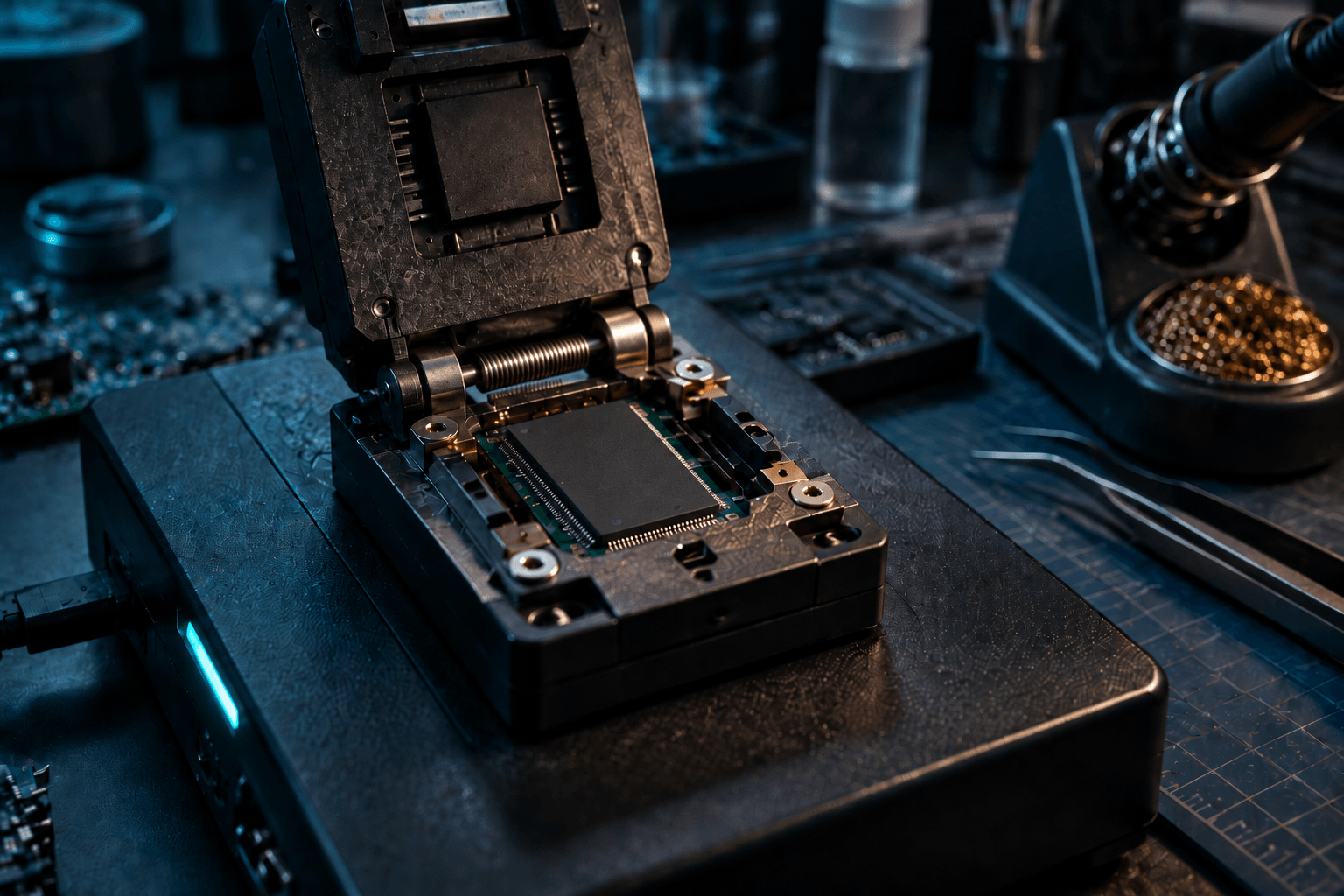
Chip-off recovery isn’t the default step for every card — it’s what happens when the evaluation shows the card can’t be safely or completely read through its own contacts and controller. That covers a cracked or snapped shell, bent or corroded pins that won’t make a reliable connection, and a controller that has failed outright (the card shows as “not detected” no matter what reader it’s in). In those cases, we desolder the NAND memory chip from its substrate and read it directly on chip-reading hardware built for this purpose, which bypasses the damaged shell, contacts and controller entirely — the same approach that recovers data even from an SD card broken cleanly in half. Because a standard SD or microSD card has no processor-bound encryption key tying the NAND to a separate chip, this direct read recovers the data intact — the memory and the data on it are the same physical component, so there’s no separate lock standing between the chip and your files.
The one meaningful exception: a card set up as “adopted storage” on an Android phone running Android 10 or newer has its file-based encryption key bound to that specific phone’s hardware, not the card. Reading that card’s chip directly returns encrypted data, and the honest recovery path goes through the original phone rather than the card alone — something we check for during the free evaluation, not something you need to know in advance.
| What Each Recovery Method Reaches | ||
|---|---|---|
| Method | When we use it | Typical result |
| Contact / pinout read | Card detected, contacts intact but file system damaged | ✓ Full recovery, no desoldering needed |
| Chip-off recovery | Cracked shell, damaged contacts, or dead controller | ✓ Full recovery, chip read directly |
| Chip-off on adopted-storage card | Card used as encrypted Android “adopted storage” (Android 10+) | ⚠ Requires the original phone, not the card alone |
| Reformatting or repair software (not our method) | Anything — this is what NOT to do first | ✗ Can overwrite recoverable data |
Don’t Reformat: The Mistake That Costs Recoverable Data
If there’s one instruction worth repeating on its own, it’s this: don’t reformat a card that shows RAW, asks “Do you want to format this disk?”, or reports 0 bytes free if there’s data on it you need. Formatting rewrites the card’s file allocation table — the index that tells a recovery service (or a computer) where each file actually starts and ends. The underlying NAND cells often aren’t touched by a format, but the map to find your files can be, which turns a straightforward recovery into a much harder one, and in some cases makes specific files unrecoverable that would otherwise have come back cleanly. The same caution applies to running chkdsk, a manufacturer “repair” tool, or a free recovery program before a professional evaluation — all of them write to the card in the process of trying to fix or scan it. If a card is already showing signs of trouble and the files on it matter, the safest next step is stopping use of the card entirely and starting a free evaluation, not trying one more fix first — see our broken SD card recovery guide for what to check before you do anything else.
Rebuilding Your Files and Getting Them Back
Once the raw data is extracted — whether through a contact-level read or chip-off — the recovery isn’t finished. Raw NAND data pulled directly off a chip doesn’t come out as neatly organized folders; it has to be rebuilt into a working file system, with file names, folder structure, and file types reconstructed from the underlying data patterns. This is the step where a rushed or automated-only approach shows its limits: a card with damaged sectors or partial corruption needs a person verifying that reconstructed files actually open correctly, not just that a scan produced a list of file names. Once rebuilt and verified, your files are delivered on a USB drive, an external drive for larger volumes, or a secure download link — whichever fits the amount of data and your preference — and the original card is returned to you as well, whether or not it’s still usable afterward.
This article explains how the recovery service itself works; if you’re dealing with a card right now, the evaluation is the actual next step, not something to research further first — start there when you’re ready.
What Our Customers Say
Frequently Asked Questions
Recovery Services for Every Storage Device Class
A dead SD card isn’t the only device eProvided recovers — we cover every storage class from one lab: hard drive data recovery (Seagate, Western Digital, Toshiba mechanical and logical failures), broken memory card recovery (SD, CompactFlash and more) and USB flash drive recovery. See all our data recovery services →
More SD & MicroSD Card Recovery Guides
- SD card restoration — what actually happens physically when a card fails.
- Memory card data recovery — what to try first, from simple fixes to chip-level reads.
- Lost pictures on an SD card — recovering photos specifically after accidental deletion or formatting.
Knowing what the service actually does — and what not to do before it starts — is the single biggest factor in whether a card comes back with everything, or just some of it.
Conclusion, SD Card Recovery Service Information.
An SD card recovery service is a defined process, not a guess: free evaluation, diagnosis, chip-off recovery when the contacts or controller can’t be trusted, rebuilding the file system, and returning your files — usually photos and video first. Every brand and card type (SanDisk, Kingston, Samsung, Lexar, Crucial and others) goes through the same steps, because the process is dictated by the card’s condition, not its label. The single decision that matters most before any of that starts is what you do (or don’t do) to the card the moment it stops working — stop using it, don’t reformat it, and get a real evaluation before trying anything else.
Start Your SD Card Recovery
Cracked, corroded, unreadable, or showing RAW — our engineers will confirm what’s recoverable from your SD or microSD card during a free evaluation. No obligation, confidential.
Start My Free Evaluationor call (866) 857-5950 now
Related Recovery Services
A dead SD or microSD card isn’t the only device eProvided recovers — these recovery services get the data back from every storage class in one lab: