
Used by NASA · the FBI · the U.S. Navy · Since 1999
5 Tips for Extending Your Memory Card’s Life
- No Data, No Data Recovery Fee
- 27+ years of recovery experience
- SD, microSD & CompactFlash
- Free evaluation, no obligation
How Can I Extend My Memory Card’s Life?
Extend your memory card’s life with five habits: avoid deleting shots one by one in the camera, power off before removing the card, store it clean and dry in its case, format it in the camera instead of erasing on a computer, and eject it promptly. Cards are rated for roughly 10,000 to 100,000 write/erase cycles.
Source: typical flash memory card write/erase endurance ratings, as cited in this guide.
Memory cards are an essential part of life for many of us. Whether they hold every picture from a digital camera or a phone, we want them to stay in top condition so the data on them stays safe. At eProvided we know how frustrating it is when a storage device fails, and without a backup copy it is much worse: you feel absolutely devastated. We specialize in recovering photos from broken SD cards and other storage drives, and we see every week how a few simple habits would have kept a card alive longer.
Every flash card has a limited number of write and erase cycles, and most early card deaths come from interrupted writes, dirt and careless removal rather than true wear. Offload photos and clear the card in one go, switch the camera off before swapping cards, keep cards in their case, format in the device you shoot with, and take the card out of the computer once the transfer is done.
Already staring at a “card error” message? Stop shooting on that card and ask for a free evaluation before you format it.
- Why Memory Cards Wear Out
- 1. Avoid Deleting Pictures Directly on Your Camera
- 2. Turn the Camera Off While Removing or Inserting Cards
- 3. Ensure Clean Storage
- 4. Format Your Memory Card Regularly
- 5. Take Your Card Out of the Computer Sooner, Not Later
- The Five Tips at a Glance
- What Our Customers Say
- Frequently Asked Questions
- Get a Free Card Evaluation
- Related Recovery Services
Extending Your Memory Card’s Life: Why Cards Wear Out
 Enlarge
Prevention is better than cure. So what can you do to keep a memory card performing at its best? Read on for our five top memory card health tips, and think of them as ways to protect the lifespan of any flash storage you own.
Inside every SD, microSD or CompactFlash card is NAND flash memory. Each block of that memory can only be written and erased a limited number of times before it becomes unreliable. The card’s controller spreads the work around so no single block wears out early, but it can only do that well when it has spare space and is never cut off in the middle of a write. The five tips below all come back to those two ideas.
1. Avoid Deleting Pictures Directly on Your Camera
 Enlarge
Try to resist deleting images on your digital camera. Believe it or not, piecemeal deletion can shorten a card’s life: the fewer times you create and delete data on it, the better it performs. Clearing the whole card at once, after the pictures are safely on your main drive, avoids that extra churn. Deleting one shot here and one there adds read and write cycles and scatters new photos into small gaps. If you can, fill the card before clearing it. After a long shoot, copy the files to your computer, check that they open, and only then clear the card in one pass. Never clear a card whose photos exist nowhere else. Doing it in one pass also gives you a clean start for the next outing.
2. Turn the Camera Off While Removing or Inserting Cards
 Enlarge
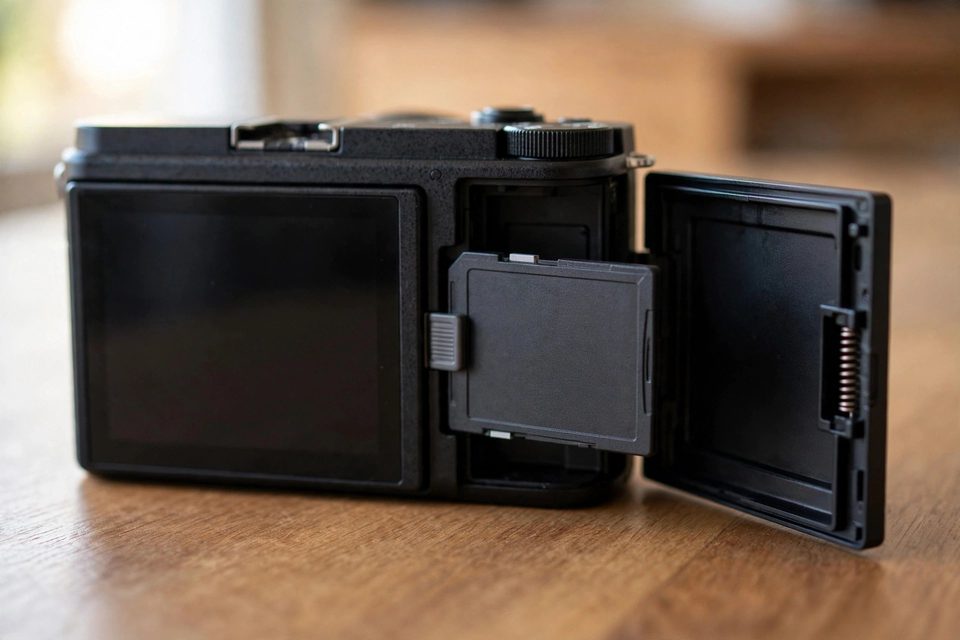
This one is easy to get wrong. You pull the card out of the camera, or push it back in, and forget to switch the camera off first. If the camera is reading or writing the card at that moment, the interruption can cause read/write errors and can even damage the card.
Never remove a card while it is being formatted, either; that is one of the quickest ways to corrupt it. Most cameras show card activity with a green or red light, so wait until that light is off before you open the door. If the camera still sounds busy, wait a few seconds more.
3. Ensure Clean Storage
 Enlarge
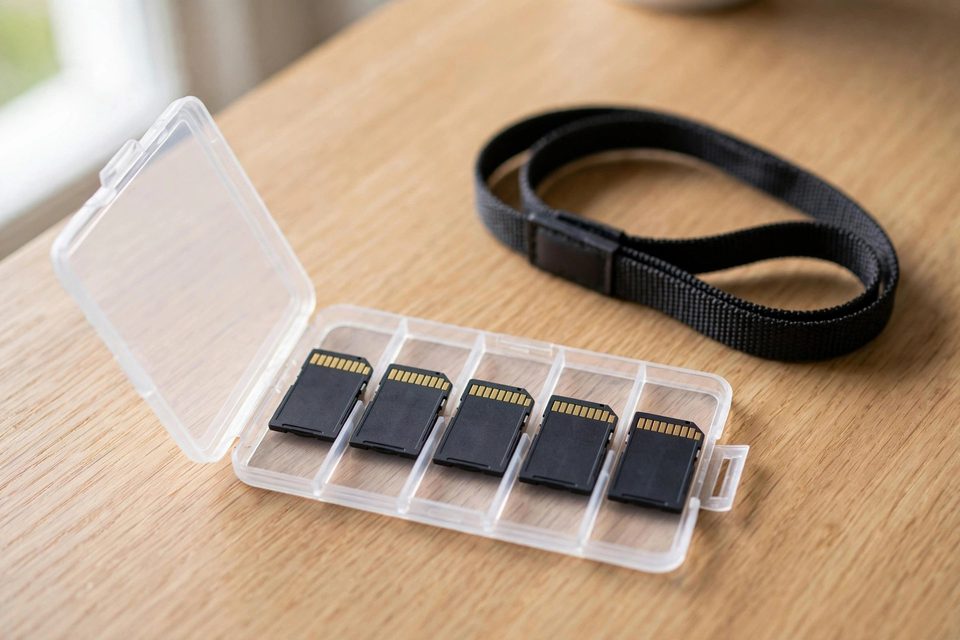
When you put a memory card away, use the protective case it came with. Above all, never leave it loose, where dust can build up on it and affect both lifespan and performance. If a card already has dust or dirt on it, wipe it with a soft, dry cloth before putting it into the camera, and avoid solvents. At the beach, keep sand well away from the card and from the camera’s insides. Sand is at least as harmful as dirt and dust, and a grain in the contacts can stop a card from being read at all. Choose a case with a snug lid and keep it in the camera bag, not loose in a pocket with lint and coins. Label each card, so you never guess which one still holds photos.
4. Format Your Memory Card Regularly
You might think deleting pictures from the card on your computer empties it, but that can leave data, such as file names and folder entries, behind. Instead, format the card in the camera or other device you plan to use it with. That rebuilds a clean file system laid out the way that device expects, which reduces the risk of errors that lead to data loss. It is a great way to keep a card clean and healthy, ready for fresh use again and again.
One correction to a common belief: a normal in-camera format does not wipe the photos off the flash chips. It resets the file system, and the old pictures often stay recoverable until new ones are written over them. That is good news if you format the wrong card by mistake. Stop shooting on it straight away.
5. Take Your Card Out of the Computer Sooner, Not Later
 Enlarge
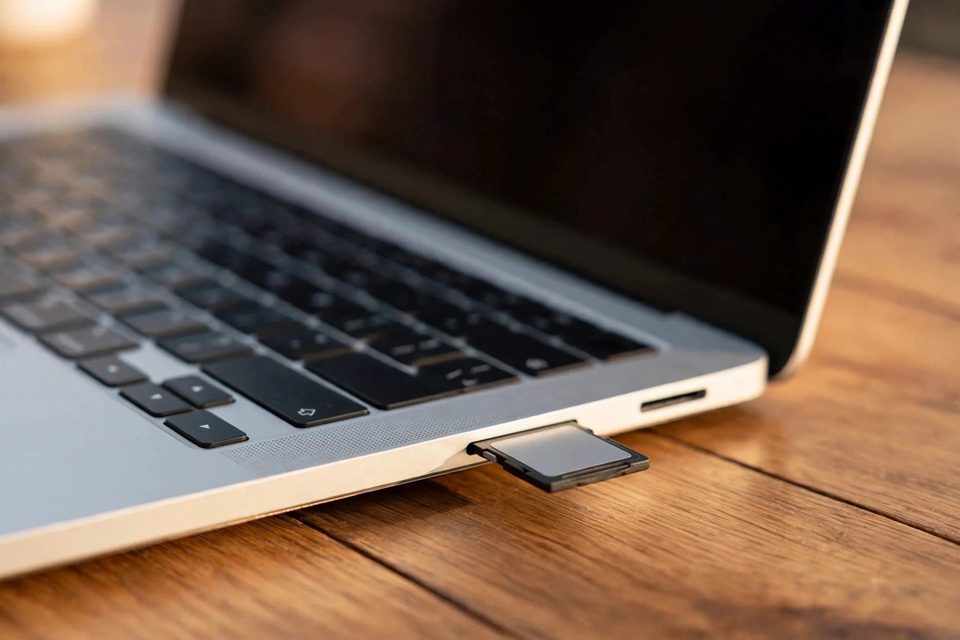
After copying images from the card to your computer, it is easy to leave the card sitting in the reader. Cards are generally rated for somewhere between 10,000 and 100,000 write/erase cycles, and the higher-capacity cards sold today often sit toward the lower end. Even when you are not using it, the computer can keep accessing the card for indexing, thumbnails and background checks, which all add to that total. To give the card a long life, eject it properly and remove it as soon as the transfer finishes, then format it back in the camera. Leaving the card in the slot also invites accidents: a bumped laptop or a card forgotten in a bag can snap or bend it. Put it back in its case right away.
The Five Tips at a Glance
| Memory Card Care, Summarized | ||
|---|---|---|
| Habit | Why it helps | When |
| Clear the card in one go | Fewer write/erase cycles | After each offload |
| Power off before swapping | No interrupted writes | Every card change |
| Keep it in its case | Dust, sand and static stay off the contacts | Whenever it is out of the camera |
| Format in the camera | Clean file system laid out for that device | At the start of each shoot |
| Eject and remove promptly | No background access from the computer | Right after transfer |
At eProvided, we are dedicated to helping people keep the data that matters so much. Our devices hold so much of our lives that the slightest hiccup can cause real upset, especially when favorite pictures or vital documents are lost. We hope these tips help you get the most out of your memory cards. If you ever run into problems, call us toll-free on (866) 857-5950. When a worn or broken card stops reading, our lab performs chip-level recovery on broken memory cards, which works on these cards because their flash is not locked to a separate encryption chip.
What Our Customers Say
Frequently Asked Questions
Recovery Services for Every Storage Device Class
If a card or drive has already failed, eProvided covers each class: memory card data recovery for SD, microSD and CompactFlash in all formats and brands; professional hard drive data recovery for Seagate, Western Digital, Toshiba and HGST; SSD data recovery service for NVMe and SATA drives through original-controller revival; USB flash drive data recovery for broken connectors and dead controllers; microSD card data recovery, including monolithic cards that need substrate-level work; and NAND flash chip-off recovery for raw flash packages. Browse all data recovery services →
More Memory Card Recovery Guides
- What to know about memory card recovery: the basics before you send a card in.
- Three types of memory storage cards: how SD, microSD and CompactFlash differ.
- Top 5 causes of camera card corruption: what usually goes wrong first.
- Troubleshooting SDHC camera cards: safe checks you can do at home.
A memory card is cheap; the pictures on it are not. Five small habits keep most cards working for years, and the lab is there for the ones that quit anyway.
Card Stopped Reading? Get a Free Card Evaluation
Card error, format prompt or a snapped microSD, leave it unformatted and send it in. We report which photos and videos can be read before any fee.
Start My Free Card Evaluationor call (866) 857-5950 now
Related Recovery Services
If a card quits despite good care, these services recover the photos and video on it: