
Used by NASA · the FBI · the U.S. Navy · Since 1999
SD vs SDHC vs SDXC: The Three Types of Memory Cards
- No Data, No Data Recovery Fee
- Chip-off recovery — our specialty
- 27+ years of recovery experience
- Every brand, every capacity
What Are the Three Types of SD Memory Cards?
SD, SDHC and SDXC are three generations of one SD Association format, released 1999/2006/2009 to raise capacity from 2GB to 32GB to 2TB. Each uses a different file system but the same NAND chip, so all three fail and recover the same way. CompactFlash and Sony Memory Stick are separate card families, not SD generations.
“Customers ask us which type of card is more reliable. None of them are — SD, SDHC and SDXC are the same chip in a newer wrapper.” — Bruce Cullen, founder, eProvided
Memory storage cards are something almost everyone buys, whether it’s for a phone, a digital camera or a drone. Fewer people realize the small card in their hand is one of three distinct generations of the same SD Association format — SD, SDHC or SDXC — each built to solve the same problem: the previous generation ran out of room. After 27+ years providing memory card data recovery on every card type SanDisk, Kingston, Samsung and Lexar have ever made, we can walk through what actually separates the three, what to buy today, and what happens if a card from any generation stops working.
SD (1999, up to 2GB, FAT-12/16), SDHC (2006, up to 32GB, FAT-32) and SDXC (2009, up to 2TB, exFAT) are three capacity tiers of one format, not three separate products — a card from any generation uses the same NAND flash chip inside the same shell. For most cameras and phones today, a 32GB–128GB SDHC or SDXC card covers typical needs; only very high-resolution video work needs to go higher. If a card from any of the three generations fails to mount, the fix is the same regardless of which type it is: stop reformatting it and get it evaluated before more is overwritten.
Do RIGHT NOW
- Check your device’s manual for its maximum supported card type (SD, SDHC or SDXC) before buying a replacement card
- Match the card’s speed class to what you’re shooting — 4K video needs a faster card than still photos
- Buy one size larger than you think you need — card prices per GB drop every year, capacity needs rarely do
- If a card from any generation stops mounting, try it in a second reader before assuming it has failed
DON’T Do
- Don’t assume a higher letter (SDXC vs SDHC) means a “better” or more reliable card — it only means higher capacity and a different file system
- Don’t buy an SDXC card for a device that only supports SDHC — many older cameras and readers can’t read exFAT at all
- Don’t reformat a failing card from any generation hoping it will “fix itself” — formatting is how recoverable data gets erased
- Don’t buy the cheapest unbranded card for anything you can’t afford to lose — controller quality varies far more than the SD/SDHC/SDXC label does
Already have a card from one of these generations that’s failed rather than just filled up? Send it in for a free evaluation, or call (866) 857-5950 and tell us the format.
Type 1: The Original SD Card
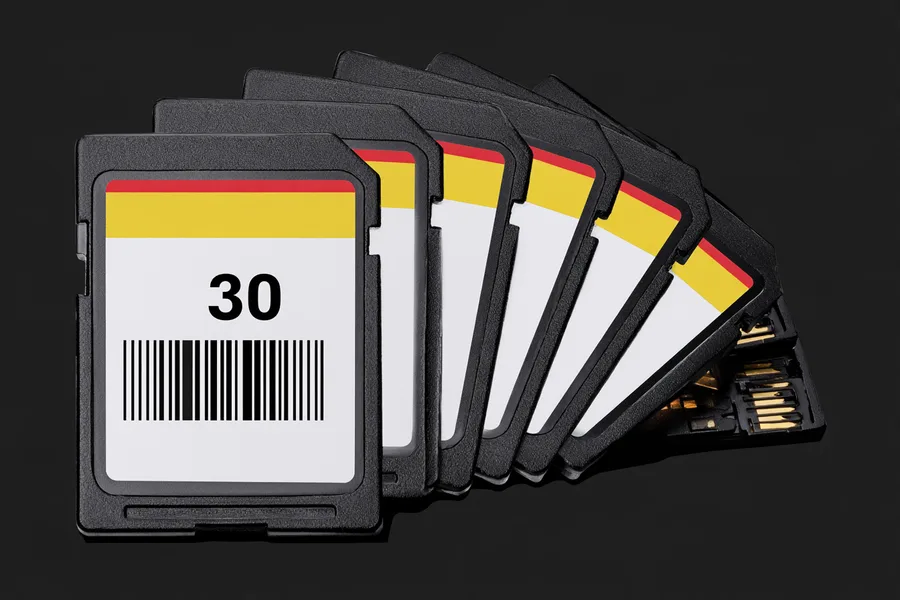
The Secure Digital, or SD, card was the first of the three and remains the reason the shape and contact layout of every card since has stayed the same. Released in 1999 by the SD Association, the original SD card topped out at a 2GB maximum capacity — enormous at the time — and used Microsoft’s FAT-12 or FAT-16 file system to organize data on the card.
The original SD card arrived at the right moment to replace CD-ROMs for portable storage and to end the run of the Zip disk and the floppy disk before it. For anyone who remembers 1999, a card that small holding that much data felt like a leap forward, because it was: compact, solid-state, and far more durable than any spinning or magnetic media that came before it. True SD cards at the original 1–2GB capacity are rare today, but the SD Association never stopped supporting the base format — every SDHC and SDXC card is still, physically, an SD card underneath.
Type 2: The SDHC Card
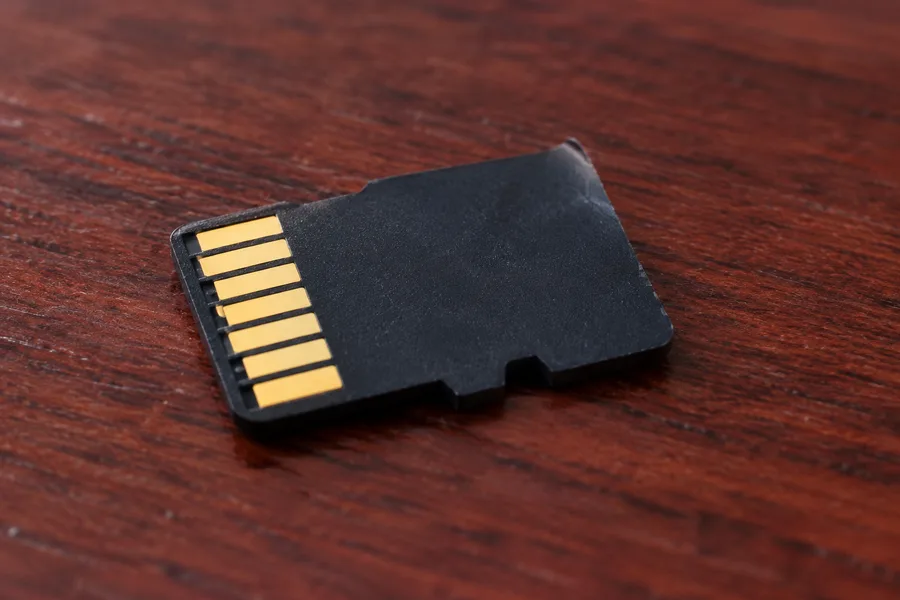
By 2006, the internet had gone mainstream and photo and video file sizes were climbing fast, so the SD Association introduced SDHC — Secure Digital High Capacity — to keep up. SDHC raised the ceiling to 32GB and switched to Microsoft’s FAT-32 file system, which could address far more storage than FAT-12/16 ever could. For a closer look at what to do when a camera specifically won’t read an SDHC card, see troubleshooting an SDHC camera card.
SDHC is also the generation where the smaller microSD form factor became common in phones, drones and action cameras, using the same FAT-32 addressing as its full-size counterpart. A device has to specifically support SDHC to read one — an SD-only reader or camera built before 2006 generally cannot mount an SDHC card, regardless of how new or undamaged that card is.
Type 3: The SDXC Card
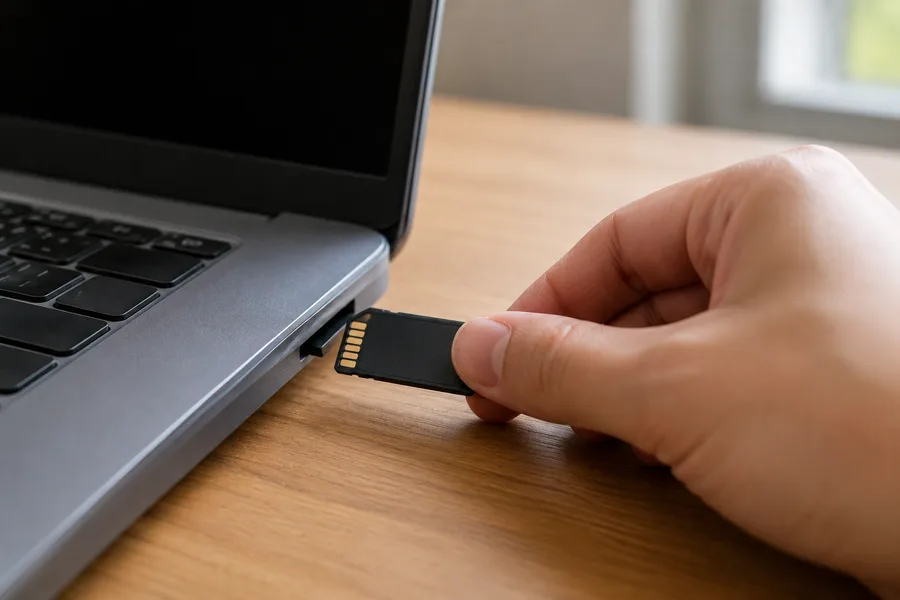
Three years later, in 2009, high-definition video was becoming the norm and file sizes had grown again, so 32GB stopped being “high capacity” in any meaningful sense. SDXC — Secure Digital eXtended Capacity — raised the ceiling dramatically, to a theoretical 2TB, and moved to Microsoft’s exFAT (Extended File Allocation Table) format to address that much space efficiently. SDXC is the generation most new cameras, phones and laptops ship supporting today.
The tradeoff is the same one that shows up at every generation boundary: an SDXC card’s exFAT file system is not universally readable by older SD- or SDHC-only devices. A camera, reader or game console built before exFAT support existed may not recognize an SDXC card at all, which is a compatibility gap rather than a card failure — the same distinction that matters when troubleshooting any SD-family card that a specific device won’t read.
Buying an SD Card Today
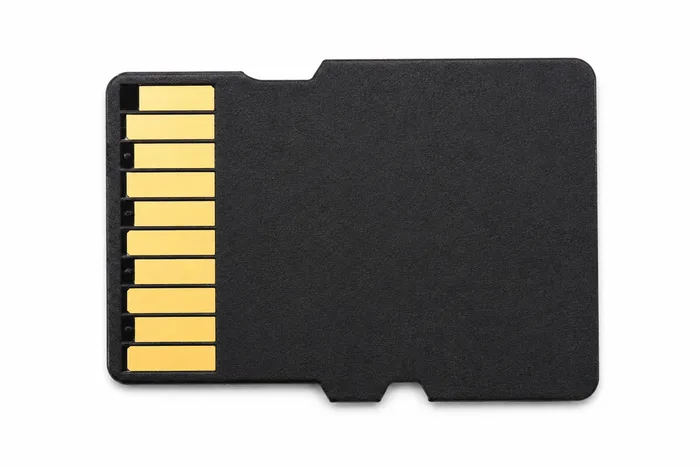
All three generations — SD, SDHC and SDXC — are technically still available to buy today, though true 1–2GB SD cards have become a specialty item. For most people, the practical choice is between SDHC (up to 32GB) and SDXC (32GB and above), and the right pick depends entirely on what the device supports and what it’s used for. A 16GB to 32GB card covers most everyday needs — phones, basic photography, voice recorders. A 64GB to 128GB card suits high-resolution digital cameras, longer 4K video projects, or anyone who wants to avoid swapping cards mid-shoot. Anything you record, digital image and video recovery services exist for the day a card in any capacity range fails — but the bigger the card, the more that’s riding on it if it does.
Not every device supports every capacity, regardless of generation. Some phones and older camera bodies cap out well below 128GB even though the SDXC standard itself scales to 2TB; check your specific device’s supported range before buying a large card, since a card outside that range may not mount at all, no matter how well-made it is.
When a Card From Any Generation Fails
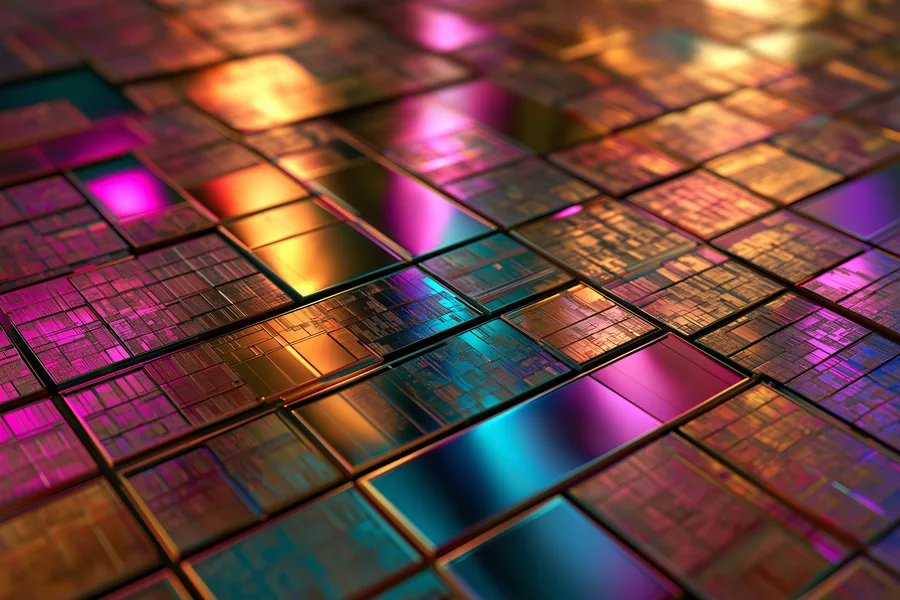
Here is the part the SD/SDHC/SDXC letter never tells you: inside the plastic shell, every generation of SD card stores its data on a NAND flash chip, and every NAND flash chip fails the same handful of ways — a snapped or worn contact, a controller that stops responding, or cells that have simply worn out from years of writes. The generation label describes capacity and file system, not durability or failure mode. A brand-new SDXC card and a fifteen-year-old original SD card get evaluated and recovered by exactly the same process.
Because a standard SD-family card carries no processor-bound encryption key tying its NAND chip to a separate device, the honest recovery path when one genuinely fails — not just outgrown, not just unsupported by one device — is chip-off: freeing the NAND chip from the card’s substrate and reading it directly on specialized hardware, bypassing the failed controller and contacts entirely. That applies identically whether the card in front of us says SD, SDHC or SDXC. It is the correct, direct method for this device class, and it’s a gap a general electronics or camera-repair counter can’t close, because reading a NAND chip directly takes desoldering and chip-reading equipment they simply don’t stock.
| SD vs SDHC vs SDXC at a Glance | |||
|---|---|---|---|
| Type | Released | Max Capacity | File System |
| SD | 1999 | Up to 2GB | FAT-12 / FAT-16 |
| SDHC | 2006 | Up to 32GB | FAT-32 |
| SDXC | 2009 | Up to 2TB | exFAT |
What Our Customers Say
Frequently Asked Questions
Recovery Services for Every Storage Device Class
Whichever of these three generations your card belongs to, it isn’t the only device eProvided recovers — we cover every storage class from one lab: SD, SDHC, SDXC, microSD, CompactFlash and more, every brand from SanDisk to ADATA, USB flash drive recovery, professional hard drive recovery (Seagate, Western Digital, Toshiba, mechanical and logical failures), and SSD data recovery (Samsung, Crucial, WD, NVMe and SATA, controller and chip-off recovery). See all our data recovery services →
More Memory Card Recovery Guides
- What's actually happening inside a failing card.
- Troubleshooting an SDHC camera card — what to check when a camera stops reading a card, linked above in Type 2.
- Deleted or formatted a card by mistake? Here's the recovery path.
Buying the right generation for your device today is the easy part — a second copy of what matters, made the same day you shoot it, is the cheapest insurance against any of the three ever failing on you.
Recover Files From an SD, SDHC or SDXC Card
Whichever generation your card is, our engineers will confirm what’s recoverable during a free evaluation. No obligation, confidential.
Start My Free Evaluationor call (866) 857-5950 now
Related Recovery Services
Whichever generation of SD card you own — SD, SDHC or SDXC — these recovery services get the data back from every storage class in one lab: