
Used by NASA · the FBI · the U.S. Navy · Since 1999
Data Recovery from Encrypted Flash Drives
- No Data, No Data Recovery Fee
- BitLocker To Go, VeraCrypt, IronKey, Apricorn, Kingston Vault
- 27+ years of recovery experience
- Board-level and chip-off recovery in-house
Can data be recovered from an encrypted flash drive?
Recovery depends on where the encryption key lives. Software-encrypted drives (BitLocker, VeraCrypt, FileVault) store an encrypted file on ordinary NAND — we recover that file at the chip level, but you still need your own password. Hardware-encrypted drives (IronKey, Apricorn, Kingston Vault) tie the key to a separate chip — chip-off returns ciphertext, so we repair the controller instead.
“The question we ask first isn’t ‘how strong is the encryption’ — it’s ‘where does the key live.’ That answer decides everything else.” — Bruce Cullen, founder, eProvided
Encrypted flash drives fail in exactly the same physical ways ordinary ones do — dropped, snapped connectors, a controller that stops responding, a drive Windows no longer recognizes. What changes is what happens after we get the raw data off the chip. On a standard, unencrypted flash drive that raw data is your files. On an encrypted one, it is a locked container, and whether we can open that container depends entirely on where the encryption key actually lives — not on how “strong” the encryption is. This is one part of the wider range of data recovery services eProvided handles daily. After 27+ years recovering flash media, here is exactly what that distinction means for your drive, honestly, before you send anything in.
There are two unrelated things people call “encrypted flash drive,” and they recover completely differently. Software encryption (BitLocker To Go, VeraCrypt, a FileVault volume) is just an encrypted file sitting on ordinary NAND flash — if the drive fails mechanically, we get that encrypted container back for you, but opening it still needs your password or recovery key; that part was never ours to bypass. Hardware encryption with a dedicated security chip (IronKey, Apricorn Aegis, Kingston Vault Privacy) binds the key to that chip, not the NAND — chip-off returns unreadable ciphertext there, so recovery means repairing the drive’s own controller electronics, not reading the memory chip on its own.
Do RIGHT NOW
- Find your BitLocker recovery key, VeraCrypt password, or FileVault key before you do anything else
- Stop plugging the drive in repeatedly if it’s not being recognized — each attempt risks the connector
- Note the exact drive model and which encryption method you used, if you know it
- Tell us up front whether it’s hardware-encrypted (keypad, fingerprint reader, or a security-chip badge on the drive)
DON’T Do
- Don’t assume a lab can bypass a lost BitLocker/VeraCrypt password — that key was never stored on the drive
- Don’t try repeated PIN/passphrase guesses on a hardware-encrypted drive — most wipe the key after a fixed number of wrong tries
- Don’t open the drive housing yourself if it’s a security-chip model — tamper-detection on some designs erases the key
- Don’t reformat a drive that won’t mount — that’s a separate, avoidable failure on top of the original one
Already know which kind of encryption is on your drive? Start a free evaluation, or call (866) 857-5950 to describe the setup first.
- Is Data Recovery Possible From an Encrypted Flash Drive?
- Two Totally Different Kinds of “Encrypted Flash Drive”
- Software-Encrypted Drives: BitLocker, VeraCrypt, FileVault
- Hardware-Encrypted Drives: IronKey, Apricorn, Kingston Vault
- Where the Key Lives vs the Recovery Path
- I Lost My Password or PIN — Now What?
- How We Approach an Encrypted Drive
- What Our Customers Say
- Frequently Asked Questions
- Recovery Services for Every Storage Device Class
- More USB & Flash Drive Recovery Guides
- Recover Files from an Encrypted Flash Drive
- Related Recovery Services
Is Data Recovery Possible From an Encrypted Flash Drive?
Yes, in most cases — but which case yours is changes the answer completely. If your drive uses software encryption (BitLocker To Go, VeraCrypt, an encrypted FileVault volume), the NAND flash chip itself never knew it was encrypted; it just stored bytes. A physically failed software-encrypted drive is imaged at the chip level exactly like an unencrypted one, and the encrypted container comes back intact — decrypting it afterward still needs your own password or recovery key, because that key was never on the drive to begin with. If your drive uses hardware encryption with its own dedicated security chip (IronKey, Apricorn Aegis, Kingston DataTraveler Vault Privacy), the moment that security chip itself is damaged beyond repair, the key genuinely cannot be separated from it — no lab, including ours, can extract a key from a destroyed controller. Most hardware-encrypted drives that reach us failed somewhere else first (a cracked USB connector, a broken PCB trace), and if the security chip survived, board-level repair restores the drive to where it completes its own PIN check normally. eProvided evaluates every encrypted flash drive for exactly this — free, before any work begins — as part of our chip-level USB flash drive recovery service.
Two Totally Different Kinds of “Encrypted Flash Drive”
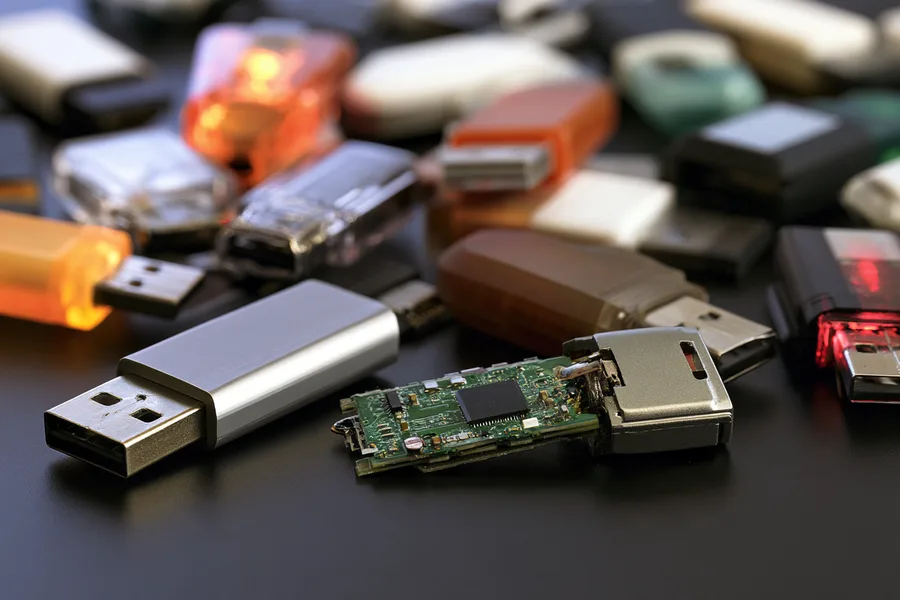
“Encrypted flash drive” describes two products that share nothing but a name. The first is an ordinary USB flash drive — the same NAND chip and controller as any other — that has an encrypted volume written to it by software: Windows BitLocker To Go, the open-source tool VeraCrypt, or a FileVault-encrypted volume from a Mac. The drive itself knows nothing about encryption; it just stores bytes, and some of those bytes happen to be an encrypted container. The second is a purpose-built security drive with its own dedicated chip that handles the encryption in hardware — a keypad, a fingerprint reader, or a PIN entered through a companion app, all managed by a controller separate from the NAND. IronKey, Apricorn Aegis, and Kingston’s DataTraveler Vault Privacy line are the common examples.
The gating question for whether chip-off recovery can help you is simple: is the decryption key bound to a chip that is not the memory chip? On a software-encrypted drive, the answer is no — the key lives in your head (your password) or in a recovery-key file, and the NAND just holds ciphertext bytes like any other file. Chip-off recovery works exactly as well on it as on any unencrypted drive, because we’re not fighting the encryption, we’re working around a failed connector or controller to get the raw bytes off. On a hardware-encrypted drive, the answer is yes — the key is fused into or sealed inside the security chip, and the NAND alone is useless without it. That is the entire difference, and it is decided by the drive’s design, not by how the data got encrypted or how “good” the encryption is.
Software-Encrypted Drives: BitLocker, VeraCrypt, FileVault

A software-encrypted flash drive is, from a recovery standpoint, an ordinary flash drive. BitLocker To Go, VeraCrypt volumes, and encrypted FileVault-formatted USB drives all store their encrypted container as data on standard NAND flash, managed by a standard flash controller. When one of these drives is physically damaged, dropped, has a snapped connector, or simply stops being recognized by any computer, the failure is happening in exactly the same place a normal flash drive fails — the housing, the connector, or the controller — not inside the encryption. We recover the raw NAND contents the same way we would for any physically failed flash drive: desoldering the memory chip when needed, reading it directly in a chip reader, and reconstructing the file structure.
What that recovery hands back is the encrypted container itself, intact and readable, exactly as it existed before the drive failed. You still need your BitLocker recovery key, your VeraCrypt password, or your FileVault credentials to open it — we do not, and cannot, break that encryption for you, and any lab claiming otherwise is describing something that does not exist for correctly implemented AES encryption. If you have the key, this is very good news: the physical failure that made the drive unreadable is a completely separate problem from the encryption, and solving the physical problem gets you back to exactly where you would have been if the drive had never broken. If you have genuinely lost the key with no recovery-key backup anywhere (no Microsoft account escrow, no printed VeraCrypt keyfile, no Mac keychain entry), that is not a drive problem we can solve — it is a lost-key problem, and it existed before the drive ever failed.
Hardware-Encrypted Drives: IronKey, Apricorn, Kingston Vault

Purpose-built encrypted drives — IronKey, Apricorn Aegis Secure Key, Kingston DataTraveler Vault Privacy, and similar models — work differently by design, and that design is the whole point of buying one. A dedicated security chip, separate from the NAND flash, handles PIN or fingerprint verification and generates or releases the decryption key only after that check passes. The key itself is never stored anywhere the NAND chip can hand it over on its own; it is bound to that specific security chip, and on many models the chip is built to actively destroy the key after a set number of failed PIN attempts — a deliberate anti-brute-force feature, not a malfunction.
That design means chip-off recovery on a hardware-encrypted drive returns ciphertext, not files — lifting the NAND chip off the board and reading it directly gets you the same scrambled data whether the drive is working perfectly or completely dead, because the NAND was never holding a usable key. When one of these drives fails — the USB connector breaks, the keypad stops responding, the drive isn’t detected at all — the honest recovery path is repairing or reviving the drive’s own circuit board and security controller so the drive can complete its own PIN check the way it was designed to, not attempting to separate the key from the chip that holds it. This is board-level and controller-level repair work, done on the drive’s original electronics, and it only succeeds if the security chip itself survived the failure. If you still know the correct PIN or password, a successful board repair puts you right back to entering it normally.
Where the Key Lives vs the Recovery Path
| Encrypted Flash Drive Type vs Where the Key Lives vs Recovery Path | ||
|---|---|---|
| Drive Type | Where the Decryption Key Lives | Correct Recovery Path |
| BitLocker To Go (Windows) | Your password / recovery key, not the drive | Chip-off if the drive fails physically; you still need the key to open the container |
| VeraCrypt volume | Your password / keyfile, not the drive | Chip-off if the drive fails physically; you still need the password to open the container |
| FileVault-encrypted USB (Mac) | Your password / recovery key, not the drive | Chip-off if the drive fails physically; you still need the key to open the container |
| IronKey | Dedicated security chip on the drive, separate from the NAND | Board / controller-level repair — chip-off returns ciphertext only |
| Apricorn Aegis Secure Key | Dedicated security chip on the drive, separate from the NAND | Board / controller-level repair — chip-off returns ciphertext only |
| Kingston DataTraveler Vault Privacy | Dedicated security chip on the drive, separate from the NAND | Board / controller-level repair — chip-off returns ciphertext only |
The gating question is always the same: is the decryption key bound to silicon that is not the memory chip? If yes, the path is board or controller repair. If no, standard chip-off recovery applies exactly as it would to an unencrypted drive.
I Lost My Password or PIN — Now What?
This is the one situation neither recovery path solves, and we say so up front rather than take a case we can’t help with. If a software-encrypted drive’s password or recovery key is genuinely gone — not on a sticky note, not in a password manager, not in your Microsoft account’s BitLocker key escrow — correctly implemented AES encryption is designed specifically so that outcome is unrecoverable by anyone, including us. That is the feature working as intended, not a limitation of our lab. The same is true of a hardware-encrypted drive’s PIN: we can repair the electronics so the drive functions again, but we cannot enter a PIN we do not have, and we will not attempt a brute-force approach that risks triggering the drive’s own key-erasure protection.
Where we can help even in a lost-credential situation: if the drive is also physically damaged and you have a realistic chance of recalling or locating the key later (a printed VeraCrypt keyfile in a safe, an old Microsoft account you can still access), we can recover and safely hold the encrypted container so a future match with the key still works. That is a real, common outcome — the physical failure and the missing key are separate problems, and solving the physical one preserves your option to solve the other later. Every case still starts with a free evaluation and a firm written quote — see our data recovery pricing page for typical ranges before you decide how to proceed.
How We Approach an Encrypted Drive
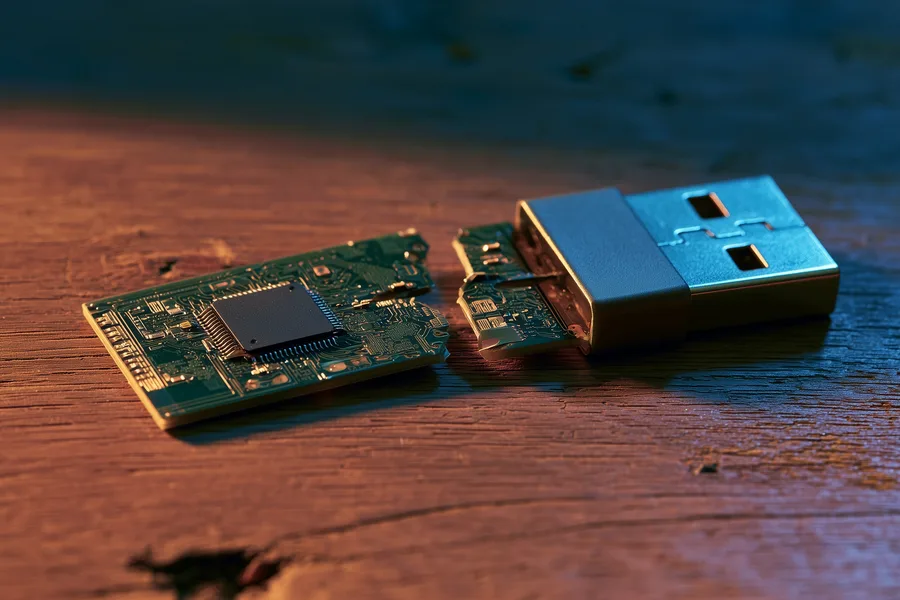
Every encrypted flash drive case starts with the same free evaluation as any other flash drive. Our full data recovery process begins by identifying two things: what physically failed on the drive, and which category of encryption it uses. Tell us up front if the drive has a keypad, fingerprint reader, or a companion security app — that alone tells us whether this is a chip-off case or a board-repair case before we even open it. From there: on a software-encrypted drive, we treat the physical failure exactly like any other flash drive repair, because the encryption travels intact with the data. On a hardware-encrypted drive, we inspect the security controller and its connections first, because that chip surviving is the entire question — if it did, board-level repair can bring the drive back to the point where your own PIN unlocks it normally.
This article explains how the two encryption types recover differently; if your drive is already failed and you want a straight answer on your specific model, that’s a separate step with its own quote and turnaround — start there when you’re ready to send it in.
What Our Customers Say
Frequently Asked Questions
Can you break BitLocker or VeraCrypt encryption to get my files?
My IronKey (or similar security drive) stopped being detected — is my data gone?
Does it matter whether my flash drive is encrypted for chip-off recovery?
I forgot my BitLocker recovery key entirely. What are my options?
Should I try repeated PIN guesses on a hardware-encrypted drive?
What does it cost if nothing is recovered?
Recovery Services for Every Storage Device Class
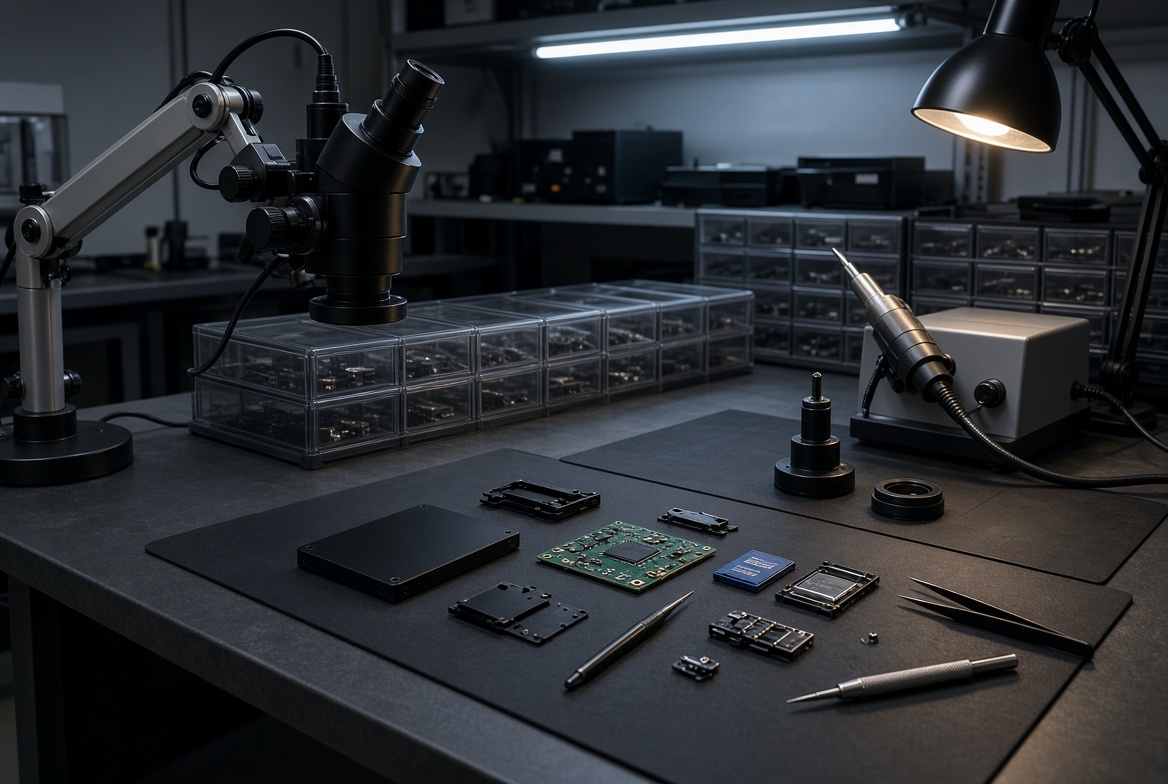
An encrypted flash drive is rarely the only device at risk in a household or office, and the same key-location logic applies across storage types. eProvided recovers data from every device class, encrypted or not — USB flash drives from SanDisk, Kingston, Samsung and Lexar; SD and microSD cards; SATA and NVMe SSDs from Samsung, Crucial and Western Digital, including self-encrypting models; and mechanical hard drives from Seagate, Western Digital and Toshiba. The brand and interface change the tools we use in the lab; the underlying question — where does the key live, and did the chip that holds it survive — stays exactly the same. A self-encrypting NVMe or SATA SSD follows the hardware-encryption logic almost exactly: the drive’s own controller manages the key, so a dead controller on one of those drives is a board-and-controller repair job, not a chip-off job, in the same way an IronKey or Kingston Vault Privacy drive is. Whatever device is on our bench, the free evaluation always starts by answering that one question before anything else is touched.
More USB & Flash Drive Recovery Guides
- How to recover a USB flash drive — general first-aid steps for a drive that stopped mounting.
- Repairing a damaged USB drive — what a repair attempt can and cannot fix before data recovery.
- SanDisk flash drive recovery — brand-specific notes on SanDisk controller and NAND pairings.
- USB drive recovery solutions — a broader look at logical versus physical USB failures.
- Why USB flash drives lose data — the most common causes we see arrive at the lab.
Recover Files from an Encrypted Flash Drive
Software-encrypted or hardware-encrypted, our specialists will give you a straight answer on your specific drive during a free evaluation. No obligation, confidential.
Start My Free Evaluationor call (866) 857-5950 now
Related Recovery Services
Whatever kind of flash drive failed on you, eProvided recovers every storage class from one lab — these recovery services get the data back: