
Used by NASA · the FBI · the U.S. Navy · Since 1999
The Top 5 Causes of Camera Card Data Corruption
- No Data, No Data Recovery Fee
- Chip-off recovery — our specialty
- 27+ years of recovery experience
- Every brand, every capacity
What Are the Top Causes of Camera Card Corruption?
Pulling the card while the camera is still writing, the battery dying mid-write, bent or dirty contacts, moving one card between incompatible bodies, and worn NAND cells on an old card. Four of those five are avoidable. eProvided has run chip-level camera card recovery since 1999.
“Wait for the light to go out. That one habit prevents more card corruption than any brand you can buy.” — Bruce Cullen, founder, eProvided
Camera card corruption almost never comes from one mystery cause — it comes from one of a small, well-understood set of things that happen to the card while it’s in use. After 27+ years running broken memory card recovery on cards from every camera brand, we can name the five real causes in order of how often we actually see them, which ones are entirely avoidable, and the honest chip-off recovery path for the corruption that’s already happened.
The five real causes of camera card corruption: pulling the card mid-write, the battery dying mid-write, bent or dirty contacts, swapping a card between incompatible camera bodies, and worn-out NAND cells on an old, heavily-used card. The first four are entirely avoidable with one habit — wait for the write light to go out. The fifth is simple wear and eventually happens to every card. None of the five destroy the NAND chip itself, which is why chip-off recovery reads the data back directly in almost every case.
Do RIGHT NOW
- Stop taking photos and power the camera off the moment you notice missing or corrupted images
- Wait for the camera’s write/access light to go out completely before ever removing the card or the battery
- Move the card to a second, known-working camera or a USB reader to confirm the corruption is on the card, not the camera
- Label the card and set it aside rather than shooting more photos on it
DON’T Do
- Don’t let the camera “repair” or reformat a card that’s already shown corrupted files — formatting overwrites the exact data you want back
- Don’t keep shooting new photos on a card that’s already corrupted — every new write risks overwriting recoverable files
- Don’t download third-party “memory card repair” software before an evaluation — several of these tools write to the card and make a fixable case unfixable
- Don’t remove a card or pull the battery while any access light is lit, no matter how long the camera seems to be taking
Already have a corrupted or unreadable card and just need it fixed? You can find out for free what’s recoverable » or call (866) 857-5950 to talk it through first.
- 1. Pulling the Card While the Camera Is Still Writing
- 2. The Battery Dying Mid-Write
- 3. Bent, Dirty or Corroded Contacts
- 4. Moving a Card Between Incompatible Camera Bodies
- 5. Worn NAND Cells on an Older Card
- How Chip-Off Recovery Reads a Corrupted Card
- What Our Customers Say
- Frequently Asked Questions
- Recover a Corrupted Camera Card
- Related Recovery Services
1. Pulling the Card While the Camera Is Still Writing

This is the single most common cause of camera card corruption we see, and it’s entirely avoidable. When a camera saves a photo or video, it writes the file in stages — data blocks, then the file-system table entries that record where those blocks live. Pull the card out mid-write and the file-system table can end up pointing at data that was never finished, or missing the entry for a file that partly exists. The camera’s access light (a small LED that blinks or glows solid while it’s writing) exists specifically to tell you when it’s safe to remove the card. A single interrupted write rarely corrupts the whole card — more often it damages the file-system table for a handful of files around the moment of interruption, which is exactly the kind of damage a direct chip read cleanly reverses.
The riskier version of this same mistake is opening the battery or card door to swap cards or batteries quickly between shots, assuming the previous write already finished. High-resolution RAW files and 4K video clips take measurably longer to finish writing than a JPEG thumbnail preview suggests — the preview can appear on the camera’s screen before the write to the card is actually complete. Waiting for the light, every time, is the one habit that prevents more corruption than any specific camera or card brand.
2. The Battery Dying Mid-Write
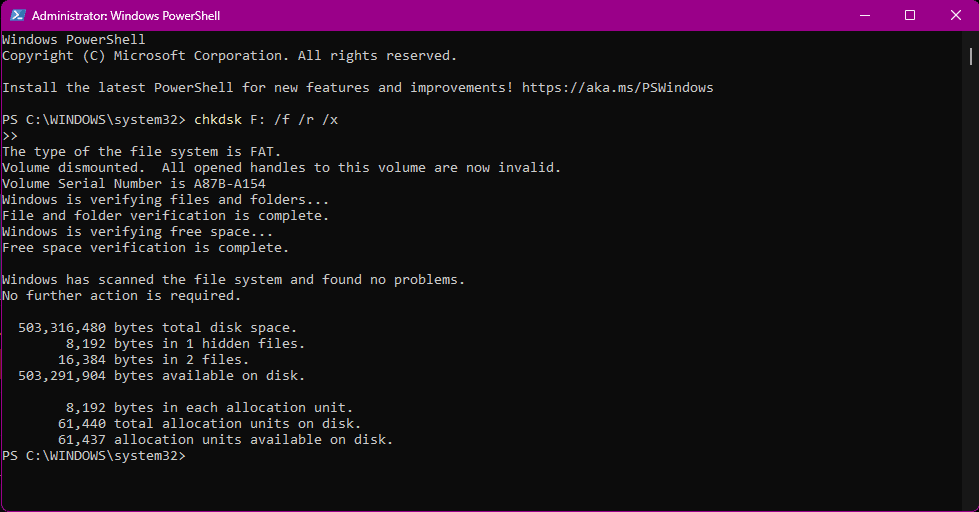
A camera losing power mid-write causes the identical kind of damage as pulling the card mid-write — the file-system table gets left in whatever state it was in the instant power cut out — but it happens to photographers who did everything right on the card itself. A battery that reads “low but okay” on the camera’s indicator can still die abruptly during the extra power draw of writing a large RAW or video file, especially in cold weather, which reduces effective battery capacity. This is why many camera manuals recommend against shooting on a card’s very last save when the battery indicator is already low — not because the card is at risk, but because an interrupted write from a dead battery produces the same file-system errors as pulling the card by hand.
The practical fix is simple and costs nothing: treat a low-battery warning as a stopping point, not a “one more shot” point, and carry a charged spare on any shoot where card corruption would be expensive to lose. If the battery has already died mid-write and the camera now shows file errors, corrupted thumbnails, or a card that reports as unformatted, running Windows chkdsk or a Mac disk-repair tool on it can make things worse by attempting to rewrite the very file-system structures a chip-level read would otherwise recover intact — stop and get an evaluation before running any repair utility.
3. Bent, Dirty or Corroded Contacts
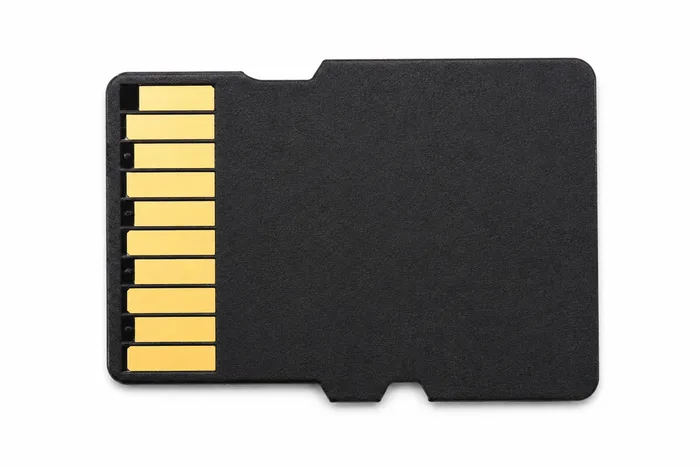
Every SD, SDHC, microSD and CompactFlash card reads and writes through a row of small metal contact pads on one edge of the card. Those contacts pick up dust, lint and skin oil from repeated handling, corrode slightly from humidity or a beach or pool environment, or get physically bent by forcing a card into a slot at the wrong angle. None of that touches the NAND chip that actually stores your photos — but a camera that can’t get a clean electrical connection to the card will report read/write errors, show corrupted thumbnails, or refuse to see files that are still sitting on the chip untouched. This cause is easy to mistake for a “dead card,” because the symptom (files won’t open, camera reports an error) looks identical to real corruption from the outside.
A quick check before assuming the worst: gently wipe the card’s contact strip with a dry, lint-free cloth (never liquid) and try it again in the same camera and in a second device. If the card reads cleanly in a card reader but shows errors specifically in the camera, the camera’s own card slot — not the card — may be the actual source of the contact problem, which is worth having checked separately. A card with visibly bent contact pins should not be forced into any slot again; that’s the point to stop and send it in rather than risk shearing a pin off entirely. This same contact-damage pattern is one of the most common reasons a microSD card data recovery case comes in showing a “dead” card that turns out to have a perfectly intact NAND chip underneath.
4. Moving a Card Between Incompatible Camera Bodies

Pulling a card out of one camera body and dropping it straight into a different model — a second body of the same brand, a rental, or a different photographer’s camera on a shared shoot — is a routine practice that occasionally produces corruption for a reason that has nothing to do with the card’s health. Different camera models, even from the same manufacturer, can format cards with slightly different folder-naming conventions, file-numbering schemes, or in some professional bodies, different RAW container structures. A camera that encounters a folder structure it doesn’t recognize can throw an error, refuse to write new files into the existing structure, or in rare cases attempt to “repair” the structure itself and damage file-system entries in the process.
This cause is most common on shared production sets, wedding photography teams using multiple bodies, and photographers who keep one card as a spare across several camera models. The safest habit when a card needs to move to a genuinely different camera model is to first copy off any existing files, then let that camera format the card fresh through its own menu (never through a computer) before shooting on it — not because the card is unsafe, but because each camera model expects to be the one that laid down the folder structure it’s reading. If the files at risk are photos rather than the card itself, our digital photo recovery service handles exactly this file-system-level damage.
5. Worn NAND Cells on an Older Card
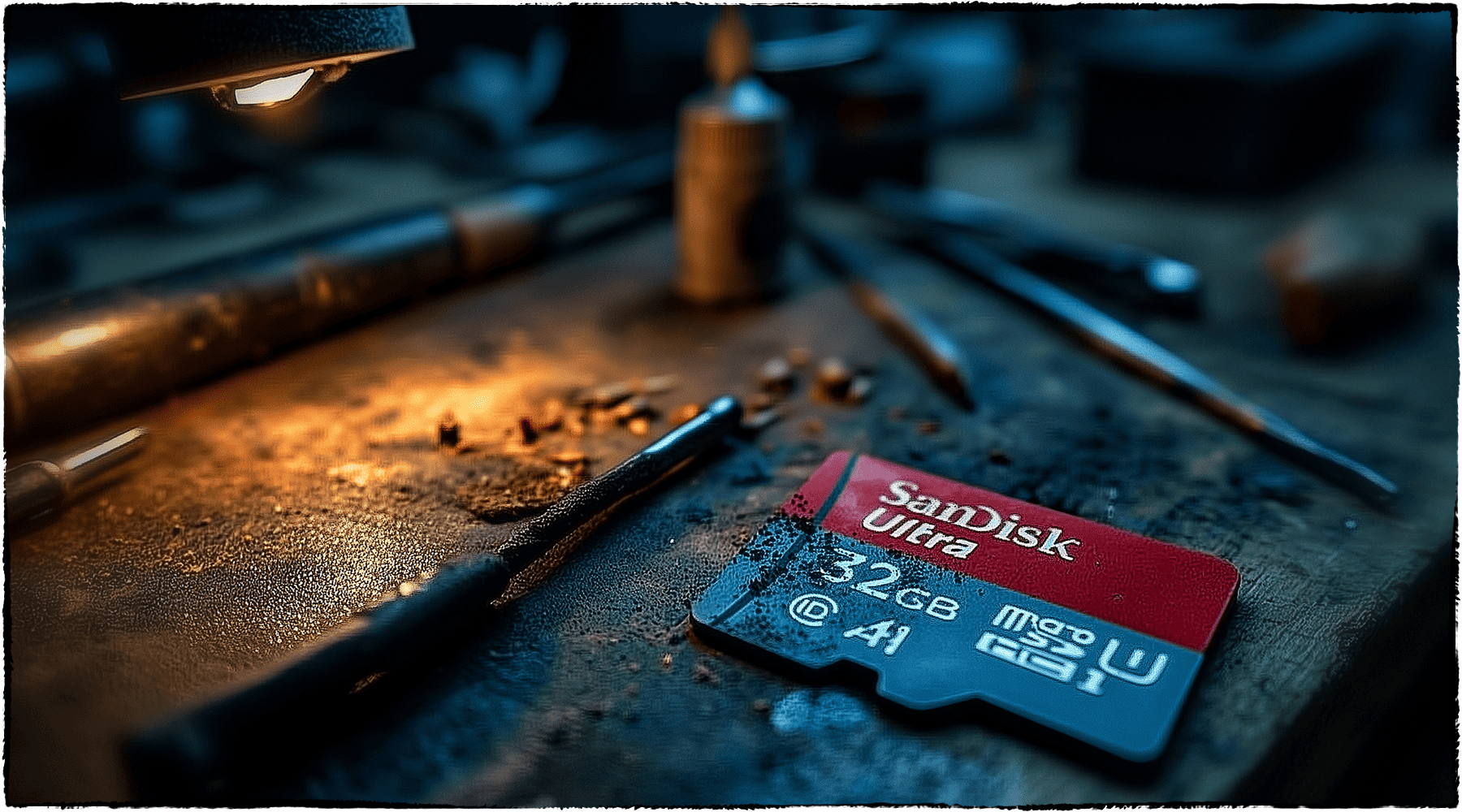
Unlike the first four causes, this one isn’t a mistake — it’s simple physics, and it eventually happens to every flash memory card. Every NAND cell on a memory chip can only be written and erased a finite number of times before it starts losing the ability to hold a charge reliably. A card that’s been in heavy rotation for years — thousands of shoot-and-format cycles on a working photographer’s primary card, for example — accumulates worn cells the same way any flash storage does. Symptoms build gradually rather than appearing all at once: individual files that won’t open even though the card mounts fine, a capacity that reads smaller than the card’s rated size, or files that appear corrupted specifically in the areas of the chip that have taken the most write cycles.
There’s no user-side fix for cell wear — it isn’t a formatting or compatibility issue like the causes above, and no cleaning or reseating changes it. The practical response is simply retiring an old, heavily-used card to lower-stakes use (or not at all) once it starts showing intermittent file errors, rather than waiting for it to fail on an irreplaceable shoot. When a worn card does fail outright, the good and bad cells sit on the same physical chip, and a chip-level read recovers whatever the still-healthy cells are holding — the same direct approach covered in full in our SD card recovery techniques guide.
How Chip-Off Recovery Reads a Corrupted Card
All five causes above damage the file-system layer that sits on top of a memory card’s NAND chip — the index that tells a camera or computer where each photo lives — not the underlying data blocks themselves in the great majority of cases. Because a standard camera memory card carries no processor-bound encryption key tying its NAND chip to a separate device, the recovery path is direct. Our full data recovery process starts with a free evaluation of your specific card before any work begins. When the file-system layer is too damaged to trust — or the card’s controller or contacts have failed outright — we free the NAND chip from the card’s substrate and read it directly on specialized hardware, bypassing the damaged file-system layer and any failed controller or contacts entirely, then rebuild the photo and video files from the raw data recovered. That’s chip-off recovery, and for a standard camera memory card it’s the correct, direct method: the memory and the data on it are the same physical component, with no separate lock standing between them. If a camera’s card slot won’t recognize the card at all rather than showing corrupted files, that’s a related but separate troubleshooting question covered elsewhere.
| The 5 Causes of Camera Card Corruption | ||
|---|---|---|
| Cause | What it damages | Avoidable? |
| Pulled card mid-write | File-system table for files near the interruption | ✓ Yes — wait for the light |
| Battery dies mid-write | Same as pulled mid-write, from a power cut | ✓ Yes — stop at low battery |
| Bent, dirty or corroded contacts | Electrical connection, not the NAND chip itself | ✓ Yes — careful handling |
| Wrong/incompatible camera body | Folder structure and file-numbering scheme | ✓ Yes — format fresh per body |
| Worn NAND cells (old card) | Individual memory cells, gradually | ✗ No — eventual wear on every card |
What Our Customers Say
Frequently Asked Questions
Recovery Services for Every Storage Device Class
A corrupted camera card isn’t the only device eProvided recovers — we cover every storage class from one lab: memory card data recovery (SD, SDHC, microSD, CompactFlash, Memory Stick and more, every brand from SanDisk to ADATA), USB flash drive recovery, professional hard drive recovery (Seagate, Western Digital, Toshiba, mechanical and logical failures), and SSD data recovery (Samsung, Crucial, WD, NVMe and SATA, controller and chip-off recovery). See all our data recovery services →
More Memory Card Recovery Guides
- Troubleshooting an SDHC camera card — what to check when a camera won’t read the card at all.
- SD card restoration — what actually happens physically when an SD or microSD card fails.
- Lost pictures on an SD card — what to do after accidental deletion or formatting.
Once your photos are safe, a second copy made the same day is the cheapest insurance against the next camera-card headache.
Recover a Corrupted Camera Card
Corrupted, missing or unreadable photos on a camera card — our engineers will confirm what’s recoverable during a free evaluation. No obligation, confidential.
Start My Free Evaluationor call (866) 857-5950 now
Related Recovery Services
A corrupted camera card isn’t the only device eProvided recovers — these recovery services get the data back from every storage class in one lab: