
Used by NASA · the FBI · the U.S. Navy · Since 1999
Encrypted Device Vulnerability: The SanDisk & Kingston USB Password-Bypass Flaw
- SanDisk Cruzer Enterprise & Kingston DataTraveler models
- A documented 2010-era software flaw, not a break of the encryption itself
- 27+ years of recovery experience
- Board-level and chip-off recovery in-house
Can data be recovered from an encrypted flash drive?
Recovery depends on where the encryption key lives. Software-encrypted drives (BitLocker, VeraCrypt, FileVault) store an encrypted file on ordinary NAND — we recover that file at the chip level, but you still need your own password. Hardware-encrypted drives (IronKey, Apricorn, Kingston Vault) tie the key to a separate chip — chip-off returns ciphertext, so we repair the controller instead.
“The question we ask first isn’t ‘how strong is the encryption’ — it’s ‘where does the key live.’ That answer decides everything else.” — Bruce Cullen, founder, eProvided
Around 2009-2010, security researchers publicly disclosed a flaw affecting several “secure” encrypted USB flash drives from SanDisk and Kingston — a genuinely different story from the general question of whether an encrypted flash drive can be recovered, which our encrypted flash drive recovery guide covers in full. This page is about that specific, older, documented vulnerability: which drives it affected, what actually went wrong, and — if you still own one of these drives today and it has since failed — what that means for getting your data back, as part of the wider range of data recovery services eProvided handles daily.
Certain SanDisk Cruzer Enterprise and Kingston DataTraveler models had a flaw in the companion unlock software that ran on the host PC, not in their AES encryption itself. Because the password check happened partly outside the drive, someone with physical access and the right tool could, on affected models, get the drive to release the key without knowing the real password. SanDisk and Kingston both issued fixes in 2010. It is unrelated to whether we can recover your files today — that still comes down to the same question as any encrypted drive: is the key bound to a security chip separate from the memory, or not.
Do RIGHT NOW
- Check your exact model number against the affected list below before assuming it applies to you
- If your drive is one of these models and has since failed physically, note that separately from any security concern
- Look for a SanDisk or Kingston firmware/software update notice if the drive is still in active use
- Tell us up front if the drive has a keypad, fingerprint reader, or its own security chip
DON’T Do
- Don’t assume this vulnerability means the drive’s AES encryption itself was ever broken — it wasn’t
- Don’t assume a lab can use this old flaw to bypass a lost password today — the vendors patched the affected software in 2010
- Don’t try repeated PIN or passphrase guesses on a hardware-encrypted drive — most wipe the key after a fixed number of wrong tries
- Don’t reformat a drive that won’t mount — that’s a separate, avoidable failure on top of the original one
Have one of the affected drives and it’s failing now? Start your free evaluation, or call (866) 857-5950 to ask about it directly.
- What Was the SanDisk & Kingston USB Encryption Vulnerability?
- Which Drives Were Affected
- Why the Flaw Was in the Software, Not the Encryption
- Still Own One of These Drives Today?
- Where the Key Lives vs the Recovery Path
- Is This Still a Risk in 2026?
- What Our Customers Say
- Frequently Asked Questions
- Recovery Services for Every Storage Device Class
- More USB & Flash Drive Recovery Guides
- Get a Free Evaluation on Your Drive
- Related Recovery Services
What Was the SanDisk & Kingston USB Encryption Vulnerability?

Security researchers publicly disclosed, around 2009-2010, that several “secure” USB flash drives from SanDisk and Kingston had a flaw in how they verified a user’s password. These drives were designed and marketed as security devices: the data on the NAND flash chip is encrypted with AES, and a companion unlock program — running on whatever computer the drive is plugged into — checks the password and tells the drive to release the decryption key once it’s correct. On the affected models, that check-then-release handshake could be manipulated with the right tool and physical access to the drive, letting someone unlock the drive without ever knowing the actual password.
SanDisk and Kingston both confirmed the issue publicly. SanDisk stated plainly that the flaw was “not within their drive’s hardware or firmware” but in the accompanying access-control software that ran on the host PC. Kingston issued a Security Bulletin describing the same class of issue and advised affected customers to contact its technical support directly. Both vendors released corrected software and, on some models, firmware updates during 2010.
Which Drives Were Affected
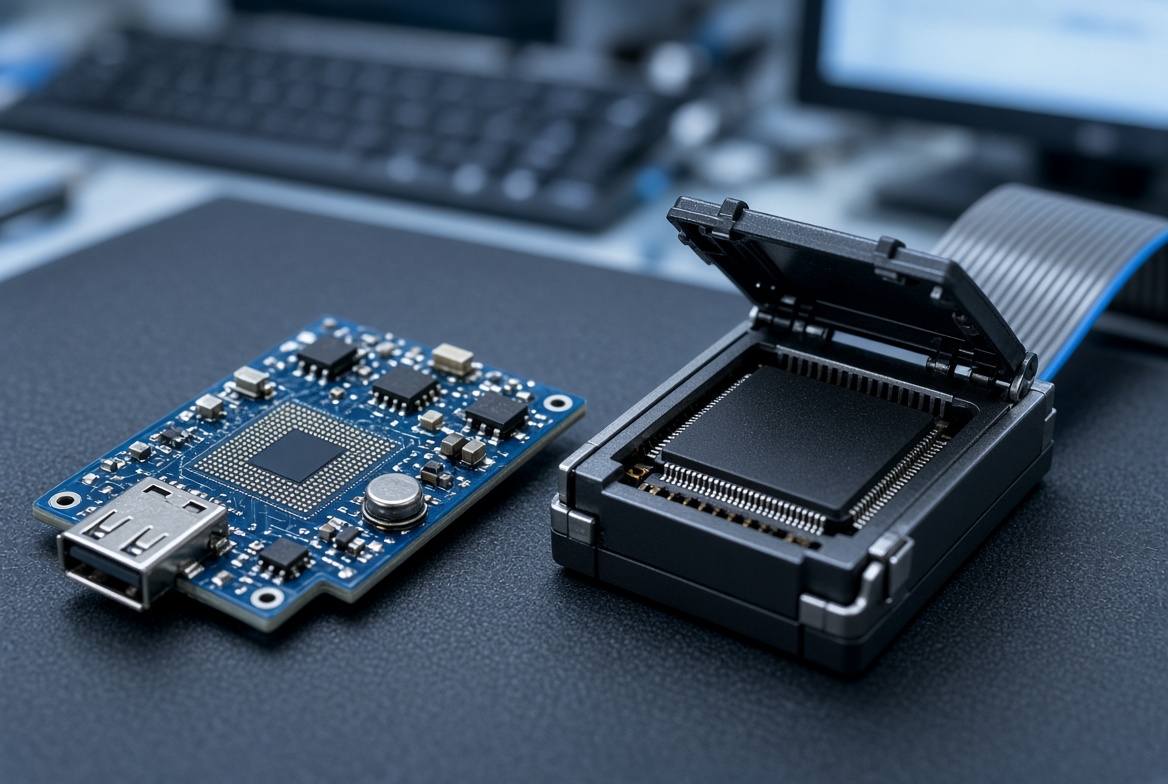
The 2009-2010 disclosure named specific model numbers, not entire product lines, and that distinction matters if you’re trying to figure out whether it applies to a drive you own. SanDisk sells dozens of Cruzer-family drives that were never part of this disclosure; only the Enterprise-branded models with the SKUs below were named. The same is true of Kingston’s much larger DataTraveler lineup — the vulnerability applied to three specific security-focused editions, not to Kingston’s standard consumer drives. Checking the exact model printed on the drive or its packaging against the table below is the only reliable way to know whether this particular issue ever applied to your unit.
It also matters which generation of a given model line you have. SanDisk and Kingston both continued selling encrypted USB drives under similar-sounding names for years after this disclosure, and later hardware revisions of some of these product families were never affected in the first place because they shipped with the corrected design from the start. A drive bought new today with “DataTraveler” in its name almost certainly is not one of the three specific editions named here. When in doubt, the model number and edition name printed directly on the drive settle it — not the brand name alone, and not how old the drive looks.
| Drives Named in the 2009–2010 Disclosure | |
|---|---|
| Manufacturer | Affected Models |
| SanDisk | Cruzer Enterprise (CZ22); Cruzer Enterprise FIPS Edition (CZ32); Cruzer Enterprise with McAfee (CZ38); Cruzer Enterprise FIPS Edition with McAfee (CZ46) |
| Kingston | DataTraveler BlackBox (DTBB); DataTraveler Secure – Privacy Edition (DTSP); DataTraveler Elite – Privacy Edition (DTEP) |
If your drive isn’t one of the specific models above, this particular disclosure doesn’t apply to it — check the model printed on the drive itself or in its packaging.
Why the Flaw Was in the Software, Not the Encryption
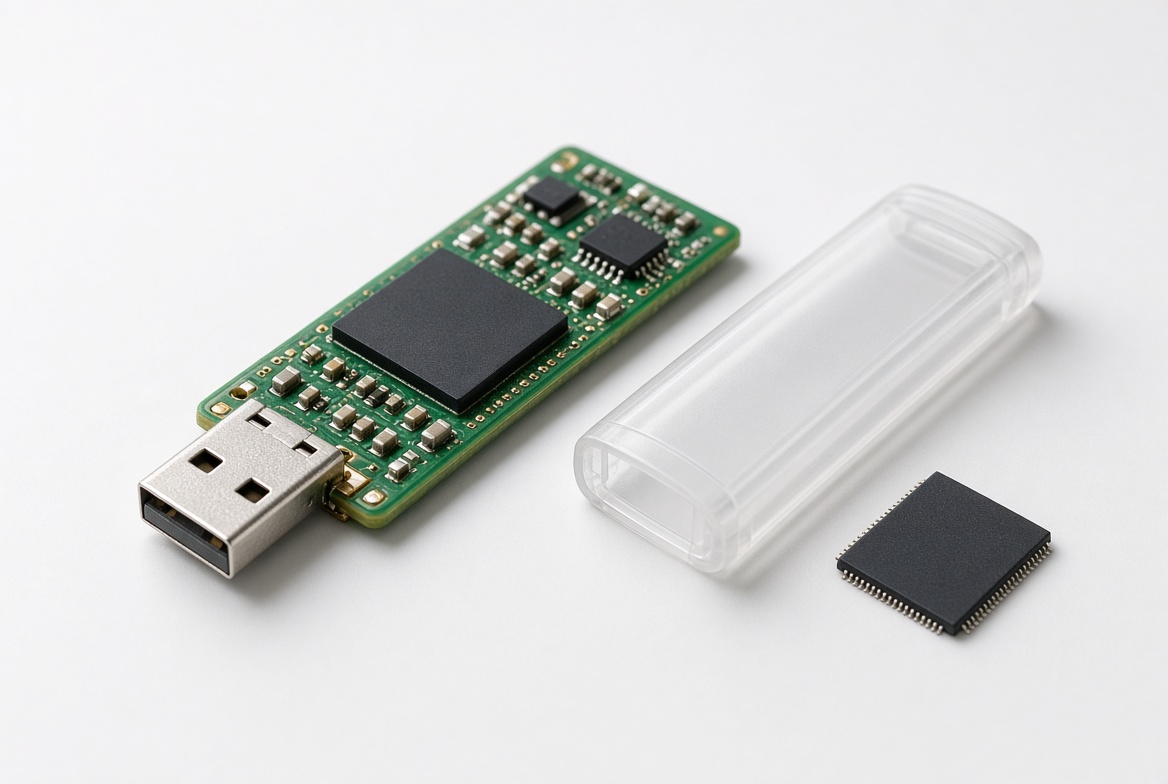
It matters, for accuracy, that this was never a break of AES encryption. The data on these drives was still genuinely encrypted with a strong cipher; nobody demonstrated a way to mathematically crack that encryption. What failed was the surrounding access-control design: on the affected models, the software running on the host computer — not a chip physically inside the drive that could not be bypassed — carried too much responsibility for deciding when the key got released. A correctly designed hardware-encrypted drive keeps that entire decision inside a dedicated security chip on the drive itself, with no way for host-side software to force a release. That is exactly the same principle eProvided applies when we evaluate any hardware-encrypted drive today: is the decryption key bound to silicon that is not the memory chip, and is that silicon the only thing that can release it? The 2009-2010 disclosure is a real-world example of what goes wrong when the answer to that second half is “not entirely.”
This distinction is also why the flaw could be patched with a software and, on some models, a firmware update, rather than requiring a hardware recall. Because the weakness lived in the unlock program and the handshake logic, SanDisk and Kingston were able to close it without touching the NAND or the AES implementation itself.
Still Own One of These Drives Today?
If you still have one of the models listed above in active use, two separate questions matter, and they have nothing to do with each other. The first is security: is the drive running the corrected software or firmware SanDisk and Kingston released back in 2010? If you never applied that update, the original weakness may still be present on that specific unit. The second is a data recovery question, and it only comes up if the drive itself has since physically failed — a broken connector, a drive that stopped being recognized, a keypad or unlock program that no longer responds. That second question is what the rest of this page, and eProvided’s lab, actually deals with — the same free evaluation and data recovery process we use on any drive.
Every one of these SanDisk Cruzer Enterprise and Kingston DataTraveler models is a hardware-encrypted drive with its own dedicated security controller — the same design category as newer drives like IronKey or Kingston’s current Vault Privacy line. That means if one of these drives fails physically today, chip-off recovery on the NAND alone returns ciphertext, not files, because the key was never something the memory chip could hand over by itself. The honest recovery path is the same one we’d use on any hardware-encrypted drive: board- and controller-level repair on the drive’s own electronics, aimed at getting it back to the point where it completes its own password check normally — every case starts with a free evaluation and a firm written quote, and our data recovery pricing page has typical ranges before you decide how to proceed.
Where the Key Lives vs the Recovery Path
| Drive Family vs Where the Key Lives vs Recovery Path | ||
|---|---|---|
| Drive Family | Where the Decryption Key Lives | Correct Recovery Path Today |
| SanDisk Cruzer Enterprise (CZ22/32/38/46) | Dedicated security controller on the drive, separate from the NAND | Board / controller-level repair — chip-off returns ciphertext only |
| Kingston DataTraveler (BlackBox / Secure / Elite Privacy) | Dedicated security controller on the drive, separate from the NAND | Board / controller-level repair — chip-off returns ciphertext only |
| Any BitLocker / VeraCrypt / FileVault volume | Your password / recovery key, not the drive | Chip-off if the drive fails physically; you still need the key to open the container |
The 2009-2010 vulnerability changed how the password check could theoretically be bypassed on affected, unpatched units — it did not change where the key lives. For recovery purposes, that gating question is the only one that matters.
Is This Still a Risk in 2026?
For most owners, no — these drives are now well over a decade old, SanDisk and Kingston both shipped corrected software and firmware in 2010, and the specific models named in the original disclosure have long since been superseded by newer product lines. We keep this page published because the affected model numbers still get searched by IT teams doing legacy hardware audits and by owners who found one of these drives in a drawer and want to know what they actually have. If a drive along these lines is still doing active duty in your environment today, applying the vendor’s original fix (or retiring the unit in favor of a current model) is the security answer; nothing about it changes how we’d approach the drive if it later fails physically.
Corporate IT asset audits are where these model numbers surface most often today — a security-focused USB inventory pulled from a decade-old procurement list, or a compliance review that turns up a box of unlabeled drives nobody has plugged in for years. In both cases the practical answer is the same: identify the exact model, confirm whether the vendor fix was ever applied, and decide whether the unit is still worth keeping in service at all given how far encrypted-USB design has moved on since 2010. None of that changes the physical-failure question. A Cruzer Enterprise or DataTraveler that has been sitting in a drawer for a decade is just as likely to have a corroded connector or a dead controller as any other aging flash drive, and that failure is evaluated the same way regardless of how old the security disclosure attached to its model number happens to be.
What Our Customers Say
Frequently Asked Questions
Did the SanDisk and Kingston vulnerability mean their AES encryption was broken?
Can eProvided use this old vulnerability to unlock my drive without the password?
I have a Cruzer Enterprise or DataTraveler from this list and it won’t connect anymore. What now?
Are newer SanDisk or Kingston encrypted drives affected by this same flaw?
Recovery Services for Every Storage Device Class
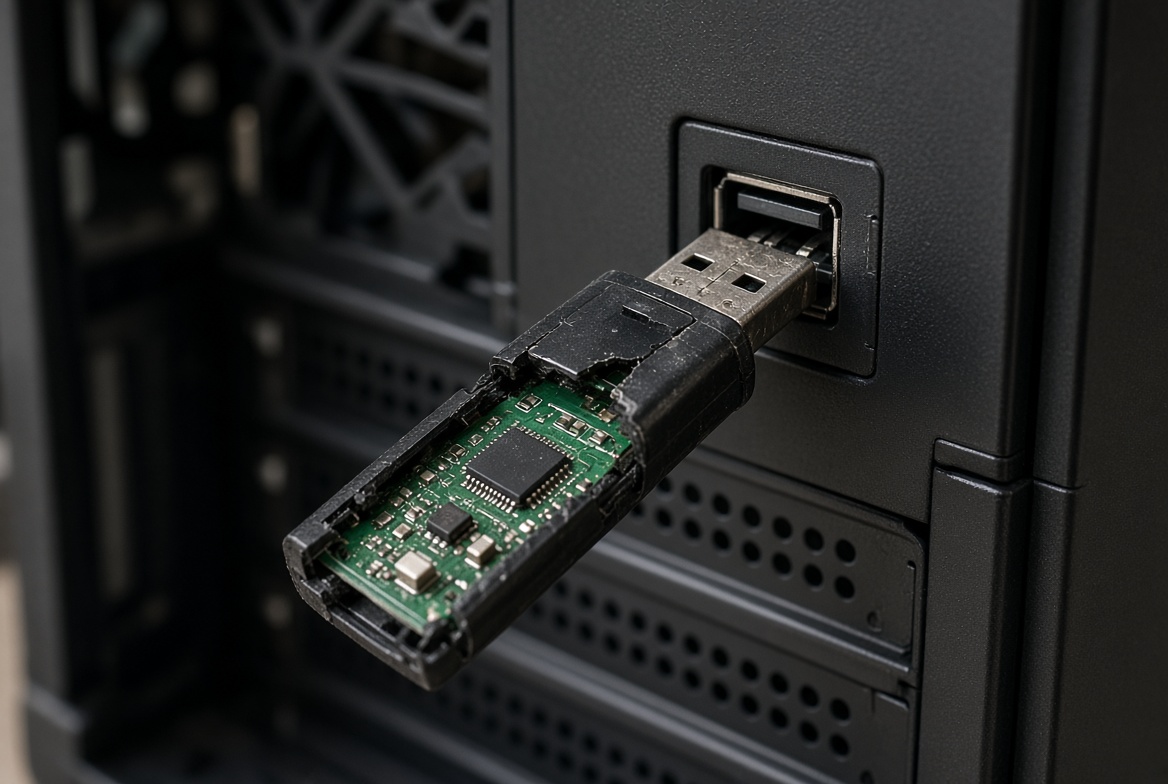
eProvided recovers data from every device class, encrypted or not — USB flash drives from SanDisk, Kingston, Samsung and Lexar; SD and microSD cards; SATA and NVMe SSDs from Samsung, Crucial and Western Digital, including self-encrypting models; and mechanical hard drives from Seagate, Western Digital and Toshiba. Legacy hardware-encrypted USB drives like the Cruzer Enterprise and DataTraveler models on this page follow the exact same recovery logic as any modern hardware-encrypted device: the brand and the age of the drive change the tools we use on the bench, not the underlying question of whether the key survived with the chip that holds it. A decade-old security drive and a current-generation IronKey get the same free evaluation, the same first question about whether the security controller survived, and the same honest answer about whether chip-off or board-level repair is the right approach before any work begins.
Older devices also tend to arrive with a second, unrelated problem on top of the encryption question: connectors and solder joints that have simply aged, USB 2.0-era plastics that have gone brittle, or a drive that was stored somewhere humid for years before anyone tried it again. None of that is specific to encrypted drives — it is ordinary physical wear that any storage device accumulates over ten-plus years — but it does mean an old secure USB drive that won’t connect is more likely to need physical repair work before the encryption question is even reached, not less.
More USB & Flash Drive Recovery Guides
- How to recover a USB flash drive — general first-aid steps for a drive that stopped mounting.
- Repairing a damaged USB drive — what a repair attempt can and cannot fix before data recovery.
- SanDisk flash drive recovery — brand-specific notes on SanDisk controller and NAND pairings.
- Why USB flash drives lose data — the most common causes we see arrive at the lab.
Get a Free Evaluation on Your Drive
Whether it’s a legacy secure USB drive or a current model, our specialists will give you a straight answer on your specific drive during a free evaluation. No obligation, confidential.
Start My Free Evaluationor call (866) 857-5950 now
Related Recovery Services
Whatever generation of secure USB drive is on the bench, eProvided recovers every storage class from one lab — these recovery services get the data back: