
Used by NASA · the FBI · the U.S. Navy · Since 1999 · 98% Success Rate
Monolithic Storage Devices: How Monolith Flash Works & Gets Recovered
- No Data, No Data Recovery Fee
- Chip-off recovery — our specialty
- 27+ years of recovery experience
- Every monolith format, every brand
What Is a Monolithic Storage Device, and Can Data Be Recovered From One?
A monolithic storage device fuses NAND flash and its controller into one sealed die instead of two separate chips. USB drives and SD/microSD cards use it because it’s cheaper and smaller — but it removes the controller-swap fallback, so the only path in when one fails is chip-off: opening the sealed die and reading it directly. Harder recovery, still recoverable.
“Monolithic just means everything is fused into one chip. It doesn’t mean the data is fused shut — it means we go in a different way.” — Bruce Cullen, founder, eProvided
Monolithic storage sounds like a manufacturing footnote, but it directly decides how hard your device is to fix when it fails. A monolith package fuses the NAND flash and its controller into one single die instead of two separate chips — the design choice that makes today’s smallest USB drives and microSD cards possible, and the same choice that rules out the easy fixes (like swapping a failed controller) that sometimes work on a two-chip device, the same principle behind recovering data from a failed hard drive when a drive’s controller board fails independently of its platters. After 27+ years in data recovery, much of it on monolithic USB drives, SD cards, and microSD cards, here’s what the architecture actually is, why it exists, and how the recovery gets done when one dies.
A monolithic flash device stores data and control logic on ONE silicon die instead of a separate NAND chip and controller chip. That’s why it can be smaller and cheaper — and why a monolith failure can’t be fixed by swapping a controller the way a two-chip device sometimes can. The correct recovery method is chip-off: opening the sealed monolith package and reading the memory die directly on dedicated hardware. Since a standalone monolith USB drive or memory card carries no processor-bound encryption key, chip-off is the correct primary method, not a fallback — the same moat capability eProvided uses across every NAND-based device it recovers.
Do RIGHT NOW
- Stop inserting and re-inserting the device into different ports — repeated insertion attempts on a device with a cracked or stressed connector can shear the monolith chip’s internal bond wires
- Note whether the device is a USB flash drive, SD card, or microSD card, and its brand/capacity — it tells us the package type before we open the case
- Keep any broken pieces, including a snapped connector or cracked plastic housing — the monolith die inside is what matters, not the shell around it
- Set the device aside once you notice it’s not detected or is behaving oddly — further use writes new data that can overwrite what you’re trying to save
DON’T Do
- Don’t attempt to pry open a monolith package yourself — the die inside is a fraction of a millimeter thick and a slipped tool destroys the very chip you’re trying to protect
- Don’t try to swap or resolder a controller chip — on a true monolith device there is no separate controller to swap; that fix simply doesn’t exist here
- Don’t run disk-repair or “format to fix” utilities on a device the computer shows as unreadable — formatting a monolith device that’s still readable at the hardware level can overwrite recoverable data
- Don’t assume a device showing zero capacity or a garbled drive letter has no recoverable data — that’s a controller/firmware symptom, not proof the memory die itself failed
Already holding a monolith USB drive or memory card the computer won’t recognize? A free evaluation will confirm what's readable, or call (866) 857-5950 to ask first.
- What “Monolithic” Actually Means in Flash Storage
- Why Manufacturers Use Monolithic Packages
- Why a Monolith Failure Is Harder to Fix — Not Impossible
- Where Monolithic Storage Shows Up
- How Monolith Chip-Off Recovery Actually Works
- A Different Case: Monolithic Storage Inside a Phone
- What Our Customers Say
- Frequently Asked Questions
- Recover Files from a Failed Monolith Device
- Related Recovery Services
What “Monolithic” Actually Means in Flash Storage
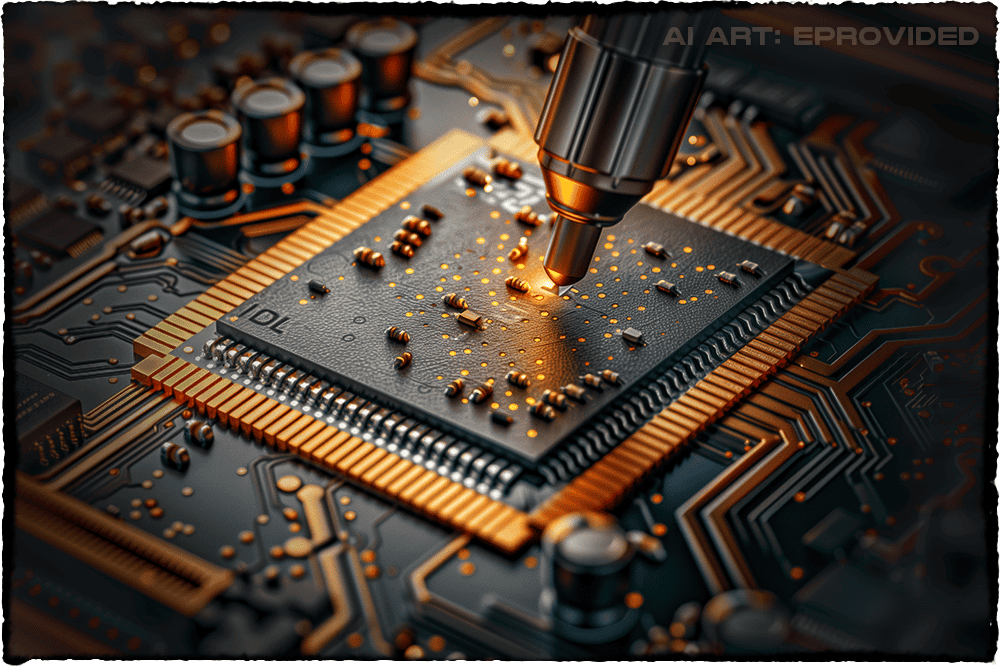
Most flash storage devices, including many USB drives and SD cards, are built from two separate chips soldered to a small circuit board: a NAND flash memory chip that stores the actual data, and a controller chip that manages how data is written, read, and error-corrected. A monolithic device skips that two-chip design and puts both functions — memory and controller — onto one single piece of silicon, sealed into one package. It’s the flash-storage equivalent of building an engine and transmission as one fused unit instead of two bolted-together parts. The word itself comes from the Greek for “single stone,” and that’s the right mental picture: everything the device needs to function lives in one block, not several. This is a genuinely different physical architecture from NAND flash memory, explained in plain English, on a standard two-chip device, even though both ultimately store data the same underlying way at the transistor level.
Why Manufacturers Use Monolithic Packages
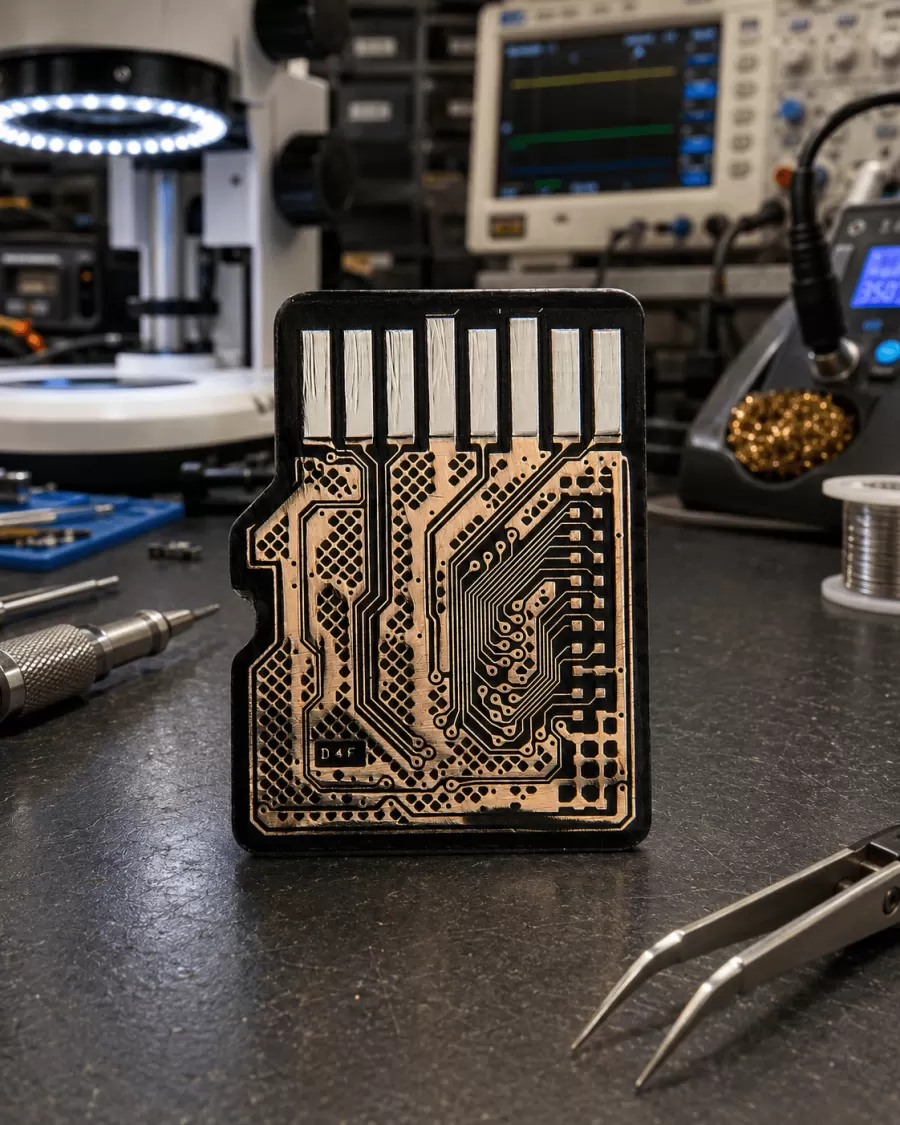
Manufacturers moved toward monolithic designs for three practical reasons that all trace back to cost and size. Fewer components means fewer parts to buy, place, and solder during manufacturing, which lowers the cost of every unit that rolls off the line — a meaningful advantage on a product that sells for a few dollars. A single die also takes up dramatically less physical space than two chips wired together, which is exactly why a microSD card the size of a fingernail can hold as much storage capacity as a USB drive several times its size; without monolithic packaging, today’s smallest memory cards simply couldn’t exist in their current form factor. And fewer solder joints and wire-bond connections means fewer places for a manufacturing defect or shock damage to create a physical failure point — a genuine reliability upside that runs alongside the recovery challenge described below. The tradeoff for all three benefits shows up only once something goes wrong: the same integration that makes the device cheap and small is what removes the fallback options a technician would otherwise have. This is also why monolithic packages have become the default on nearly every budget or promotional USB drive handed out at conferences, bundled with hardware, or sold at a checkout-counter impulse price point — the manufacturing savings matter most exactly where the retail price is lowest. A high-capacity, name-brand microSD card aimed at cameras and drones almost always uses a monolithic die as well, simply because there isn’t room inside a card that thin for two separate chips and the wiring between them. None of this makes a monolithic device lower quality under normal use; it only changes what a repair technician can and can’t do once the device stops working, which is exactly the distinction the rest of this page walks through.
Why a Monolith Failure Is Harder to Fix — Not Impossible

On a standard two-chip flash device, a technician sometimes has options when the controller fails but the memory chip is intact: in some cases a matched replacement controller can be substituted, or the memory chip can be desoldered and read on its own hardware independent of the failed controller entirely. A monolithic device removes the first option outright — there is no separate controller to identify, source, or swap, because the controller and the memory are the same physical piece of silicon. That’s the honest reason monolithic devices carry a reputation as a “harder” recovery: the usual middle-ground fix disappears, and the case goes straight to the more involved chip-level path. It does not mean the data is gone, and it does not mean the case is unusual for a lab that does this daily — it means the recovery method is decided the moment the package is identified as monolithic, rather than after a controller-swap attempt fails.
Where Monolithic Storage Shows Up
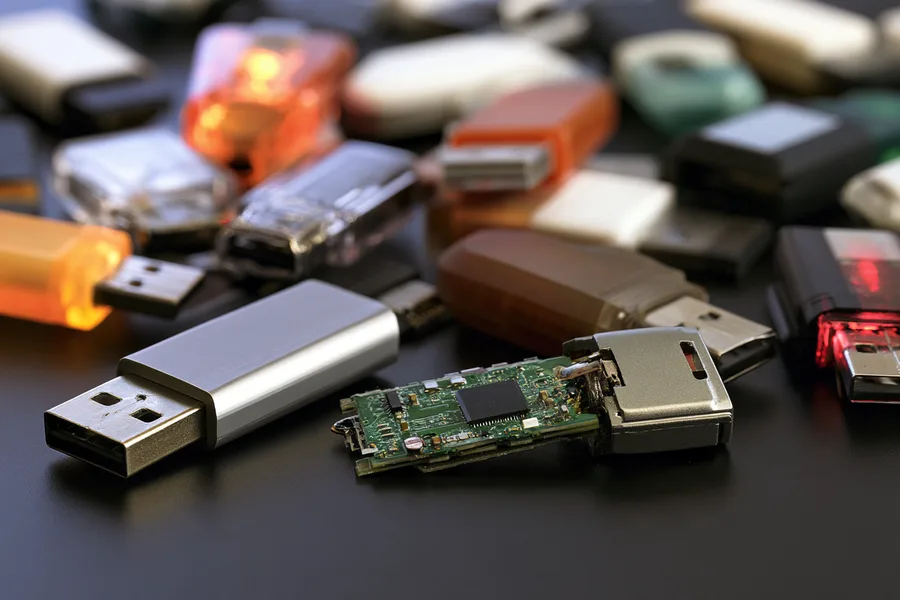
Monolithic packaging shows up most often on the smallest, cheapest flash devices on the market: compact USB flash drives (especially the tiny “nano” or capless styles that barely stick out of the port), most microSD cards, and many full-size SD cards. It’s a deliberate manufacturing choice tied to price point and physical size, not a defect or a downgrade — a monolithic card from a reputable brand stores data just as reliably as a two-chip device under normal use. The practical impact for a customer is almost entirely about what happens if the device fails: a two-chip USB flash drive recovery case (covered below in related services) sometimes has more diagnostic paths available before landing on chip-off, while a monolithic microSD card recovery or monolithic USB drive case goes to chip-off as the first and only real option, since there’s no controller to isolate the problem to in the first place.
How Monolith Chip-Off Recovery Actually Works
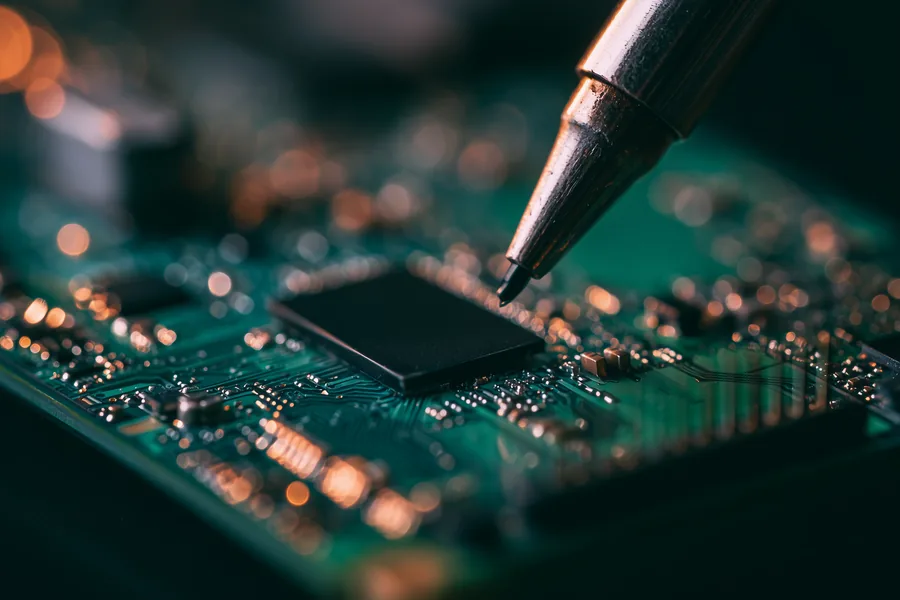
The gating question for any storage device is whether its decryption key is bound to a separate processor away from the memory chip itself. On a standalone monolithic USB drive or memory card, it isn’t — there’s no phone-style secure enclave locking the die to a specific board, and the die itself holds everything needed to read the data back. That makes chip-off the correct, moat-owning recovery method rather than a fallback: our data recovery process begins with a free evaluation to confirm the exact monolith package type, then carefully removes the sealed die from its housing, connects it directly to dedicated chip-reading hardware built for this kind of extraction, and rebuilds the file system that organizes the individual files. Because the die is read independently of whatever damaged the device around it — a snapped connector, a cracked shell, corrosion from water — it makes no difference whether the original housing still works or powers on at all. The same NAND flash chip-off recovery approach (covered below in related services) that works on two-chip devices applies here too, adapted to the monolith package’s smaller, more tightly integrated die.
A Different Case: Monolithic Storage Inside a Phone
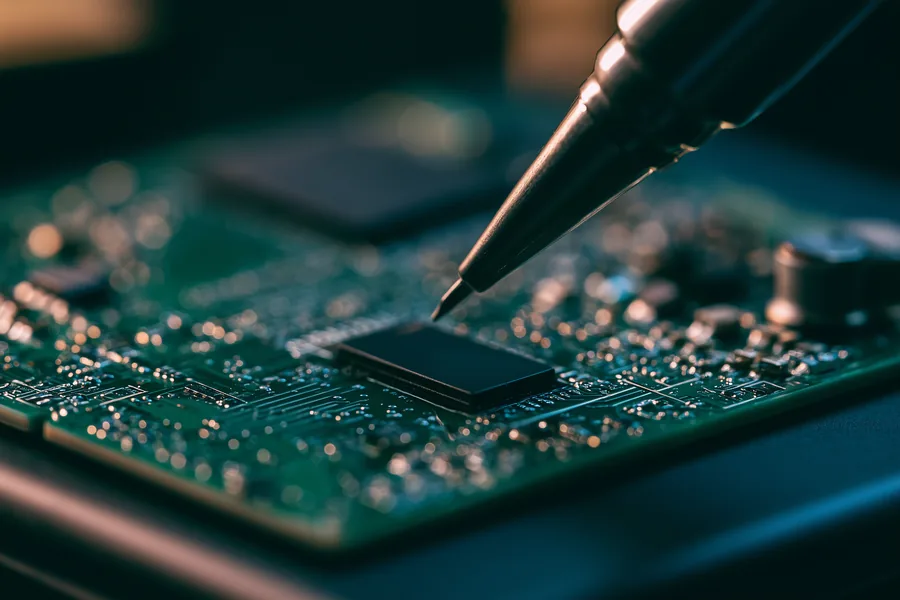
It’s worth drawing a clear line here, because the word “monolithic” also describes storage soldered directly onto a phone’s logic board (often eMMC or UFS), and that is NOT the same recovery situation as a standalone USB drive or memory card. A modern Android phone running version 10 or later, or an iPhone from the 3GS era onward, ties its decryption key to the phone’s processor, not to the memory chip — so even though the storage itself may be a single soldered package, chip-off on that memory alone returns unreadable ciphertext, not usable files. The correct path there is board-level repair on the original board, or in some cases a donor-board transplant that moves the processor and memory together as a pair. If your device in question is a phone rather than a standalone USB drive or memory card, the recovery method is different from everything described above — see our phone-specific recovery guidance rather than assuming a monolith USB drive’s chip-off process applies directly.
| Monolith Device Symptoms & What They Mean | ||
|---|---|---|
| What you see | What it usually means | Data recoverable? |
| Device not detected at all | Connector or controller-logic failure on the monolith die — memory cells typically intact | ✓ Yes, via chip-off |
| Shows 0 bytes or wrong capacity | Controller-logic portion of the die malfunctioning, memory cells usually undamaged | ✓ Yes, via chip-off |
| USB connector or card edge snapped/cracked | Physical housing damage — the sealed die itself is usually untouched | ✓ Yes, via chip-off |
| Device was submerged or corroded | Corrosion risk to housing and external contacts, not necessarily the die | ✓ Yes, via chip-off |
| Files show as corrupted or folder is empty | File system on the die damaged, memory cells themselves functional | ✓ Yes, targeted extraction |
What Our Customers Say
Frequently Asked Questions
Recovery Services for Every Storage Device Class
A failed monolithic device isn’t the only storage type eProvided recovers — we cover every storage class from one lab: USB flash drive recovery (broken connectors, dead controllers, monolith chip-off), memory card recovery (SD, microSD, CompactFlash, all formats), professional hard drive data recovery (Seagate, Western Digital, Toshiba, mechanical and logical failures), and SSD data recovery (Samsung, WD, Crucial, NVMe and SATA, firmware repair and original-controller revival) — see the related services below. See all our data recovery services →
More NAND Flash Recovery Guides
- NAND flash memory, explained in plain English (linked above) — what NAND is and why it’s used across nearly every small storage device.
Whatever kind of monolithic device failed on you, the die inside usually isn’t as unreachable as the sealed package makes it look — and that’s the difference between a truly lost file and one a free evaluation can confirm is still there.
Recover Files from a Failed Monolith Device
Not detected, cracked, or corrupted — our engineers will confirm what’s recoverable during a free evaluation. No obligation, confidential.
Start My Free Evaluationor call (866) 857-5950 now
Related Recovery Services
A failed monolithic device isn’t the only storage type eProvided recovers — these recovery services get the data back from every storage class in one lab: