
In the News · Reuters · NAND Flash Recovery
eProvided Data Recovery in the News: Reuters & the NAND Flash Story
What Did Reuters Cover About eProvided?
Reuters carried eProvided’s July 30, 2012 press release on NAND flash recovery during Toshiba’s memory cutback. Our point then still holds: data on a failed flash chip usually survives, if a lab works at the chip level. We have done that work since 1999, at a 98% success rate.
“Flash memory fails differently than a spinning disk. We built this lab around that difference.” — Bruce Cullen, founder, eProvided

When the business press needed a clear read on flash memory — how it’s made, why it fails, and whether the data on a dead chip can come back — eProvided was part of that conversation. Our NAND chip recovery work was referenced in Reuters coverage of the flash-memory industry, alongside our own press releases on the realities of chip-level data recovery. This page collects that coverage and brings it up to date for 2026, then explains what it means if your own drive, card, or phone has failed. The short version has not changed since 2012: a dead flash device usually still holds its data on the chip, and the method that gets it back depends on whether that data is encrypted. Read on for the original press release, the 2026 hardware picture, and the first steps to take if your own storage has just stopped working.
- Press Release: NAND Data Recovery Is Possible
- On Top of Storage Technology
- The 2026 Storage Landscape
- Not Affected by the Toshiba NAND Cutback
- Why NAND Flash Recovery Is Hard
- Common Causes of Flash Data Loss
- Trusted With the Hardest Recoveries
- What Our Customers Say
- Flash Data Recovery: Common Questions
- What to Do the Moment Storage Fails
- Flash & Drive Recovery Services
Press Release: NAND Data Recovery Is Possible With eProvided
“With the increase in the manufacturing of smart phones, flash drives, camera cards and SSDs, there is absolutely no reason why flash memory production should slow down.”
— eProvided
That call held up. More than a decade later, NAND flash is in nearly everything that stores data. Recovering it after a failure is harder, not easier, than it was for the spinning hard drives it replaced. A hard drive keeps your files in a fairly predictable layout on a platter. A flash device hands that job to a small controller chip that decides, write by write, where each piece of a file lands. When that controller stops, the map goes with it.
eProvided On Top of Storage Technology Like No One Else
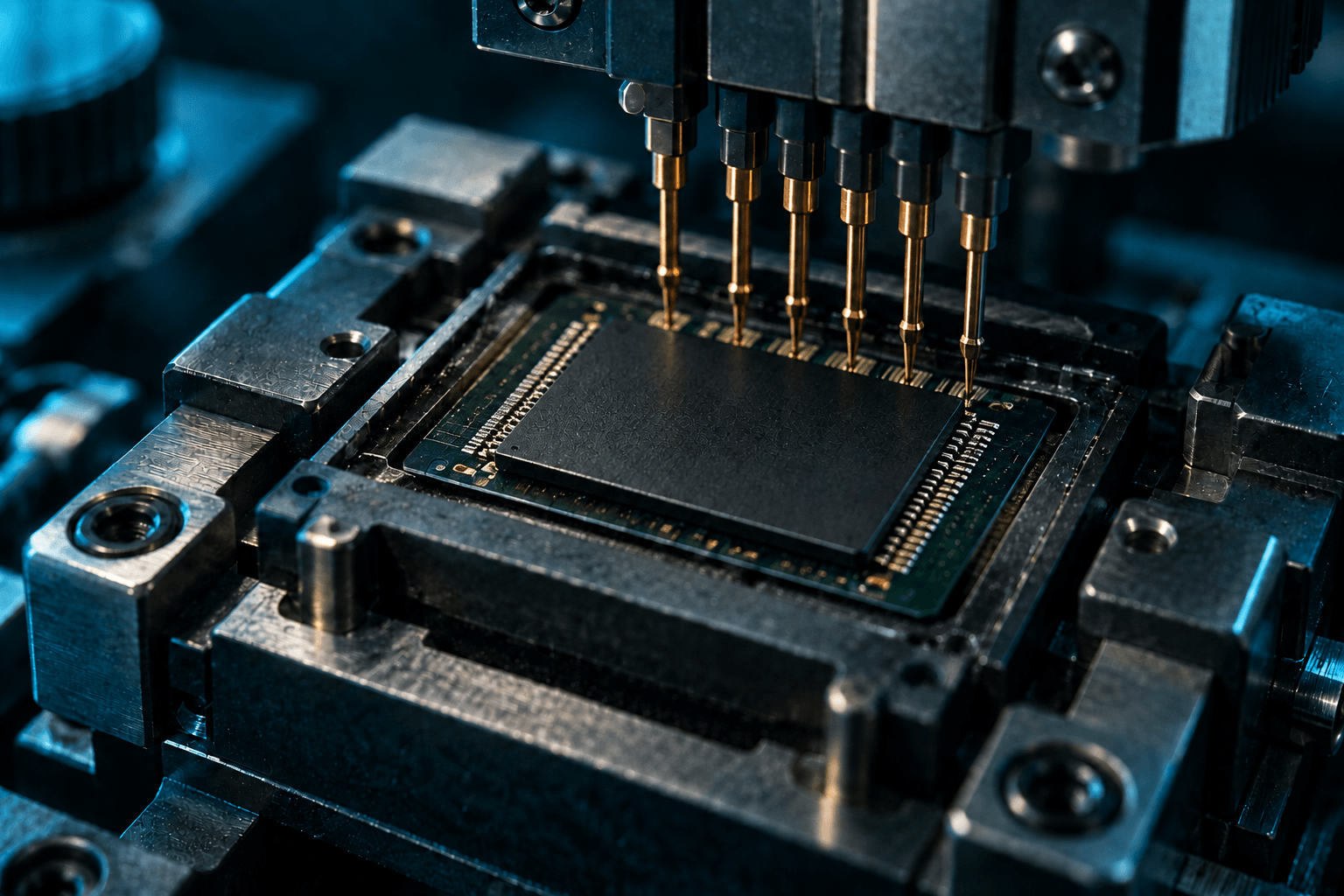
Storage technology keeps advancing, and in 2026 the demand for SSDs and smartphones is bigger than ever. NVMe SSDs deliver far faster transfer speeds and better performance than traditional hard drives, while phones have become a communication device, camera, entertainment center, and productivity tool all in one. The market for both is still expanding, pushing manufacturers to pack more data into smaller, denser chips.
That density is exactly what makes modern recovery difficult. The specialists who recover data from failed SSDs at eProvided start by bringing the drive’s own controller back to life, because a modern SSD encrypts its data with a key held inside that controller. It’s the same bench skill behind our work on dead and corrupted USB sticks and damaged memory cards, where we read the NAND chip directly. That range is why we get jobs other labs turn away.
The 2026 Storage Landscape: Denser Chips, Higher Stakes
The story Reuters covered has only accelerated. In 2026, flash is denser, faster, and far more demanding to recover than it was even two years ago:
- 400+ layer 3D NAND. Samsung’s 10th-generation V-NAND now stacks more than 400 layers at 1 terabit per die, and Kioxia’s 332-layer BiCS10 has been pulled forward into 2026 to feed AI data centers. More layers means more of your data crammed into a single fragile chip, and more to lose when one cell, plane, or controller fails.
- PCIe 5.0 NVMe SSDs. Mainstream drives now hit roughly 14,000 MB/s. When one of these fails, it doesn’t slow down. It disappears from the system entirely, beyond the reach of any consumer software.
- QLC and high-density flash. The industry’s shift toward QLC (four bits per cell) packs in capacity but narrows the margin for error, making chip-level NAND recovery more important, not less.
- CFexpress 4.0 for photographers and video. SanDisk’s Extreme PRO CFexpress 4.0 Type B now reaches 4 TB at around 3,800 MB/s. That is an enormous amount of irreplaceable RAW and 8K footage riding on one card with no backup.
- microSD Express and UFS phone storage. The Nintendo Switch 2 depends on microSD Express cards, and flagship phones solder UFS flash to the board. A card can often be read chip-direct. A phone encrypts its storage with a key tied to its own processor, so the recovery path is repairing that board or moving the processor and memory together to a donor board.
The throughline is simple. Every generation stores more data on a smaller, more delicate chip. That raises the stakes of a single failure and puts recovery further out of reach of off-the-shelf software, which is exactly the territory eProvided has worked in since 1999.
Dead SSD, card or flash drive on your desk?
Send it to the NAND lab from the Reuters story. We tell you what survived before you pay anything.
Start My Free EvaluationOr call (866) 857-5950
Data Recovery Services Not Affected by Toshiba NAND Memory Cutback
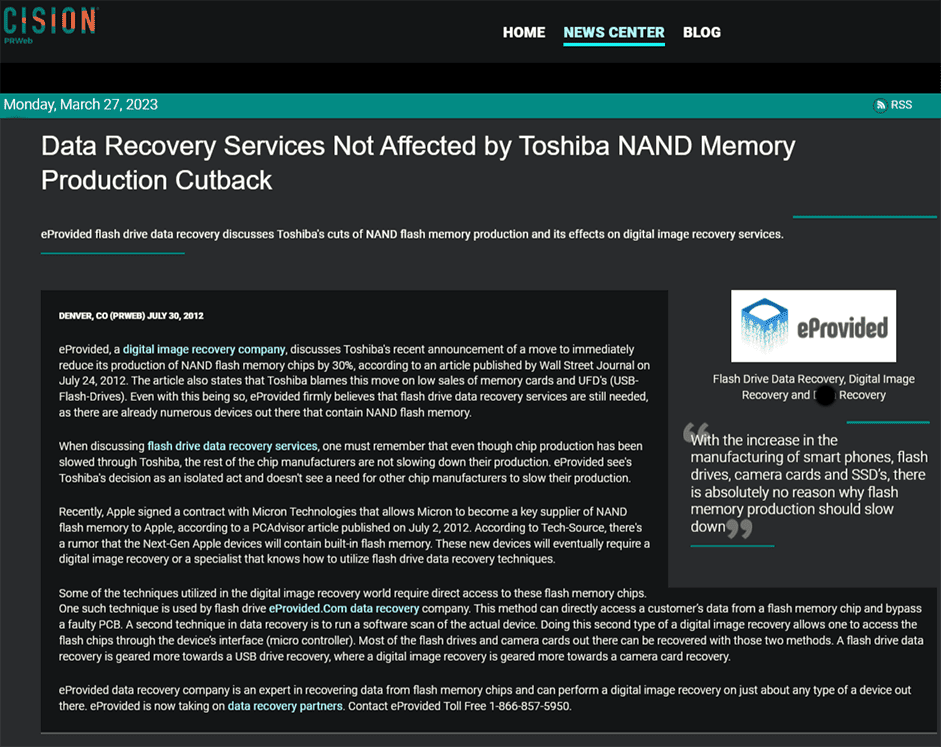
“The Pros: the next generation of storage — fast, no moving parts, tiny, and able to withstand extreme temperatures (−67°F to 300°F). The Cons: NAND chips crack or become damaged if they aren’t handled properly.”
— eProvided
When Toshiba announced NAND production cutbacks in 2012, the worry was supply. Our point in the press was different: no matter who makes the chips or how the market shifts, the data already stored on them stays recoverable if it’s handled by a lab that works at the hardware level instead of guessing with software. That has been true through every flash generation since, right up to today’s 400-layer chips. What changed is the method. A 2012 thumb drive stored plain data on its chip. Many 2026 devices encrypt it, so the right answer depends on the device in front of us.
Why NAND Flash Recovery Is So Hard, and Why It Still Works
NAND flash doesn’t fail the way old hard drives did. There’s no spinning platter to image. Instead, a controller scatters your data across the chip and constantly shuffles it to spread wear, layering on error correction as it goes. When that controller dies, or a chip cracks, or a connector breaks, consumer software sees nothing at all. There’s no healthy drive for it to read.
Recovering it takes hardware work, and the first question is where the decryption key lives. On USB sticks, SD and CFexpress cards, the key is not bound to a separate chip, so we read the raw NAND directly, then reverse the manufacturer’s wear-leveling and ECC logic to reassemble real, openable files. On modern SSDs the key sits inside the controller, so we revive the original controller. On phones it sits in the processor, so we repair the original board or transplant the processor and memory together onto a donor board. That’s the work Reuters was pointing at. The takeaway from the coverage is simple: a failed flash device is rarely a lost cause. It’s a job for the right lab.
Common Causes of Flash Data Loss
Most failures we see fall into a handful of categories, and almost none of them can be fixed with software:
- Physical damage. A snapped USB stick, a cracked memory card, a phone with a shattered board. The storage chip is often intact even when the device isn’t.
- Liquid and corrosion. Water, salt water, and humidity eat away at contacts and traces. Powering a wet device on is the fastest way to finish it off.
- Controller failure. The chip that manages the drive dies and the device stops mounting entirely. Your data is still on the NAND, but nothing can reach it without lab work.
- Corruption and bad blocks. Interrupted writes, firmware bugs, and worn cells can leave the file system unreadable even when the hardware still powers on.
- Accidental deletion or formatting. The one case where software sometimes helps, but only if the drive is healthy and you stop immediately.
Wear-out belongs on the list too. Every flash cell survives a finite number of writes, and heavily used SSDs and cards eventually exhaust them. Whatever the cause, the recoverable window shrinks every time a failing device is powered on or scanned. From a failed hard drive to a dead phone or a corrupted camera card full of photos, we diagnose the real fault before any data is put at risk.
Trusted With the Hardest Recoveries
eProvided has done this work since 1999, over 27 years, including high-stakes recoveries for government and aerospace clients. eProvided is used by NASA (we recovered the data from NASA’s Helios mission), the U.S. Department of the Navy, and the FBI. We have also been asked to stand ready to recover data from the cell phones and devices of Malaysia Airlines Flight 370, should the aircraft be located. That is the kind of trust placed in our flash-recovery work, and the same skill stands behind every consumer card, drive, and phone we take on.
The Helios lab, on your device.
The engineers who pulled NASA mission data read consumer cards and drives on the same bench, with the same care.
Start My Free EvaluationOr call (866) 857-5950
What Our Customers Say
Flash Data Recovery: Common Questions
Q: Can data really be recovered from a dead SSD or flash drive?
Yes, in most cases. When the controller or a connector fails, the data still sits on the NAND chips. On a USB stick or card we read those chips directly and rebuild the files. On a modern SSD the data is encrypted by its controller, so we revive that original controller first. Consumer software can do neither, because it never sees a failed drive at all.
Q: My memory card says it needs formatting. Should I format it?
No. Formatting can overwrite the very data you want back. Stop using the card and send it in for a free evaluation. Reformatting is one of the most common ways recoverable photos are lost for good.
Q: Do you recover the newest CFexpress, NVMe, and UFS storage?
Yes. We keep current with each flash generation, from PCIe 5.0 NVMe SSDs and CFexpress 4.0 camera cards to the UFS storage inside modern phones. Each needs a different method: chip-direct reads for cards, original-controller revival for SSDs, and board repair or donor-board transplant for phones.
Q: What does it cost, and what if you can’t recover my data?
Your evaluation is free, and our guarantee is simple: No Data, No Data Recovery Fee. If we can’t recover your data, you don’t pay a recovery fee. See our pricing for ranges by device and failure type.
Q: Can you recover data from a phone that won’t turn on?
Often, yes. A phone that won’t boot usually has a power, board, or controller fault rather than erased storage. Because a modern phone’s storage is encrypted with a key bound to its processor, we repair the original board or move the processor and memory together to a donor board, so the phone’s own silicon can decrypt the photos, messages, and files.
Q: How long does flash data recovery take?
It varies with the failure. Logical cases can turn around quickly, while chip-level work, reading raw NAND and rebuilding the data, can take longer. We give you a realistic timeline with your free evaluation, before any work begins.
Q: Is my data kept private during recovery?
Yes. We’ve handled sensitive recoveries for government and aerospace clients since 1999, and every job is treated as confidential. Your recovered data is returned only to you.
What to Do the Moment Your Storage Fails
Press mentions are nice, but here’s the practical part. The first few minutes after a failure matter more than anything that comes later. If a drive, card, or phone stops working:
- Stop using it. Don’t save anything new to it, and don’t keep reopening it to “check.”
- Don’t format it, even when the device begs you to. Formatting overwrites the very data you want back.
- Power off anything wet or physically damaged. A powered-off device loses nothing; a powered-on damaged one can lose everything.
- Don’t run repeated recovery-software passes on a failing drive. Each attempt adds wear and risks overwriting recoverable files.
- Send it in for a free evaluation so a specialist can tell you exactly what’s recoverable before you commit to anything.
We’ve recovered data in the large majority of cases we take, a 98% success rate across tens of thousands of jobs, including many a customer was told elsewhere were “unrecoverable.” We can’t promise every device, and we’ll say so plainly at evaluation. Whatever failed and whoever made it, the data is rarely as lost as it feels.
Talk it through with a flash specialist.
Start a free evaluation and ship your device in, or phone us first if you would rather describe what happened.
Start My Free EvaluationOr call (866) 857-5950
Flash & Drive Recovery Services
The chip-level work Reuters wrote about is the same work behind each of these services: