
Used by NASA · the FBI · the U.S. Navy · Since 1999
Common Problems Leading to Our Successful Thumb Drive Recoveries
- No Data, No Data Recovery Fee
- Free, confidential evaluation
- 4.9 / 5 on Trustpilot (67 reviews)
- Worldwide lab recovery
A thumb drive is small enough to live in a pocket, a laptop bag, or a keyring — which is exactly why it fails the way it does: dropped, bent, soaked, or simply stopped being recognized one morning with no warning at all. In 27+ years of recovering failed thumb drives, we’ve found the causes repeat in a handful of predictable patterns. Understanding which one you’re dealing with tells you a lot about your real odds — before you send anything to a lab.
These aren’t hypothetical failure modes. They’re drawn from real cases that came through our lab: a drive that quit reading mid-transfer, a USB stick Windows refused to recognize after a beach trip, a connector snapped clean off, a thumb drive pulled dripping from a washing machine. Every one of them is a real case history below, with the actual cause our engineers found under the microscope and what we did about it.
Why Do Thumb Drives Fail, and Can the Data Be Recovered?
Nearly every failed thumb drive comes down to one of five patterns: sudden failure, a not-recognized error, a bent connector, water damage, or improper ejection. In almost all of these, the NAND chip is untouched — only the connector or controller failed — so chip-off recovery reads it directly, averaging a 98% success rate.
“A dead thumb drive almost never means dead data — it means a dead connector.” — Bruce Cullen, founder, eProvided
- Why Thumb Drives Fail
- Most Common Causes of Thumb Drive Data Loss
- Case 1: Sudden Electronic Failure
- Case 2: Not Recognized by Windows
- Case 3: Physical Damage from Bending or Impact
- Case 4: Moisture and Water Damage
- Our Recovery Process
- Customer Reviews
- Prevention Tips
- Frequently Asked Questions
- Data Recovery for Every Device We Handle
Why Thumb Drives Fail
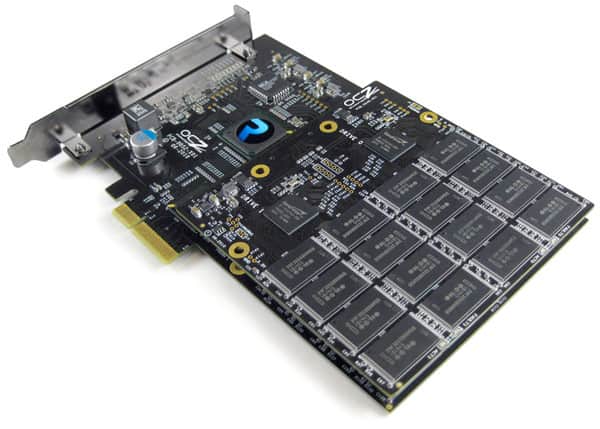
Every USB thumb drive stores its data on NAND flash memory — a non-volatile chip that holds data without power. NAND is dense and inexpensive, which is why it ended up in nearly every flash drive on the market, but the chip itself is only one part of the drive. A tiny controller chip manages how data is written and read, and a fragile USB connector is often the only thing standing between the chip and the outside world. When a drive fails, it’s almost always one of those three things — the connector, the controller, or the NAND itself — not all three at once.
That distinction matters because it’s also the reason most failed thumb drives are recoverable. A snapped connector or a dead controller does not touch the data sitting on the NAND chip. Our engineers routinely bypass both by extracting the chip directly and reading it in the lab — a technique called chip-off recovery. It’s the same approach we use on flash drive failures generally, applied specifically to the thumb-drive form factor.
Most Common Causes of Thumb Drive Data Loss
Across thousands of cases, five failure patterns account for nearly everything we see:
| Thumb Drive Failure Causes & Recovery Outlook | ||
|---|---|---|
| Cause | What Usually Happened | Recovery Outlook |
| Sudden electronic failure | A manufacturing flaw or power surge blows a circuit or fuse on the controller board | ✓ Very Likely Recoverable |
| Not recognized by the computer | Heat, humidity, or light corrosion disrupts the connector or controller contacts | ✓ High Recovery Chance |
| Physical bending or breaking | An accidental knock bends or snaps the connector while plugged into a laptop or port | ✓ Excellent Odds if NAND Intact |
| Water or liquid exposure | Corrosion spreads across the board after a spill, wash-cycle accident, or submersion | ⚠ Damage Dependent, Good Chances |
| Improper ejection / file system corruption | Drive was pulled mid-write, corrupting the file table rather than the NAND itself | ✓ Excellent Odds |
Overuse also plays a role — NAND cells wear down slightly with every write cycle, and a drive nearing the end of its rated write-endurance can develop bad blocks even without any accident at all. See our companion guide on why flash drives fail for the full mechanical picture.
A bent or snapped USB connector almost never damages the NAND chip sitting a few millimeters away on the same board. In most of these cases the fix isn’t data recovery at all in the usual sense — it’s a controlled chip extraction that skips the broken part entirely and reads the memory directly.
Case 1: Sudden Electronic Failure
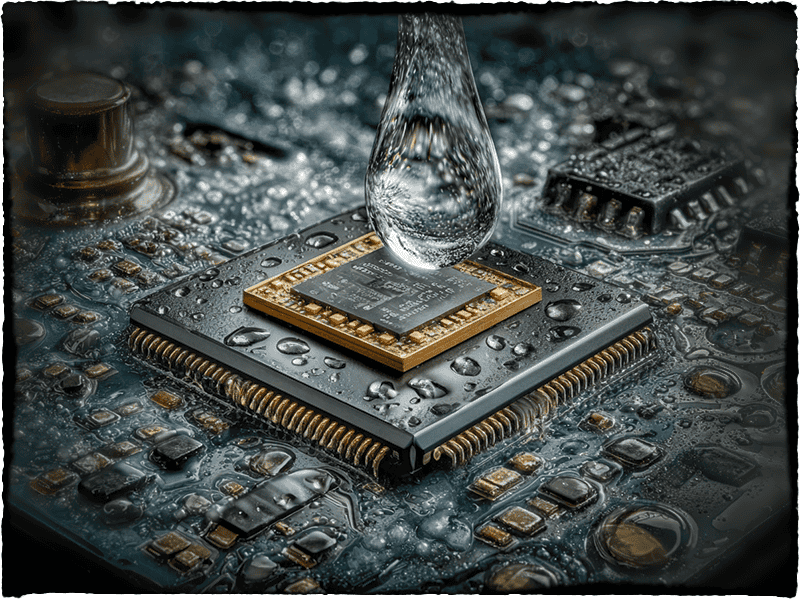
“My thumb drive just quit reading. I need back primarily documents, PDFs, etc. — everything possible,” is a message we get often — usually with no drop, no warning, and no obvious cause. Under the microscope, our engineers found a failed circuit consistent with a manufacturing defect — a blown fuse and a degraded crystal oscillator on the controller board. Neither of those had anything to do with the NAND chip itself.
We extracted the NAND chip, dumped the raw data bank by bank, unscrambled the drive manufacturer’s proprietary wear-leveling algorithm, and reconstructed the original file structure. Result: 100% recovery of every document and PDF. As the customer put it afterward: “The team at eProvided is professional and prompt… They completed the project in 1/4 of the time… You deserve 5 stars!” — verified Trustpilot review.
Case 2: Thumb Drive Not Recognized by Windows
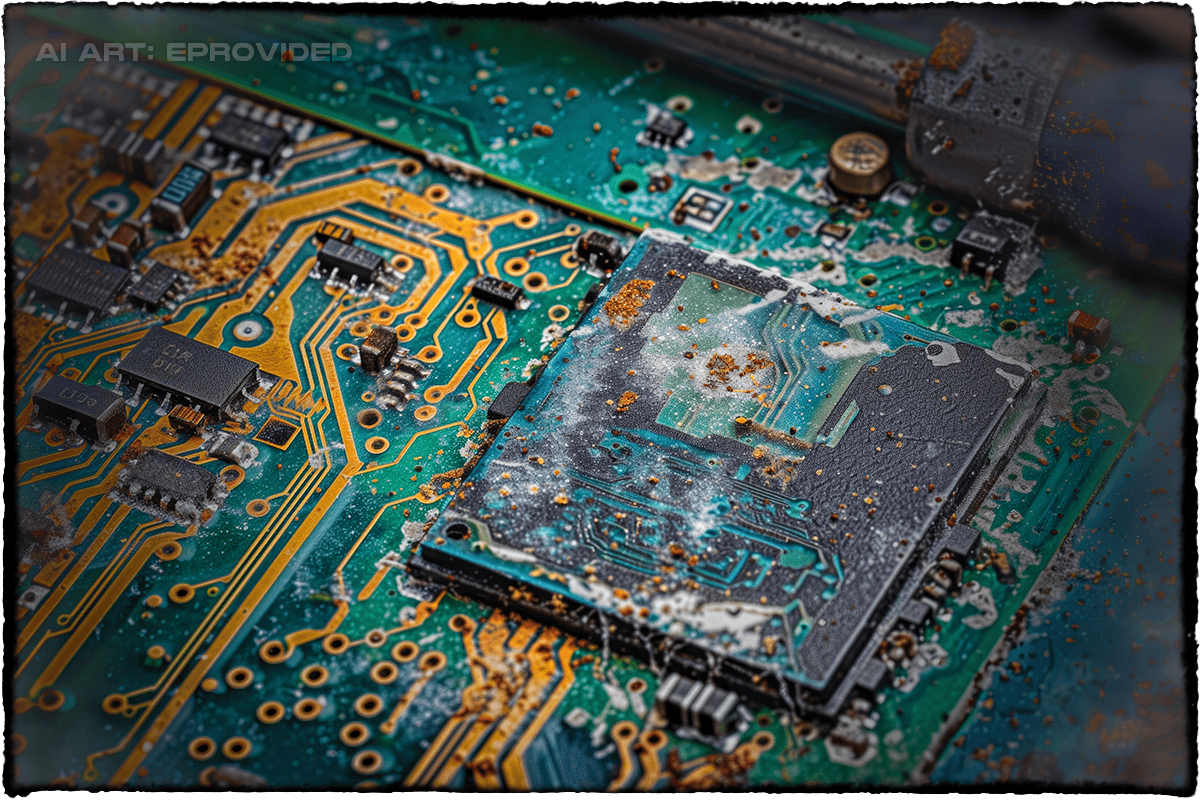
“My computer will not recognize my USB device. I need all my photos back,” is the second most common message we receive. Recognition failures like this usually trace back to environmental exposure — heat buildup in a car glovebox, or humidity from a damp pocket after a day at the beach, allowing light corrosion to form on the connector contacts.
Our engineers diagnose the board under a microscope first, then choose between a direct repair of the connection or a full NAND extraction, depending on how far the corrosion has spread. Most not-recognized cases like this yield full photo recovery within hours once the drive is in the lab. Another customer described the same outcome: “I sent my USB into eProvided to recover my important files and pictures I had for years. They recovered everything… I would recommend eProvided to anyone.” — Trustpilot.
Case 3: Physical Damage from Bending or Impact

Thumb drives that stay plugged in and protruding from a laptop port are the ones most likely to take a hit — a bumped connector, a bent pin, a cracked circuit board. We’ve recovered data from drives that arrived snapped in half, because the break rarely touches the NAND chip itself.
Recovery here usually means either repairing the broken connection well enough to read the drive directly, or bypassing it entirely with a direct NAND chip-off. These physical-damage cases are exactly where eProvided's 98% average success rate comes from — the chip itself almost always survives the impact. “eProvided Data Recovery saved my life and my reputation! Thanks again.” — Trustpilot, 2025.
Case 4: Moisture and Water Damage
Liquid exposure looks like the worst-case scenario, and it can be serious — but it’s rarely a dead end. Corrosion sets in fast once a board is wet, yet we’ve recovered data from thumb drives submerged for weeks, including saltwater-exposure cases tied to work we’ve done for NASA. The process is careful drying, cleaning under controlled conditions, and NAND extraction once the board is stable enough to work on safely.
A word on encrypted USB drives specifically: most consumer thumb drives store data with no encryption at all, which is exactly why chip-off recovery works so well on them — the NAND chip holds plain, readable data once it’s extracted. A small number of drives use hardware encryption (BitLocker To Go, or a built-in fingerprint/PIN-secured model) where the decryption key is bound to a security chip separate from the NAND. On those specific drives, pulling the NAND chip alone returns unreadable ciphertext — the honest path there is repairing the drive’s own controller board so the original security chip can still unlock it, not chip-off. We evaluate every drive under the microscope before choosing a method, and we’ll tell you plainly which category yours falls into before any recovery work begins.
Our Recovery Process
Every case starts the same way, regardless of failure type:
- Free evaluation — Our engineers inspect the drive under a microscope and give you a firm quote before any work begins. No Data, No Data Recovery Fee.
- Diagnosis — We identify the exact failure point: connector, controller, or NAND.
- Repair or chip-off — A repairable connection gets fixed directly; a damaged controller or board gets bypassed with direct NAND extraction.
- Raw data recovery — Extracted data is dumped bank by bank and the drive’s wear-leveling algorithm is unscrambled to rebuild the real file structure.
- Verification & delivery — Recovered files are checked, then delivered on new media or a secure download.
Our lab follows strict confidentiality protocols on every case, from individual customers to government agencies. Read more about the underlying technique in our NAND flash data recovery guide, or start your case when you’re ready.
Thumb Drive Won’t Read? Don’t Keep Trying It.
Every extra power-on risks the exact damage that turns a recoverable drive into an unrecoverable one. Free, confidential evaluation — no obligation.
Start My Free Thumb Drive Evaluationor call (866) 857-5950 now
What Our Customers Say
Prevention Tips for Thumb Drive Longevity
Do
- Always use “Safely Remove Hardware” before unplugging
- Use a protective cap or a case that shields the connector
- Back up important files to a second drive or the cloud regularly
DON’T Do
- Don’t leave a drive plugged in and protruding when not in use
- Don’t expose it to extreme heat, humidity, or standing water
- Don’t keep using a drive that’s already showing read errors
These habits prevent most of the failure patterns above before they start. For general best practices on protecting data, see the NIST guidelines on data protection. If your drive is already showing symptoms, stop using it and see our flash drive recovery service page for what happens next.
Frequently Asked Questions
Thumb Drive Won’t Read? Don’t Keep Trying It.
Every extra power-on risks the exact damage that turns a recoverable drive into an unrecoverable one. Free, confidential evaluation — no obligation.
Start My Free Thumb Drive Evaluationor call (866) 857-5950 now
Recovery Services for Every Storage Device Class
A thumb drive is not the only device at risk — eProvided recovers every storage class from one lab: