
Used by NASA · the FBI · the U.S. Navy · Since 1999
2TB Flash Drive: Real vs. Counterfeit — and What to Do When One Fails
- No Data, No Data Recovery Fee
- Free, confidential evaluation
- 4.9 / 5 on Trustpilot (67 reviews)
- Worldwide lab recovery
A 2 TB USB flash drive sounded like science fiction in 2011, when Transcend and Taiwan’s ITRI showed a thin USB 3.0 stick and said it could scale to 2 TB. A real one reached buyers in 2017, and it stayed a rare, premium product. The problem is that the market also filled up with fakes: cheap drives that report 2 TB on any computer but store real data into a tiny NAND chip that silently overwrites itself long before it reaches that figure. Whether you have the real thing or a counterfeit, a failed 2 TB flash drive often has its data still intact at the chip level — and that’s exactly where chip-level USB recovery begins.
We have been recovering data from flash drives since before 2 TB was even theoretically possible. The NAND chip inside is the same regardless of what the controller reports to the operating system, and that chip is what our lab reads directly when a drive fails. This guide covers what a real 2 TB drive is, how to test whether yours is fake, what a fake does to your files, and what to do, and not do, once something goes wrong.
Are 2TB Flash Drives Real, and Can Data Be Recovered from a Failed One?
Genuine 2TB USB flash drives exist but are rare and costly. Most 2TB drives sold cheaply online are counterfeits with small NAND chips that silently overwrite data once they fill up. Whether real or counterfeit, the NAND chip inside a failed 2TB drive often still holds the files, and eProvided reads it directly (chip-off) when the controller has failed.
“A counterfeit 2TB drive is a real data loss risk — but the NAND chip it contains is still readable. We’ve recovered files from drives a customer thought held nothing.” — Bruce Cullen, founder, eProvided
- The Transcend/ITRI 2TB Prototype
- Why Most Cheap 2TB Drives Are Counterfeits
- How to Spot a Counterfeit 2TB Drive
- How to Test a 2TB Flash Drive for Fake Capacity
- Symptoms of a Fake 2TB Drive After You Use It
- When a 2TB Flash Drive Fails
- How eProvided Recovers 2TB Flash Drives
- Large-Capacity Flash Drive Cases From Our Records
- The Future of Flash Storage Capacity
- What Not to Do With a Fake or Failing 2TB Drive
- Customer Reviews
- Frequently Asked Questions
- Data Recovery for Every Device We Handle
The Transcend/ITRI 2TB Prototype
 Enlarge
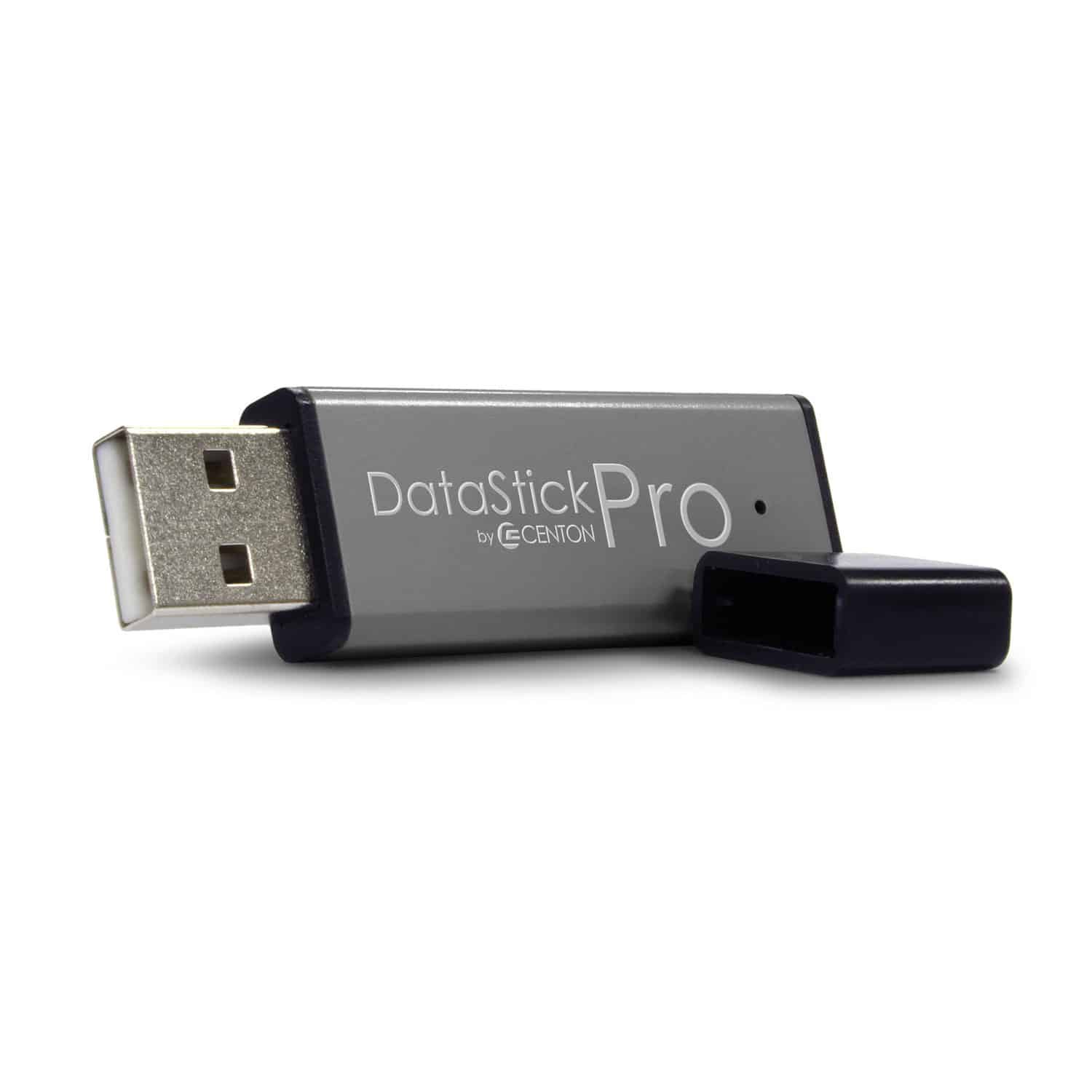
In August 2011, Taiwan’s Industrial Technology Research Institute (ITRI) and the memory maker Transcend appeared in a video from the Display Taiwan show with a thin USB 3.0 flash drive. Computerworld’s report on the video notes that the model on display held only 16 GB; the display said the design could scale to 2 TB. So it was a claim about what the design could reach, not a finished 2 TB drive. Packing that much NAND flash into a thumb-drive body would take advances in NAND density, multi-level cell design and controller logic.
The Real 2TB Flash Drive Arrived in 2017
A genuine 2 TB stick did arrive. HotHardware’s January 2017 coverage describes the Kingston DataTraveler Ultimate GT, shown at CES 2017 in 1 TB and 2 TB sizes with USB 3.1 support, and says it was probably not cheap. That one drive is the documented example. It is the reason a real 2 TB stick can exist, and it is also the reason a 2 TB stick selling for a few dollars deserves suspicion. Familiar brands such as SanDisk sell large sticks too, and 1 TB is a size you can find from them, so a 2 TB stick from an unknown seller at a bargain price has no honest explanation.
The same NAND scaling that made a 2 TB stick possible also drove SSD capacities from 512 GB to 8 TB in under a decade, and NAND flash recovery has followed — the techniques our lab uses to read a 2 TB drive are the same ones behind NAND chip recovery on every flash device we handle.
The words “2TB drive” cover three quite different products, and mixing them up is how people end up with the wrong expectations about price and recovery:
| Three Things Sold as a “2TB Drive” | |||
|---|---|---|---|
| What it is | What is inside | What to expect | Recovery note |
| A genuine 2TB USB flash drive | Real NAND memory of that size behind a controller | Rare and costly; the 2017 Kingston model above is the documented example | Same chip-level logic as any USB flash drive; the free evaluation decides the route |
| A 2TB portable SSD | A small solid-state drive board with its own controller, in a pocket-sized case | Sold by major brands; behaves like a fast external drive | A different job: for an SSD the original controller matters, so the evaluation, not a rule of thumb, picks the route |
| A counterfeit “2TB” stick | A small NAND chip with firmware told to report 2 TB | Looks normal until the real space fills, then loses or corrupts files | The NAND that exists is still readable; data written past its real size was never stored |
Why Most Cheap 2TB Drives Are Counterfeits
 Enlarge
The gap between what a flash drive reports and what it actually stores is the oldest trick in the counterfeit storage market. A bad actor purchases a 32 GB or 64 GB NAND chip — the same type found in any budget USB stick — then flashes the controller firmware to report 2,000 GB instead of the real capacity. To your operating system, the drive looks like a genuine 2 TB device. The problem surfaces only once the real NAND capacity fills up: the controller silently begins overwriting the oldest data with new writes, discarding files you believed were safely stored.
By that point, the user has often trusted the drive for weeks or months. Files they thought were backed up are gone or corrupted, and the drive itself shows as full even though only a fraction of the real capacity was ever used. The counterfeit is also far more likely to fail outright — cheap, unbranded NAND chips used in these drives have much shorter working lives than the branded NAND inside a legitimate drive.
The same trick exists for memory cards, and the checks overlap. Our guide to microSD class and speed ratings explains how a counterfeit card reports whatever capacity its controller is told to report, which is the same mechanism behind a fake USB stick.
A counterfeit 2TB flash drive does not appear corrupt when you first plug it in. It passes a standard format check and reports the full 2TB capacity. The silent overwrite of data begins only after the real NAND chip fills, which can take days or weeks of normal use.
How to Spot a Counterfeit 2TB Drive
 Enlarge
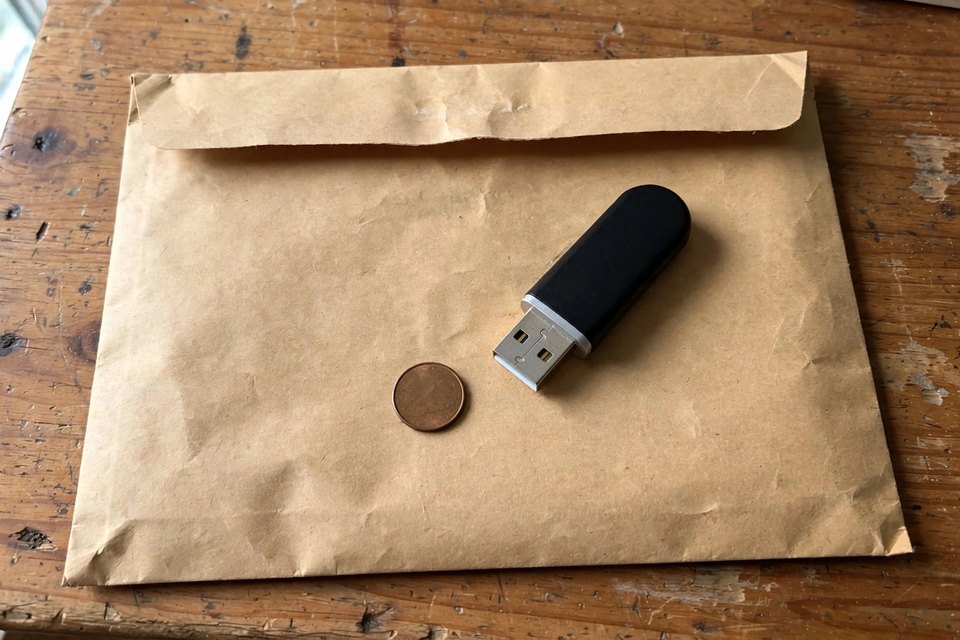
Three tests expose a counterfeit before it destroys data:
- Price check — A genuine 2TB USB stick launched as a premium product, so one that sells for a bargain price on a marketplace such as Amazon or eBay is a counterfeit.
- Write test — Tools like H2testw (Windows, free) write a full-sized test pattern to the drive and read it back. A counterfeit fails this test by returning corrupted data around the point where real NAND runs out.
- Seller verification — Buy only from authorized retailers, from the manufacturer’s own storefront, or from platforms with real return policies — not third-party marketplace sellers with no buyer protection.
If you already have a 2TB drive and are unsure whether it’s genuine, do not add critical data to it until you run the write test. A drive that passes H2testw at its full rated capacity is almost certainly real; one that fails is a counterfeit or a failing drive. The table below turns the warning signs into a first move for each one. None of them proves a drive is fake on its own; together with a write test they get you to an answer.
| Warning Signs on a “2TB” Flash Drive and What to Do First | ||
|---|---|---|
| What you notice | Why it raises suspicion | First move |
| The price is far below any real 2TB product | A real 2TB stick launched as a premium item, so a bargain usually means a relabelled small chip | Look up the exact model on the maker’s own website before trusting the drive |
| Plain body, no model number you can find on the maker’s site | Counterfeits are built to look like many brands, or like none | Treat it as unverified and run a write test before storing anything |
| The drive looks exactly like the listing photo | Looks prove nothing: real and fake sticks look the same from outside | Skip the visual check; only a write-and-verify test settles it |
| Properties or Disk Management shows 2TB straight away | That number is set in firmware, so a fake reports it as easily as a real drive | Never accept the displayed size as proof |
| Copies finish without errors, then files open as corrupt | A fake can accept writes past its real size and return junk when you read them back | Stop writing; copy off what still opens |
| Your oldest files vanish while recent ones are fine | After the real space fills, new writes can land on old addresses | Stop using the drive and get it evaluated |
| The seller offers no returns and no buyer protection | You have no recourse if the drive turns out to be fake | Buy from the maker or an authorized retailer next time |
How to Test a 2TB Flash Drive for Fake Capacity
 Enlarge
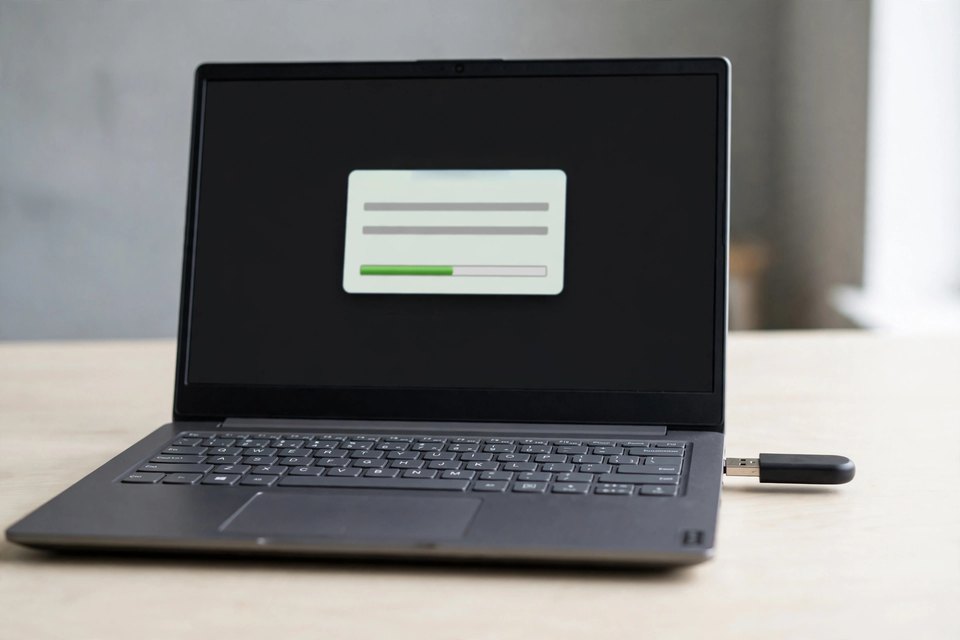
A fake-capacity test, the proof for any fake 2TB flash drive, writes data across the whole claimed size and then reads every byte back. A real drive returns everything exactly as written. A fake returns errors once the writes pass its true size. H2testw does this on Windows and f3 does it on Linux and macOS. Run it only on a drive that holds nothing you need.
The test fills the free space, so copy anything you need off the drive first. If the drive holds the only copy of files you care about, do not test it; skip to the list of what not to do and request an evaluation instead. Plug the drive straight into a port on the computer. According to the heise download page for H2testw, some USB adapters can make the tool show unexpected results or false positives.
On Windows: H2testw
- Start the tool and pick the drive. H2testw, written by c’t magazine editor Harald Bögeholz, is portable and needs no installation. Choose the drive and set the test to use all available space.
- Run the write-and-verify pass. The tool writes random data in files of up to 1 GB until the drive is full, then reads the files back and compares them with the originals.
- Plan the time. At a steady 100 MB/s, writing 2 TB takes about 5.5 hours, and the read-back takes about as long again. A slower drive takes longer. Leave the computer awake.
- Read the result. A clean pass at full capacity means the drive holds what it claims. Errors or lost data mean it is fake or failing; the test cannot tell which, so look at how the errors are spread.
- Know the large-drive quirk. The heise page warns that on very large drives H2testw can miscalculate and stop with an error message at the end of the write pass. If the verification that follows succeeds, the page says to ignore that message.
On Linux or macOS: f3
The f3 tool stands for Fight Flash Fraud. Its documentation describes three jobs, and the order matters:
- f3write, then f3read. f3write writes large files to the mounted drive and f3read checks that the drive contains exactly the files that were written. On a Mac, USB drives mount under /Volumes.
- f3probe, the fast test. It is the quickest check and suits large drives, because it writes only what it needs. It works on the unmounted device, needs administrator rights, and, in the docs’ own warning, destroys any data on the disk.
- f3fix, the size correction. It creates a partition that fits the real size of a fake drive, using the numbers f3probe reports.
Read the last item carefully. f3fix can make a fake drive honest about its size, but it adds no storage: a 2 TB label on a 64 GB chip becomes a working 64 GB drive at best. A pass from either tool at full size is good evidence of a real drive. A fail means fake or failing, and our guide to flash drive problems and error messages explains how to tell the two apart: a fake works normally until its real memory fills, while a failing drive often shows a wrong size at once or one that changes between plug-ins.
Symptoms of a Fake 2TB Drive After You Use It
 Enlarge
If you have already filled a 2 TB drive with files, the symptoms usually tell you which problem you have. The table lists what you see, what is happening inside the drive and the safest first move. Read the middle column as the likeliest cause, not a certainty, because a fake drive and a failing real drive can show some of the same signs.
The pattern of symptoms follows from one fact: the drive’s controller decides what to report, and on a fake it has been told to report 2 TB. When your computer writes a file at an address beyond the real memory, a fake does not refuse. It either accepts the write and discards it, or maps it back onto memory it has already used. In the first case the new file reads back as junk. In the second, the oldest files quietly vanish while the newest look fine. Which one you see depends on the firmware the seller used, so two fake drives can fail in two different ways. A failing real drive more often shows errors that are not tied to a size limit.
| What You See on a Fake or Failing 2TB Drive | ||
|---|---|---|
| Symptom | Likeliest cause | Safest first move |
| Oldest files disappear, newest are fine | The real memory filled and the controller began writing new data over old addresses | Stop writing; list what still opens |
| Files open as corrupt, blank or the wrong size | The drive accepted writes past its real size, and nothing was ever stored there | Copy off only what opens; skip repair tools, which write to the drive |
| A write-and-verify test fails partway through | The drive is fake, or the memory is failing | Note where the first error appears, then stop |
| The size shown changes between plug-ins, or reads zero | More typical of a failing controller than of a fake | Stop using it and request an evaluation |
| The drive is not recognized at all | A dead controller, damaged firmware or a snapped connector; the memory chip is usually fine | Do not keep reinserting it |
One honest limit applies to every fake drive. Files saved past its real size were never stored, and no lab can bring back what never existed. Files that fit inside the real capacity are on the chip, and chip reading is how we find out how much of the drive is still there. The honest answer comes from reading the chip, not from guessing at the drive’s own report.
When a 2TB Flash Drive Fails
 Enlarge
A 2 TB flash drive fails the same ways any USB drive does: a snapped connector, a dead controller, corrupted firmware, physical impact, or NAND wear. What changes at 2 TB capacity is the consequence — a drive holding that much data represents a much larger potential loss than a 32 GB stick. Stop using the drive the moment it stops being recognized or throws errors. Every additional connection attempt risks making the controller’s condition worse before the lab ever sees it.
For a counterfeit drive that has already overwritten data, a lab can many times find older copies in blocks the controller has not erased yet. Results may vary. The chance shrinks with every new write, so stop using the drive at once, even if it still mounts.
Most failures are less dramatic than a fake: a drive pulled out in the middle of a long backup, a plug bent by a fall, a laptop that froze while the drive was writing. Our guide to USB drive recovery solutions walks through the parts of a flash drive and which failure belongs to which part, and the real cases below show what large drives look like when they reach us.
How eProvided Recovers 2TB Flash Drives
 Enlarge
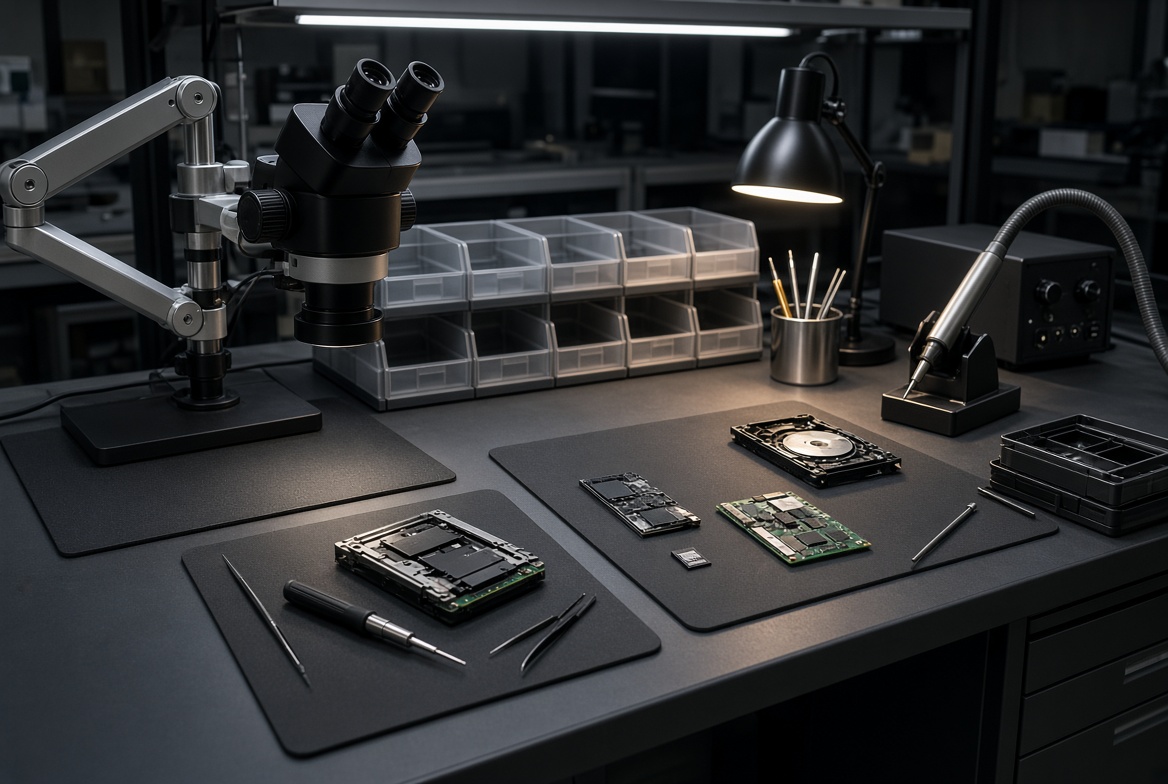
Both genuine and counterfeit 2 TB USB drives use NAND flash memory as their storage medium — and that NAND is readable directly, independent of what the controller reports. The process is the same regardless of what the drive told the operating system:
- Free evaluation — Our engineers inspect the drive, identify the NAND chip type and controller, and give you a firm quote before any recovery work begins. No Data, No Data Recovery Fee.
- Chip-off extraction — The NAND chip is carefully removed from the board and read bank-by-bank using our in-house equipment. This bypasses the controller entirely, whether it has failed or reported false capacity.
- Data reconstruction — The raw NAND dump is processed: the controller’s wear-leveling, bad-block mapping, and scramble algorithm are unscrambled to rebuild the original file structure.
- Verification & delivery — Recovered files are checked and delivered on new media or a secure download.
On a counterfeit drive, the process also reveals how much of the real NAND capacity was used and whether older copies of overwritten data still sit in blocks the controller has not erased. Results vary, and it is never a promise of 100%, but the honest answer comes from reading the chip, not from guessing at the controller’s logs. The one damage that ends a job is a memory chip that is cracked through, broken off or in pieces; a chip that merely looks smashed can often still be read, and only a microscope in the lab can tell the difference.
Lost Data from a 2TB Flash Drive?
Real or counterfeit — the NAND chip inside is still readable. Free, confidential evaluation before any work begins.
Start My Free Evaluationor call (866) 857-5950 now
Large-Capacity Flash Drive Cases From Our Records
These cases come from our own files and date from 2015 to 2025. They are large-capacity drives, from 512 GB to 1 TB, plus one 2 TB portable SSD for contrast, because those are the biggest drives that reach our bench. None of them is a fake-capacity case, and none is a 2 TB stick. The quotes are the owners’ own words from the order form, trimmed and scrubbed of names, brands and contact details. Outcomes are mixed on purpose: some drives could not be read, some files end with no device ever arriving, and one waited months for information that never came.
A 1 TB dual-connector drive dropped and bent, June 2025
Case VHCJZP. The owner wrote:
“What went wrong: got dropped and bent (USB A side). Type of device: [brand] 1TB dual-connector USB Type-C flash drive. Data needing recovery: all video files.”
Not recovered. The lab note calls the drive very badly damaged, with no connection possible to stream the data out, and the later note records that a direct internal data extraction did not produce data because the damage was too great. A bent plug on its own is usually recoverable (our guide to how USB damage severity decides recovery chances explains the ladder), which is why this result is the exception, and why capability is never the same as outcome.
A 2 TB portable SSD that ejected itself, October 2024
Case JBNWKJ. The owner wrote:
“I was plugging the SSD into the [docking station] to edit photos … it said it ejected unexpectedly. I tried it multiple times, and through Disk Utility ran first aid on it. The [laptop] is not recognizing it now. We have run Linux on it and it shows Hardware Error.”
No result. The notes say the lab would have to wait for controller firmware information that was not yet available, and after several months the owner cancelled the case. This is why a 2 TB portable SSD is not a 2 TB flash stick: with an SSD, how the controller arranges the data decides the outcome, so we never describe reading the memory chips alone as the answer for one.
A 1 TB thumb drive pulled out during a frozen backup, May 2023
Case TMKJCE. The owner wrote:
“I have a 1 tb thumb drive I was using to backup data from my [laptop]. The laptop froze in the backup process. I decided to disconnect the usb drive (without ejecting because the laptop was frozen). I than did a hard restart … it wasn’t visible / recognized … It was visible [on a second computer] but there was no data that was shown.”
No result: only the order form was submitted, so no device reached the lab. A big backup keeps a drive writing for a long time, which makes a frozen laptop and a pulled plug more dangerous. A drive that is visible but shows no files usually points to a damaged file system rather than a dead memory chip, though only an evaluation can confirm that for a given drive. Our advice on an unreadable USB drive applies to a drive of any size.
A 512 GB stick that worked one day and not the next, April 2020
Case 59KGEY. The owner wrote:
“[Model] 512GB — Worked one day and not the next. Attempted testdisk/ddrescue at home and found the controller to be faulty … The device is 3D NAND, basically an SSD connected by USB … probably has 200GB of data on it, excel files, pictures, pdf, videos.”
No result. The notes show that the drive had not arrived, so no work was done. The owner described the hardware well: the largest sticks are built much like small SSDs, with a controller and several memory chips. That is why this page treats a failed controller and a dead memory chip as two different problems.
A 512 GB drive that stopped being recognized after a big backup, August 2015
Case 8F24HA. The owner wrote:
“New [512GB] USB 3.0 flash drive is not recognized (after backing up ~250 GB of various files, etc).”
Not recovered. The drive carried four NAND chips on one board. The lab note says one of the four was shorted, and because the data was spread across all four chips, every one of them had to read for the files to be rebuilt. That is the multi-chip risk of a large drive in a single case: one dead chip can end a job that three healthy chips could not finish.
The Future of Flash Storage Capacity
When the Transcend/ITRI 2 TB design was first shown in 2011, the largest consumer SSD topped out around 512 GB. Today, SSDs ship at 8 TB and beyond, and NAND cell density has advanced through TLC and QLC (triple- and quad-level cell) technology to pack ever more bits into each cell. The direction is predictable: the same pattern that pushed USB sticks from 1 GB to 2 TB will push SSDs into the tens-of-terabyte range for consumer use within years.
NAND flash recovery has kept pace. The chip-off and board-level extraction techniques that worked on 8 GB drives in 2012 apply directly to 2 TB drives today because the NAND architecture is the same — the cells grew denser, not fundamentally different. Monolithic NAND, where the chip and controller are fused into one package, is a separate architecture that requires different lab access — but for the vast majority of 2 TB drives, whether real or counterfeit, standard chip-off extraction applies.
What Not to Do With a Fake or Failing 2TB Drive
Do
- Buy 2TB flash drives only from verified manufacturers or authorized retailers with return policies
- Run a full H2testw or f3 write test on any large-capacity flash drive before storing important data
- Stop using a failing drive immediately and get a free evaluation before trying anything else
DON’T Do
- Don’t trust a 2TB USB drive from a marketplace seller offering it at a bargain price — it is almost certainly a counterfeit, and a real one launched as a premium product
- Don’t keep the only copy of your files on a drive you have not tested — a fake loses data silently, with no warning
- Don’t run f3probe or any destructive test on a drive that holds files you need — the tool’s own documentation warns that it destroys the data
- Don’t format the drive to “fix” it — a format writes new structures to a drive whose old contents you may still need to read
- Don’t run recovery software repeatedly on a drive that’s already failing — it adds writes and closes the recovery window
- Don’t assume a counterfeit drive has nothing left to find — the NAND chip inside still holds what was written to it, though results vary
What Our Customers Say
Frequently Asked Questions
Lost Data from a 2TB Flash Drive?
A genuine or counterfeit 2TB drive both keep the data on the same NAND, readable either way. Free, confidential evaluation before any work begins.
Start My Free Evaluationor call (866) 857-5950 now
Recovery Services for Every Storage Device Class
Whether it’s a 2TB USB drive, an SD card, or an SSD, eProvided recovers data from every storage class: