
Used by NASA · the FBI · the U.S. Navy · Since 1999
3 Bad Camera Habits That Are Damaging Your Digital Camera
- No Data, No Data Recovery Fee
- Chip-off recovery — our specialty
- 27+ years of recovery experience
- Every brand, every capacity
What Are the Worst Habits for a Digital Camera?
Leaving the camera outside its case between shots, relying on one memory card instead of rotating several, and cleaning the body with canned air all risk the camera itself, not the card’s NAND chip. If a card already came back corrupted, see our top 5 causes of camera card corruption guide (below) for the mid-write and battery causes.
“Most camera damage isn’t a bad drop — it’s a small habit repeated a few hundred times.” — Bruce Cullen, founder, eProvided
Most digital camera damage isn’t caused by a single dramatic accident — it’s caused by a handful of everyday habits repeated over hundreds of shoots. After 27+ years running digital photo recovery on cameras and cards from every brand, we see the same three habits show up again and again in the cases that could have been avoided. None of these three habits touch the memory card’s NAND chip directly — they damage the camera body, the sensor, the lens, or the photo files sitting on the card in ways a chip-level recovery can’t always undo. Here they are, in the order we see them most often, plus the good habits worth building in their place.
The three bad habits: leaving the camera outside its protective case between uses, shooting everything onto a single memory card instead of rotating several, and cleaning the camera with canned or compressed air. All three risk the camera itself or the photo files already on the card — not the card’s NAND chip. A fourth, closely related mistake — removing a card or swapping a lens while the camera is still powered on — is covered in depth in our top 5 causes of camera card corruption guide, since it damages the card’s file system rather than the camera body.
Do RIGHT NOW
- Get in the habit of returning the camera to its case or bag the moment you’re done shooting, not just before travel
- Carry at least two smaller memory cards instead of one large one, and swap cards rather than filling a single card for an entire trip or event
- Clean the camera body and lens with a proper microfiber cloth and a soft brush, not a can of compressed air
- Power the camera fully off before changing lenses, connecting cables, or swapping memory cards
DON’T Do
- Don’t leave the camera sitting loose on a car seat, coffee table or sofa “just for now” — that’s exactly where impact and spill damage happens
- Don’t shoot an entire vacation, wedding or event onto one memory card with no backup card in reserve
- Don’t shake or aim a canned-air nozzle directly at the sensor or lens glass — the propellant itself can leave a residue or contaminate the sensor
- Don’t assume a photo is safe until it’s copied off the card to a second location the same day
Already have missing or damaged photos from one of these habits? You can find out for free what’s recoverable » or call (866) 857-5950 to talk it through first.
- 1. Leaving the Camera Outside Its Protective Case
- 2. Relying on a Single Memory Card
- 3. Cleaning With Canned or Compressed Air
- The Related Habit: Powering Off Before You Touch Anything
- Camera Habits Worth Building Instead
- How eProvided Recovers Camera Media After the Damage Is Done
- What Our Customers Say
- Frequently Asked Questions
- Recover Photos From a Damaged Camera or Card
- Related Recovery Services
1. Leaving the Camera Outside Its Protective Case
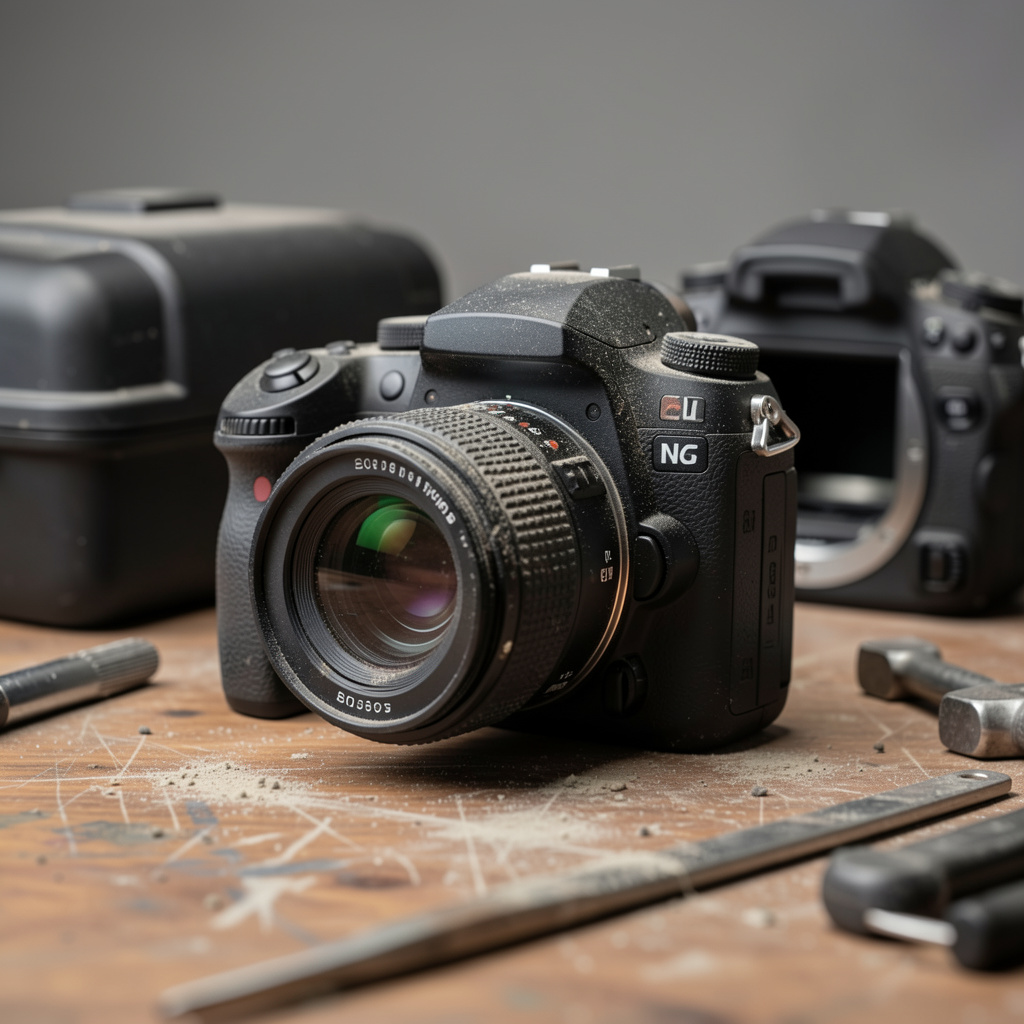
It’s easy to stop reinserting a camera into its case once you get comfortable keeping it in an easy-to-grab spot. The usual suspects: the kitchen table, the passenger or back seat of a car, the arm of the sofa, a coffee table near a drink. Each of those spots feels safe because nothing has gone wrong there yet — but a camera outside its case is exposed to exactly the kind of everyday accident a case exists to prevent: a dropped drink, a fall from the arm of a chair, a bag knocked off a table, a pet jumping onto a counter.
The damage doesn’t have to be dramatic to matter. A short fall onto a hard floor can knock a lens out of alignment or crack a filter thread even when the body looks fine from the outside. A splashed drink can wick into seams around buttons and dials long before it looks like enough liquid to worry about. None of this touches the memory card directly, but a camera that won’t power on, or a lens that won’t focus, still keeps you from getting the photos off the card safely — and a card removed in a hurry after a drop is itself a common way a working card gets damaged.
2. Relying on a Single Memory Card
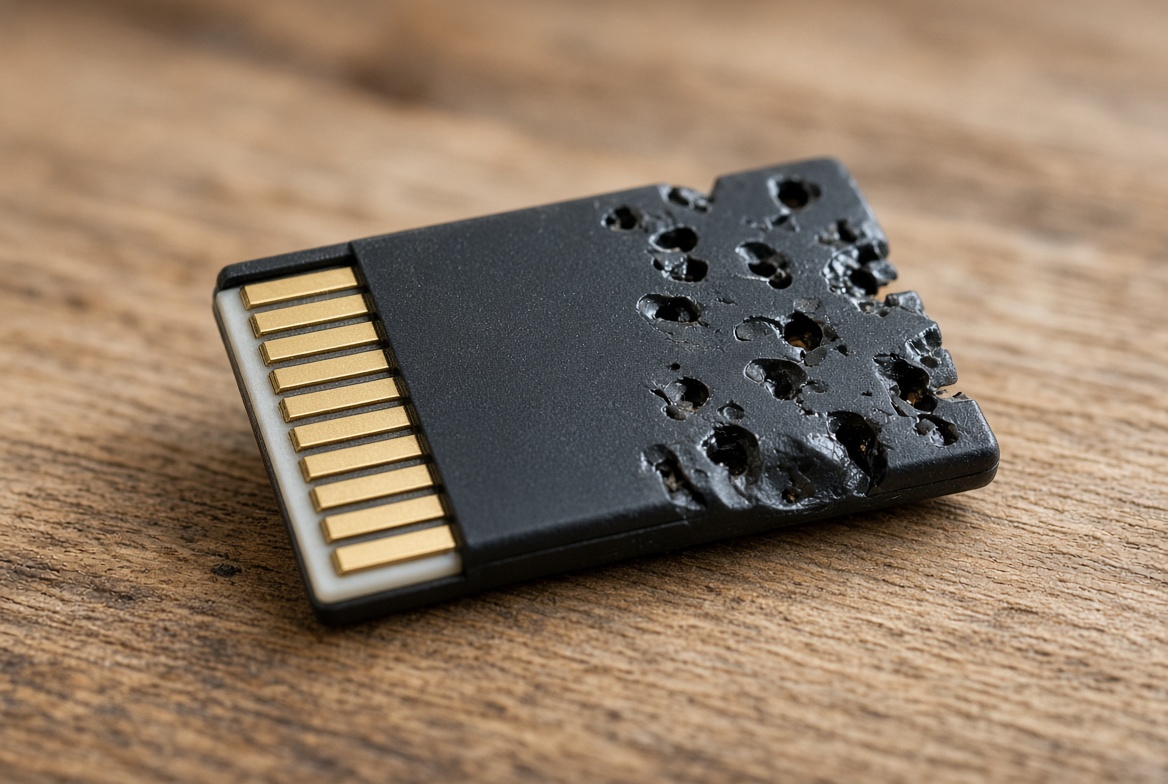
A single, large-capacity card feels like the simple choice — one card, no swapping, no risk of losing a small card in a bag. The problem shows up the first time something goes wrong with that one card, because every photo on the entire trip, shoot or event is sitting in exactly one place. Reformatting the wrong card, accidentally deleting a folder in-camera, or a card failing outright all take out everything at once instead of one segment of the day.
A single card also makes it far more likely you’ll overwrite or reformat photos you haven’t copied off yet, simply because there’s nowhere else for new shots to go once the card fills up mid-shoot. Photographers who rotate two or three smaller cards through a day — swapping to a fresh card at natural breaks and copying the full card off that night — limit any single card failure, in-camera mistake, or accidental format to a fraction of the day’s work instead of all of it. Labeling each card by date or event also makes it far easier to know at a glance which card is safe to reuse and which one still has unsaved photos on it.
3. Cleaning With Canned or Compressed Air
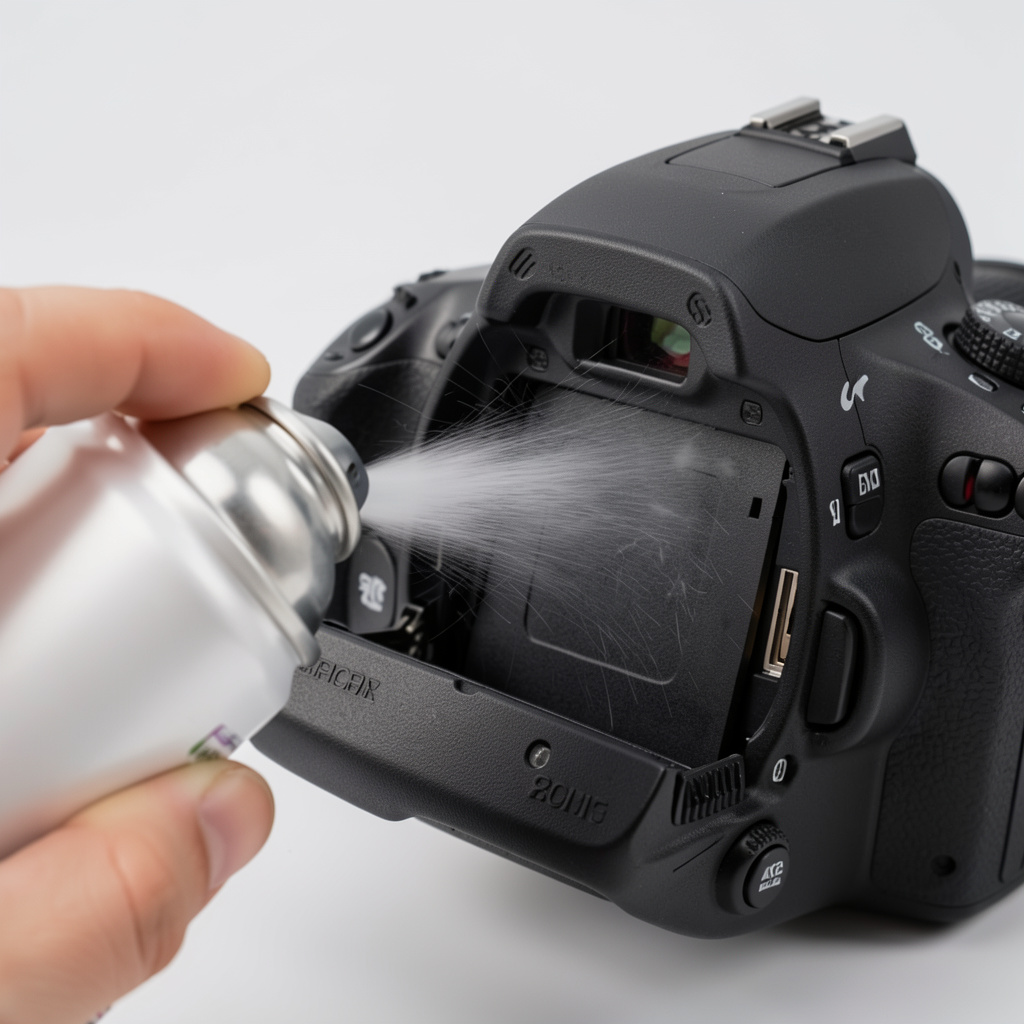
Grabbing a can of compressed air to blow dust off the body or lens after a day of outdoor shooting feels harmless, but it’s one of the more common ways photographers accidentally damage their own gear. Canned air forces a fast stream of air and propellant into gaps and seams that were never designed to be airtight, which can push dust and grit deeper into the camera rather than out of it — including directly onto the image sensor, where it’s far harder and more expensive to clean than the outside of the lens.
Shaking the can before or during use, or tilting it at an angle, risks spraying liquid propellant instead of pure air — that propellant can leave a residue on the sensor or lens glass, and in some cases has been reported to cause frost-like cold damage to sensitive components. Grit already sitting on a lens can also get pushed hard enough by a compressed-air blast to leave a fine scratch. A soft-bristle brush and a proper microfiber cloth, used gently, remove the same dust without any of that risk, and a body or sensor that needs deeper cleaning is safer left to a professional camera-service cleaning than to a can from a shelf.
The Related Habit: Powering Off Before You Touch Anything
One habit sits right on the border between camera care and card care: turning the camera fully off before changing lenses, connecting or disconnecting cables, or swapping a memory card. If the camera is actively writing a photo or video to the card and the card is pulled mid-write, the file-system table that tracks where each file lives can be left incomplete — which is exactly how a perfectly healthy memory card ends up showing corrupted or missing photos. Swapping lenses on a powered-on camera can also draw dust onto an exposed, energized sensor more readily than on a camera that’s fully off.
Because this specific mistake damages the card’s file system rather than the camera body, we cover the full mechanics of it — along with the other real causes of camera card corruption, like a battery dying mid-write or bent contacts — in our top 5 causes of camera card corruption guide (linked above). The short version here: wait for the camera’s access light to go out, every time, before you remove anything.
Camera Habits Worth Building Instead
Keep the Camera in a Protective Bag While Travelling
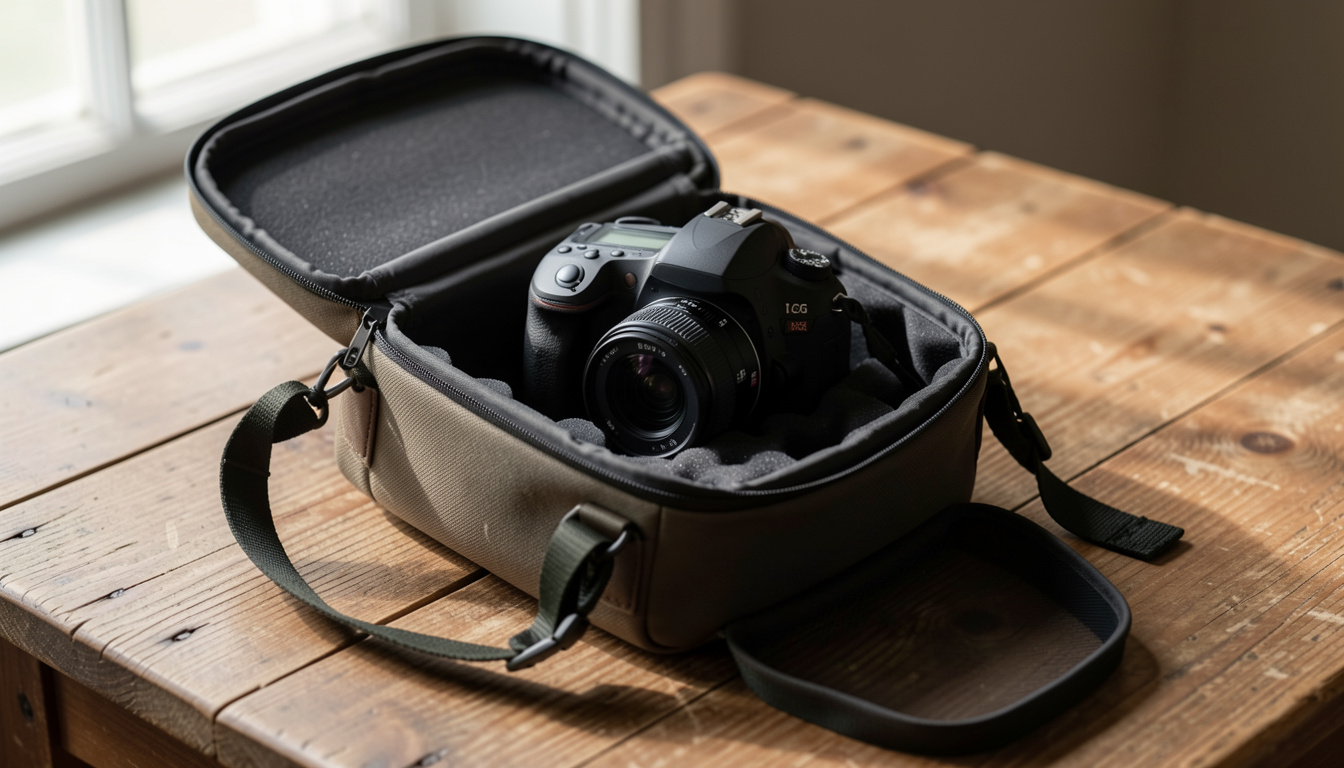
A padded camera bag or case absorbs the everyday bumps — a bag set down harder than intended, a seat that shifts under braking, a shoulder strap that swings into a doorframe — that a bare camera simply cannot. Make returning the camera to its bag the automatic last step of every shoot, not an occasional habit reserved for flights. Keep a bag by the door, in the car, and in the shoot bag itself so there is never a reason to set the camera down loose "just for a minute." A dedicated compartment for the lens cap and any spare batteries also keeps small accessories from getting lost in the same bag, and a bag with a rain flap adds one more layer of protection on an unplanned outdoor shoot. Padding thickness matters more than brand name here — a bag with at least an inch of foam or molded insert around the body absorbs far more shock than a thin sleeve, and a slightly larger bag that lets you close the lid over an attached lens beats a snug one that forces the lens hood against the zipper. If you shoot on the move, a bag with a waist or chest strap keeps both hands free and the camera itself from swinging into door frames, table edges, or the side of a car seat.
Track Which Card Was Used for What
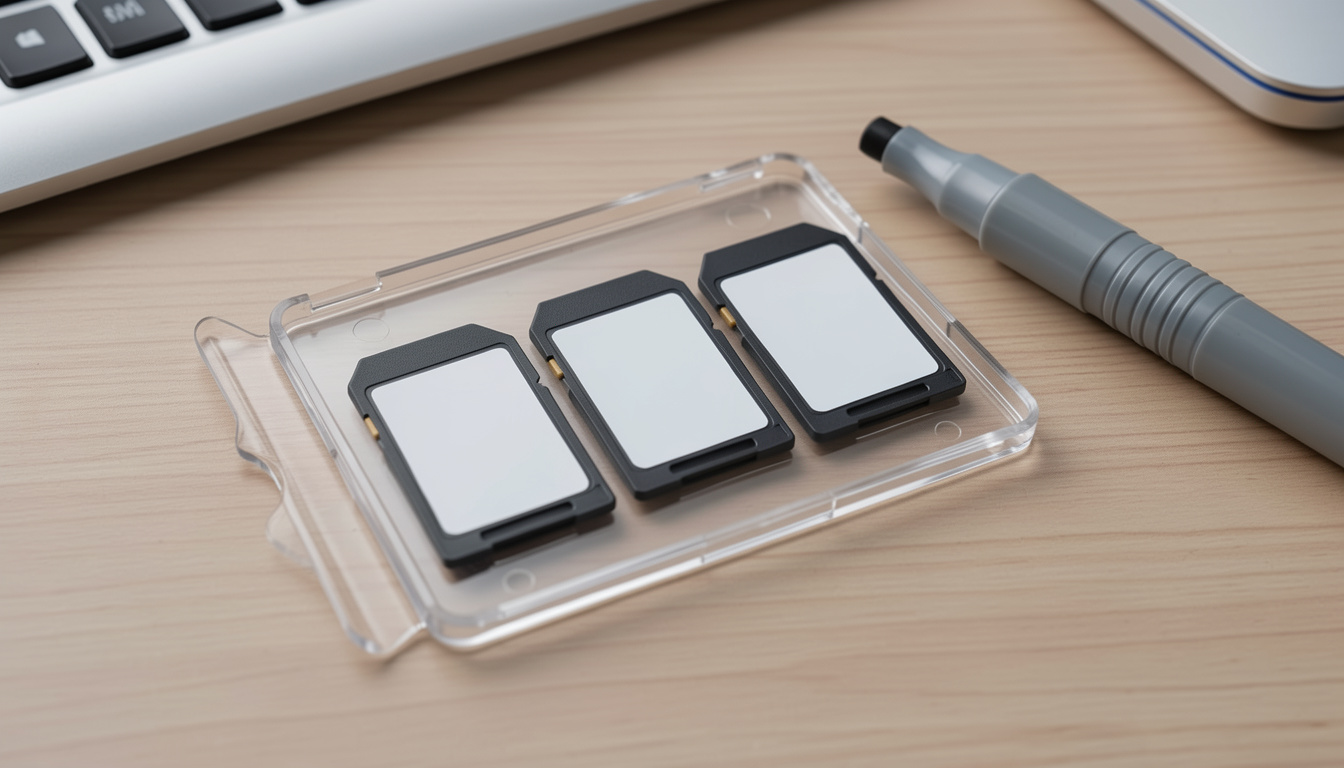
Label each card by date, event or client, and keep a simple mental (or written) note of which cards still hold unsaved photos. This single habit prevents the single most common in-camera mistake we see: reformatting or overwriting the wrong card because two cards looked interchangeable. See our full rundown of habits that prevent memory card damage for more ways to stop problems before they start.
Keep Memory Cards Away From Pets
It sounds unlikely until it happens to you — eProvided sees a steady trickle of cases where a memory card was chewed, swallowed or otherwise damaged by a curious pet. A card left loose on a table or nightstand is fair game to a dog or cat; a small labeled card case keeps cards both organized and out of reach.
How eProvided Recovers Camera Media After the Damage Is Done
None of the three habits above break the physical NAND chip that actually stores your photos — they damage the camera body, the lens, the sensor, or the card’s file-system layer sitting on top of the chip. Because a standard camera memory card carries no processor-bound encryption key tying its NAND chip to a separate device, chip-level recovery is the correct, direct path when a card comes back unreadable. Our full data recovery process starts with a free evaluation of your specific card or drive before any work begins. When the file-system layer is too damaged to trust, or the card’s controller or contacts have failed outright, we free the NAND chip from the card’s substrate and read it directly on specialized hardware, then rebuild the photo and video files from the raw data recovered.
| 3 Bad Camera Habits at a Glance | ||
|---|---|---|
| Habit | What It Risks | Fix |
| Camera left outside its case | Body, lens and sensor — impact and spill damage | ✓ Case it every time, not just for travel |
| One large memory card | Every photo on the trip or shoot at once | ✓ Rotate 2–3 smaller cards |
| Canned/compressed air cleaning | Sensor contamination, propellant residue, scratches | ✓ Soft brush & microfiber cloth |
| Removing card/lens while powered on | Card file-system table (see camera card corruption guide) | ✓ Wait for the access light to go out |
What Our Customers Say
Frequently Asked Questions
Recovery Services for Every Storage Device Class
A damaged camera or card isn’t the only device eProvided recovers — we cover every storage class from one lab: memory card data recovery (SD, SDHC, microSD, CompactFlash, Memory Stick and more, every brand from SanDisk to ADATA), USB flash drive recovery, professional hard drive recovery (Seagate, Western Digital, Toshiba, mechanical and logical failures), and SSD data recovery (Samsung, Crucial, WD, NVMe and SATA, controller and chip-off recovery). See all our data recovery services →
More Memory Card Recovery Guides
- Troubleshooting an SDHC camera card — what to check when a camera won’t read the card at all.
- Lost pictures on an SD card — what to do after accidental deletion or formatting.
Once your photos are safe, a second copy made the same day is the cheapest insurance against the next camera or card mistake.
Recover Photos From a Damaged Camera or Card
Dropped, spilled on or corrupted — our engineers will confirm what’s recoverable during a free evaluation. No obligation, confidential.
Start My Free Evaluationor call (866) 857-5950 now
Related Recovery Services
A damaged camera or card isn’t the only device eProvided recovers — these recovery services get the data back from every storage class in one lab: