
Used by NASA · the FBI · the U.S. Navy · Since 1999
Does Putting a Hard Drive in the Freezer Actually Work?
- Free evaluation before any work
- 98% success rate
- 27+ years in business
- Head, motor & circuit-board work in-house
Does putting a hard drive in the freezer actually work?
No — the freezer trick is a decades-old myth that rarely works on modern drives and often finishes them off. Condensation from the temperature shock settles on the platters and the head assembly, turning a recoverable fault into a permanent one. eProvided has recovered failed hard drives properly since 1999.
“Every frozen drive that arrives here arrives wetter than it left. Water and platters have never once been friends.” — Bruce Cullen, founder, eProvided
Your hard drive worked yesterday. Today it clicks, or it spins up and the computer acts as if nothing is plugged in. Somewhere online, someone says to seal it in a bag and put the hard drive in the freezer overnight. Please don’t. That advice is older than most of the drives it gets tried on, and on a modern drive it usually costs more data than it saves. We see the results on our intake bench: drives that arrived with a fixable fault and a fresh layer of corrosion that was not there before the freezer. This guide explains where the trick came from, why it fails today, which faults it can never fix, and the safe path to your files. If the drive is already failing, professional hard drive recovery is the step that protects the data.
Putting a hard drive in the freezer rarely helps a modern drive and often damages it, because moisture condenses inside the drive as it warms up. Drives fail from head crashes, stuck heads, seized motors, bad sectors and dead circuit boards. Cold fixes none of these. A lab diagnoses the real fault first. eProvided’s evaluation is free, the success rate is 98%, and the policy is No Data, No Data Recovery Fee.
Do RIGHT NOW
- Power the drive off and unplug it
- Write down the symptom: clicking, silence, errors
- Keep it dry, at room temperature, in an anti-static bag if you have one
- Get a free evaluation before trying anything else
DON’T Do
- Don’t put it in the freezer or the fridge
- Don’t keep powering it on “to check”
- Don’t run recovery software on a clicking drive
- Don’t open the drive case
Worried about specific files on a failing hard drive? Before you try anything else, find out free what’s recoverable » or call (866) 857-5950 to talk it through now.
- Where the Freezer Myth Came From
- Why It Fails on Modern Drives
- Faults the Freezer Cannot Fix
- Warning Signs You Should Stop Using the Drive
- The Safe Alternative: Professional Evaluation
- Preventing Hard Drive Data Loss
- What Customers Say About Our Hard Drive Recovery Work
- Frequently Asked Questions
- Recover Files from a Failed Hard Drive
- Related Recovery Services
Where the Freezer Myth Came From
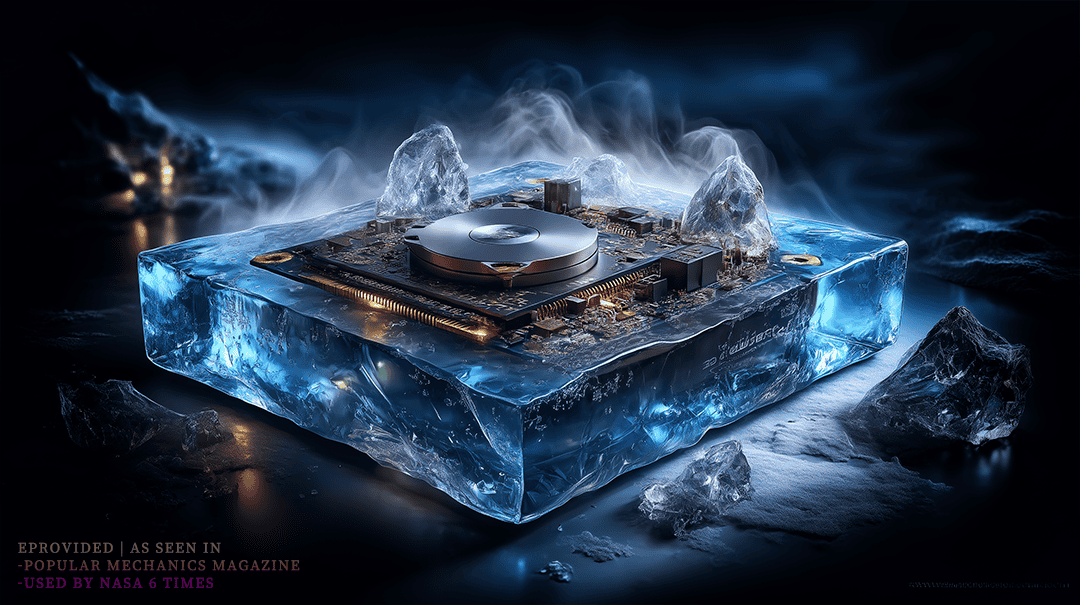
The freezer trick is not a modern internet invention. It grew up around hard drives built decades ago, when drive mechanics were simpler and tolerances were looser. Metal parts shrink a little when they get cold. On some of those older drives, that small change was enough to free a spindle motor that had seized on dried lubricant, or to break a read/write head loose from a platter it had stuck to while the drive sat unused. When it worked, it worked for minutes, not days. The owner copied what they could, and then the drive failed again, usually for good. That narrow window of lucky success is why the story never died. It passed from forum to forum and from one generation of computer users to the next, long after the drives it once helped stopped being made. The problem is that it was always a gamble on one specific fault in one era of hardware. It was never a repair, and even back then nobody could tell in advance which drives it would help and which ones it would finish off. Today we get the drives where the gamble lost.
Why It Fails on Modern Drives
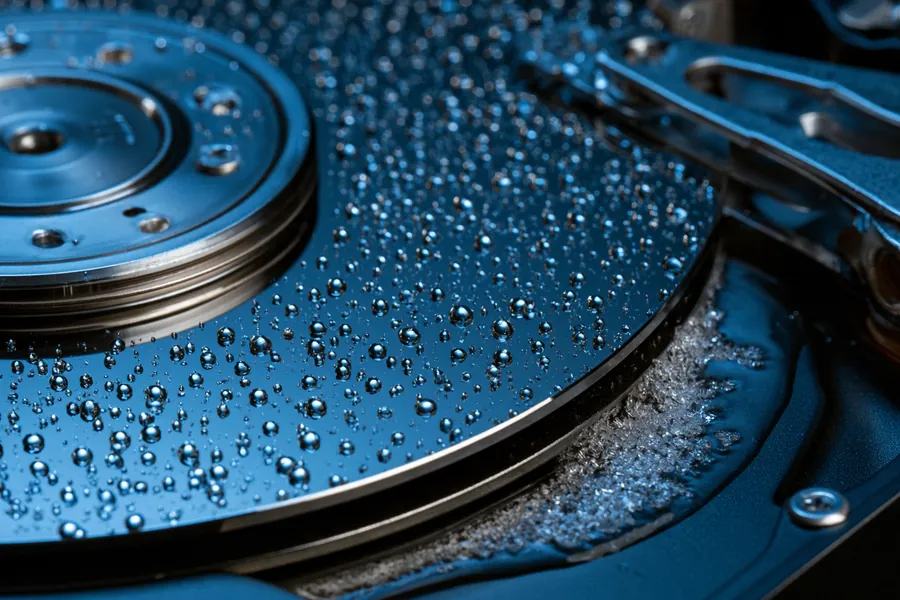
A modern hard drive is a precision instrument. The read/write head flies over the spinning platter on a cushion of air (or helium, in many high-capacity drives) only a few nanometers thick. That gap leaves no room for moisture, dust or thermal shock. Here is what happens when you take a hard drive out of the freezer: the cold metal meets warmer, humid room air, and water condenses on every surface it can reach, including the platters and the head assembly. That moisture does not vanish the moment you plug the drive in. It can sit inside the drive for many minutes. If you power the drive on during that window, the heads sweep across a wet surface. A head that touches the platter scratches it, and a scratched platter is permanent damage, not a temporary glitch. Helium-sealed drives carry an extra risk, because their seals are built to hold gas in at normal operating temperatures, not to survive a trip from a freezer to a warm desk. When a frozen drive reaches our bench, we often find water spots on the platters, corrosion starting on the heads, and scoring where the heads touched down. Those drives had a fault that could have been fixed; after the freezer, some of them had very little left to save.
Faults the Freezer Cannot Fix
A hard drive fails for a specific mechanical or electrical reason, and knowing which one you have matters more than any home trick. Our full guide on why hard drives fail goes deeper; here we only look at the common faults and what cold does to each of them.
Head Crashes
The read/write head touches the platter surface and scratches it. Mild cases can often be read around the damage after the heads are replaced. Freezing cannot realign a head, and condensation makes more contact more likely.
Stuck Heads (Stiction)
The heads stick to the platter while the drive is powered off, so the motor cannot spin up. This is the fault the old trick sometimes “fixed”. In a lab, the heads are freed and parked without dragging them across your data.
Motor or Spindle Failure
The platters stop spinning at the right speed, or at all. The data on the platters is often intact. Cold may free a seized motor for a few minutes, but it is not a repair, and every restart on a failing motor is a risk.
Circuit Board (PCB) Failure
Often caused by a power surge or outage. The drive does not power on at all, but the platters and the data on them are frequently untouched. Freezing does nothing for dead electronics.
| Freezer Trick vs. Lab Recovery, by Hard Drive Fault | |||
|---|---|---|---|
| Fault | Does freezing help? | What cold does | What a lab does |
| Head crash | ✗ No | Moisture adds more head-to-platter contact | Replaces the head stack, images around damage |
| Stuck heads (stiction) | ⚠ Rarely | May free the heads once, then drags them across wet platters | Frees and parks the heads without contact |
| Seized motor / spindle | ⚠ Rarely | A few minutes of spin, then corrosion risk | Moves the platters to a working motor assembly |
| Dead circuit board | ✗ No | Nothing — the electronics stay dead | Repairs the original board or adapts a matched board |
| Bad sectors | ✗ No | More read attempts, more wear | Clones the drive sector by sector with hardware imagers |
| Firmware fault | ✗ No | Nothing — it is a software problem inside the drive | Repairs the drive’s service area, then images it |
Hard drives fail at a steady, measurable rate. Backblaze’s 2024 Drive Stats report, which tracks about 300,000 data drives in its data centers, puts the annualized failure rate for 2024 at 1.57%. None of those failure modes are fixed by cold. They are fixed by finding the actual fault and repairing it, or reading around it, in a controlled lab environment.
Warning Signs You Should Stop Using the Drive
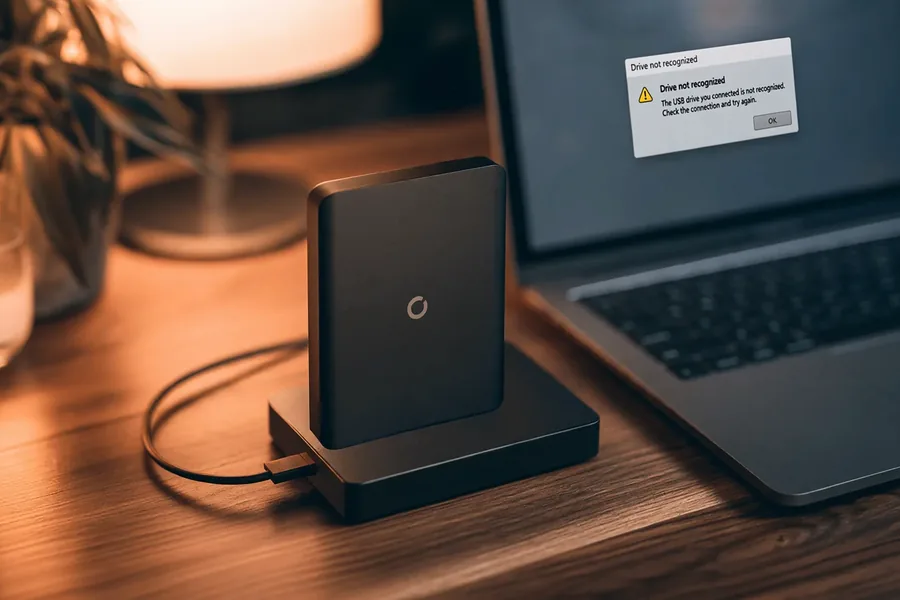
If your drive shows any of the signs below, the most useful thing you can do is stop using it. Every extra minute a failing drive runs can turn a readable fault into an unreadable one. A clicking drive is usually a head that cannot find its track and keeps retrying; each retry is a chance for the head to touch the platter. People often reach for the freezer trick at exactly this point, after a few restarts have failed, which is also the moment the drive is most fragile. The better move is simple: switch it off, unplug it, and let someone look at it before it runs again. Our engineers see the same pattern every week. The drives that arrive after one or two power-on attempts are far easier to recover than the ones that were restarted twenty times, run through a repair tool overnight, and then frozen as a last try. Here is what to watch for.
Clicking or Grinding Noises
The “click of death” almost always means a mechanical fault inside the drive. Power it off now.
Not Recognized or Wrong Capacity
The drive spins but the computer does not see it, or it shows the wrong size. This often points to a board or firmware fault.
Very Slow Access or Read Errors
Files that take minutes to open, frequent hangs, or new read errors can mean bad sectors or weak heads. Using the drive makes it worse.
No Spin at All
Silence usually means a motor, a board, or stuck heads. The data is often intact.
The Safe Alternative: Professional Evaluation
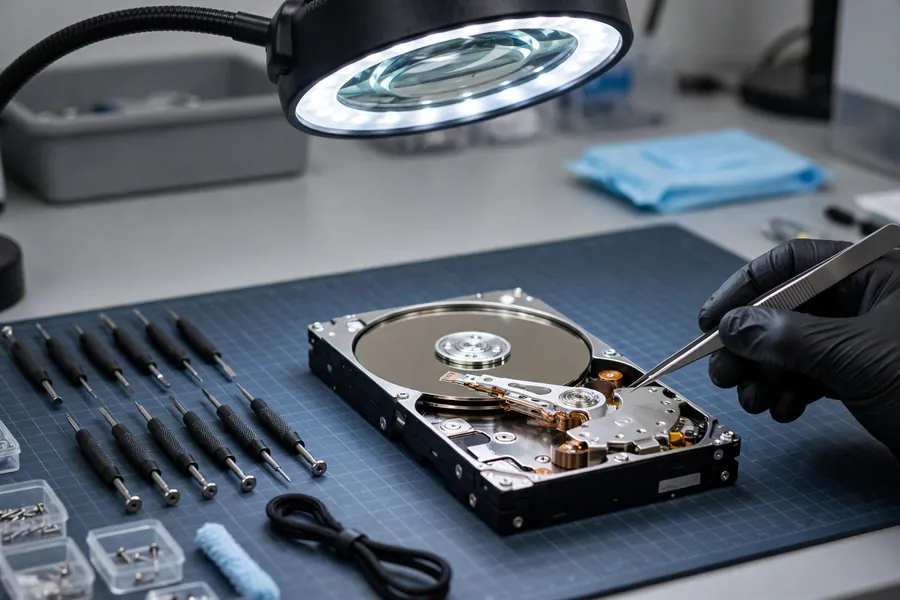
Trust a real diagnosis over a decades-old trick. Every eProvided case starts with a free evaluation. We find the actual fault first — mechanical, electrical, firmware or logical — and only then recommend a path. A drive with crashed heads needs a matched replacement head stack fitted in a controlled lab environment. A seized motor may mean moving the platters to a working assembly. A dead circuit board may need repair on the original board, because many drives store unique calibration data on that board. A drive with bad sectors needs a careful hardware clone, not another hour of software scans. Once the drive is readable, we image it sector by sector and recover your files from the image, never from the failing original. Before we touch the platters, you get a firm price. Our success rate is 98%, and our policy is simple: No Data, No Data Recovery Fee. There is no financial risk in finding out what is wrong. If the device is not a hard drive at all, the same rule applies: we decide the right method for that device during the free evaluation, before anyone pays. Start your free evaluation before trying anything else at home.
Preventing Hard Drive Data Loss
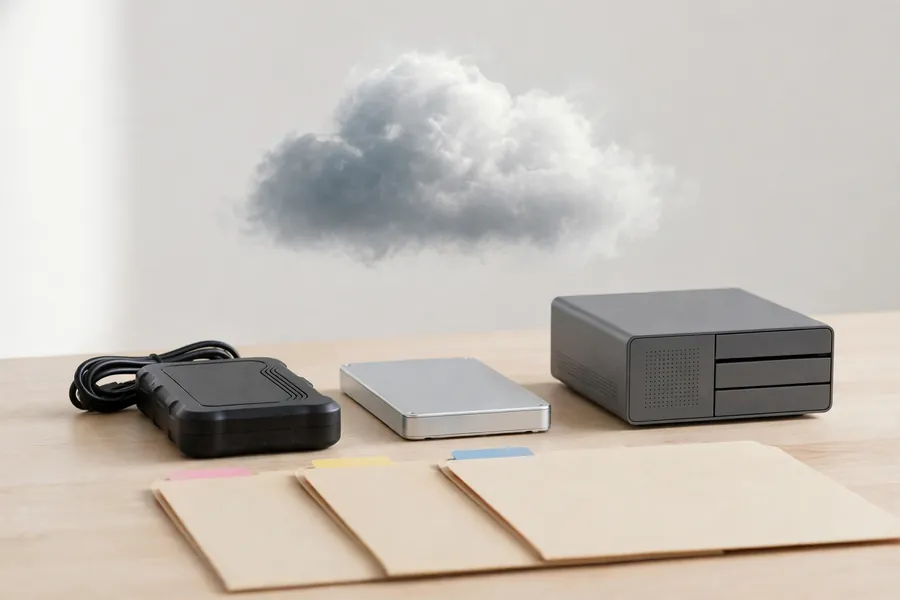
The best data loss is the one that never becomes a crisis. Follow the 3-2-1 backup rule: keep three copies of anything you cannot replace, on two different kinds of media (for example an external drive and a cloud service), with one copy kept off-site. Check that the backups actually run, because a backup that stopped six months ago is not a backup. Keep drives cool and still while they work, and plug anything that stores important data into a surge protector. Listen to your drives: a new noise, a sudden slowdown, or a drive that takes longer to appear than it used to are all early warnings, and that is the time to copy your data off, while it still reads. Avoid running recovery software on a drive with physical symptoms. Those tools only fix logical problems, and the risks of DIY recovery software grow fast when the heads are already failing, because every scan is another full pass over damaged platters. For more everyday habits, including cooling and choosing external drives, see our hard drive care tips. And if a drive does fail, remember the one rule from this page: switch it off and keep it out of the freezer.
What Customers Say About Our Hard Drive Recovery Work
Frequently Asked Questions
Most drives that get frozen at home are external drives, knocked off a desk or dead after years in a bag. If that sounds like yours, our guide to why external drives fail explains the common causes and what each one means for the files inside.
Recover Files from a Failed Hard Drive
Clicking, not spinning, or not detected — our engineers will tell you exactly what’s recoverable before any work begins. Free, no obligation, confidential.
Start My Free Hard Drive Evaluationor call (866) 857-5950 now
Recovery Services for Every Storage Device Class
A hard drive is not the only device that fails. eProvided recovers every storage class from one lab — these recovery services get the data back: