
Used by NASA · the FBI · the U.S. Navy · Since 1999
iPad & Android Tablet Data Recovery
- No Data, No Data Recovery Fee
- Board repair & donor-board transplant — all in-house
- 27+ years of recovery experience
- Every tablet brand, every failure type
Can Data Be Recovered From a Broken iPad or Android Tablet?
A tablet with a cracked screen or one that won’t turn on almost never loses its stored data — the fix is board-level repair or a donor-board transplant, which eProvided performs in-house with a 98% success rate and no charge unless data is recovered. The right method depends on the exact device, not on “tablets” as a category.
“A modern iPad and a five-year-old budget Android tablet fail the same way on the outside and need completely different recovery methods on the inside.” — Bruce Cullen, founder, eProvided
A tablet holds years of photos, documents and messages, and losing access to one — whether it’s cracked, water-damaged, stuck on a logo, or simply won’t sync — feels like losing all of it at once. After 27+ years running our data recovery process on iPads, Android tablets and everything in between, the single most important fact we can offer up front is this: the correct recovery method is never the same for every tablet. A modern iPad and a five-year-old budget Android tablet can show the identical symptom and need two completely different repairs underneath. This page walks through iPad, Android, and every other tablet brand honestly and separately, and tells you exactly which method applies to your device before you send it anywhere.
Physical damage (cracked screen, water, dead battery, won’t power on) almost never destroys the data stored on the tablet — it destroys the tablet’s ability to show you that data. On a modern iPad or a modern Android tablet, the fix is board-level repair or a donor-board transplant, because the decryption key is tied to the tablet’s own processor. Older and budget Android tablets go the same way: board repair, or the processor and memory moved together onto a donor board. Jump to iPad, Android, or every other tablet brand below.
Do RIGHT NOW
- Stop trying to charge or force-restart a tablet that shows any sign of water exposure — power can complete a short that a dry, powered-off board would have survived
- Write down exactly when and how the tablet failed (dropped, submerged, wouldn’t update, stopped syncing) — this detail changes which recovery method applies
- Check whether the tablet is still under an active iCloud, Google, or manufacturer backup — sometimes the fastest recovery is simply a working sync you didn’t know existed
- Get a free evaluation before paying for any repair — a screen or battery swap at a general repair counter can make a data-focused recovery harder afterward
DON’T Do
- Don’t assume a cracked or dead tablet has lost its data — in the large majority of cases the memory chip itself is untouched
- Don’t let a general electronics repair shop attempt board-level work on a locked-out or water-damaged tablet before a data-focused lab has evaluated it
- Don’t factory-reset a tablet that won’t sync or shows a software error while there’s data on it you haven’t backed up elsewhere
- Don’t let anyone attempt chip-off recovery on a tablet — on a modern iPad or modern Android tablet it returns encrypted, unusable data
Already know your device and want a straight answer? Get a free evaluation, or call (866) 857-5950 and tell us the model.
iPad Data Recovery

Every iPad from the iPad 3GS-era A9 chip onward (2016 and later, covering the large majority of iPads still in active use) ties its decryption key to the Secure Enclave inside its own processor, not to the NAND memory chip that physically stores your photos, documents and messages. That single design fact changes the entire recovery approach: pulling the memory chip off the board and reading it directly — the classic “chip-off” method — returns nothing but encrypted, unreadable ciphertext, because the key needed to unlock it never left the now-damaged processor. The honest, working path is board-level repair on the iPad’s original logic board when the board itself can be revived, or a donor-board transplant that moves the processor and the NAND chip together onto a healthy board, keeping the exact pairing the encryption depends on intact. eProvided performs both in-house.
This covers the most common ways an iPad fails without a repair shop physically shattering the screen: a cracked screen or digitizer, a tablet that won’t power on or gets stuck on the Apple logo, water or liquid exposure, a swollen or dead battery, and physical damage from a drop. If your iPad’s screen is cracked, it’s dead, it took water damage, or it was dropped, our dedicated guide on what to do when your iPad breaks covers that exact scenario in more depth.
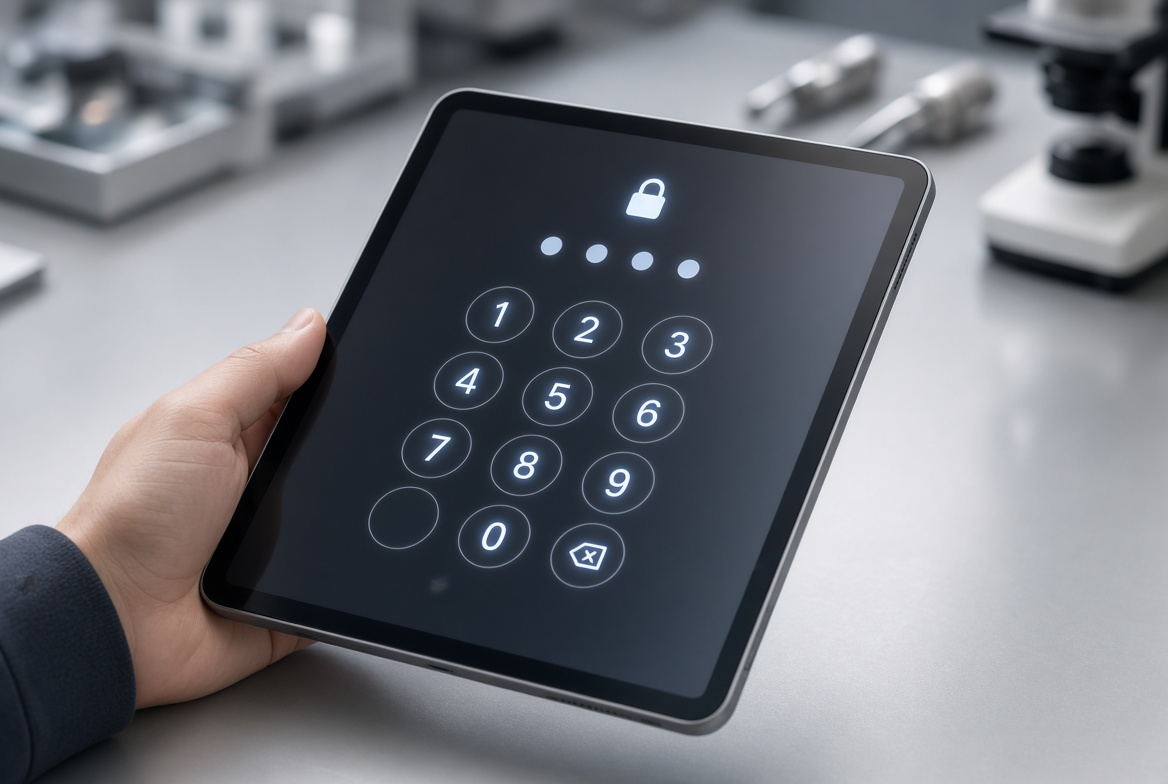
Not every lost-access iPad is physically broken, though, and this page covers the failure modes that guide doesn’t: an iPad that won’t sync to iCloud or a computer, a backup that shows as corrupted or incomplete when you try to restore from it, a tablet locked out after too many failed passcode attempts or a forgotten passcode, a failed or interrupted iOS software update that leaves the iPad stuck in recovery mode, and storage-full or logical file-system errors that make files disappear without any physical damage at all. These are evaluated the same way — for free, before any repair begins — because the right fix depends on which one actually applies, and several of them (a stuck software update, a full-storage logical error) can often be resolved without any board-level work at all. A passcode lockout in particular is worth calling out on its own, because it is the single most common reason a working, undamaged iPad ends up in a data recovery queue: too many failed attempts trigger Apple’s own escalating lockout timer, and eventually the option to erase the device entirely, which is exactly the outcome you want to avoid. We check whether the lockout can be cleared without touching stored data before recommending anything more involved, and we always confirm which iOS version and passcode policy applied before proposing a path forward. The same free evaluation covers the sync and backup failures listed above: we look at whether the account credentials, the Wi-Fi connection, or the backup file itself is the actual point of failure, because each of those three has a different fix and none of them requires opening the device. Most logical lockouts and failed syncs are resolved, or ruled out, within the same evaluation window we use for physical damage — there is no separate, slower queue for “it’s probably just a settings problem.”
Android Tablet Data Recovery
What decides the recovery approach is the Android version and encryption scheme the tablet shipped with — not the brand printed on the back. Android made full-disk (later file-based) encryption mandatory on new devices starting with Android 10, and on those modern tablets — most Samsung Galaxy Tab, Lenovo, and similarly current Android tablets from roughly 2019 onward — the decryption key is tied to a hardware security module inside the processor, the same way an iPad’s Secure Enclave works. Chip-off recovery on one of these returns encrypted data, not usable files. The honest path here is board-level repair or a donor-board transplant that moves the processor and NAND together, exactly as with a modern iPad, and the same logic applies to the phone side of the same brand family — see Samsung Galaxy phone data recovery for the phone-specific version of this same processor-bound encryption.
Older and budget Android tablets — including most Fire and Kindle-type tablets — are recovered the same way: we repair the original board, or move the processor and memory together onto a donor board, working around a dead controller, broken charging port, or shattered screen.
Not every Android tablet problem is physical, either — the same logical failure modes covered in the iPad section above apply here too, including deleted or missing photos with no hardware fault at all, a case with its own dedicated walkthrough in recovering deleted photos on Android. If you’re not sure which category your Android tablet falls into, that’s exactly what the free evaluation is for — tell us the model and roughly how old it is, and we’ll confirm the right method before any work or cost is discussed.
Other Tablet Brands / Generic Tablet Data Recovery
Not every tablet is an iPad or a mainstream Android device, and eProvided evaluates every brand under the same honest, device-specific rule described above rather than a one-size-fits-all promise. This covers Microsoft Surface tablets (which run Windows and encrypt differently than iOS or Android), Amazon Fire tablets and e-readers, Chromebook-style tablets, and off-brand or generic Android tablets sold under smaller labels. In our real search data for this page, we found essentially zero brand-specific search demand for any one of these individually — nobody is searching “Surface tablet data recovery” or “Kindle data recovery” in meaningful volume — but there is real, currently-unmet demand for generic phrasing like “tablet data recovery service” and “tablet retrieval service,” which is exactly what this section, and this page, exists to answer plainly.
The recovery method for any tablet in this bucket follows the same logic as the iPad and Android sections above: every tablet goes through board-level repair or a donor-board transplant. A Surface tablet with BitLocker-style device encryption tied to its own security chip behaves like a modern iPad in this respect. Tell us the exact make and model during your free evaluation, and we’ll confirm which category it falls into before recommending anything.
Why eProvided
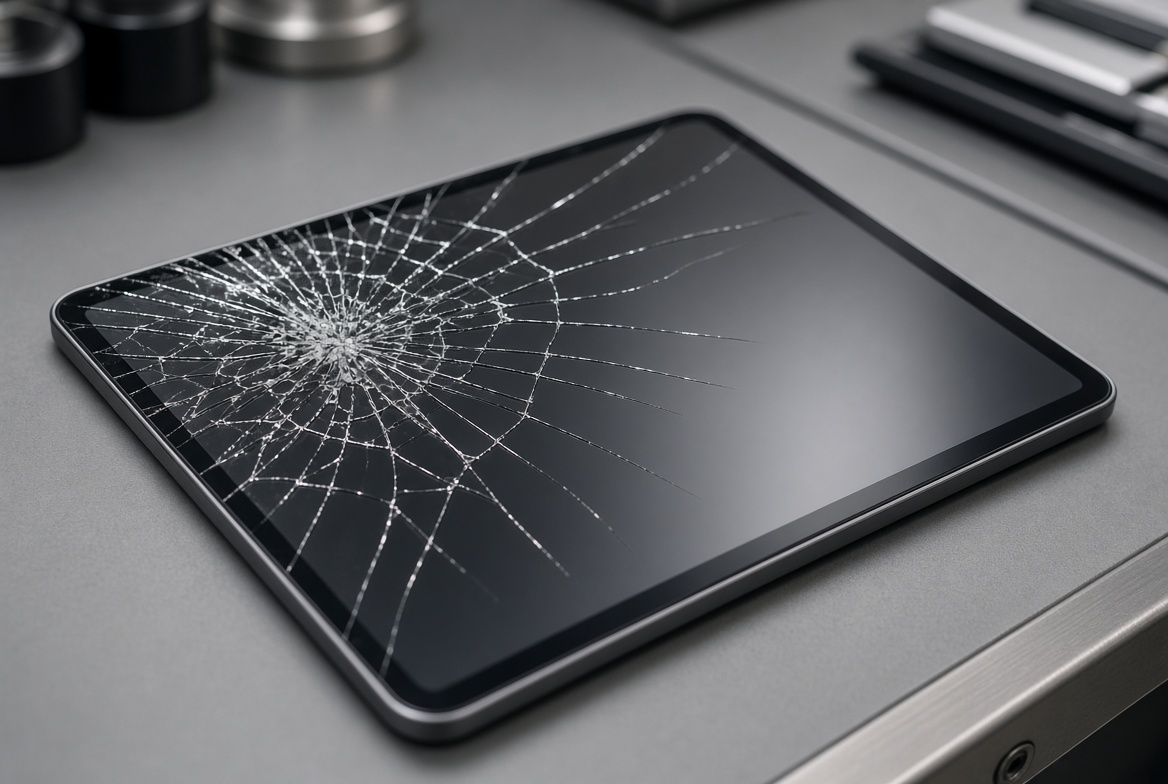
A shattered screen, a swollen battery, or a tablet that won’t power on all look like the same kind of disaster from the outside, but the table below shows why the correct response depends entirely on the device generation underneath the glass. Board-level repair and donor-board transplants are two genuinely different in-house capabilities, and matching the right one to the right device is the entire reason a free evaluation comes before any quote — not after it. Attempting chip-off on a tablet destroys the one chance to try the method that would have actually worked. Getting the sequence right the first time is exactly what the free evaluation exists to confirm, and it’s why every device that comes through our lab gets diagnosed before any repair path is chosen, never the other way around. Two details speed that diagnosis up: the exact tablet model (printed on the back or listed under Settings) and what happened first. A drop, a spill, a swollen battery, and a failed update each point to a different fault on the board. Tell us in your own words, and add a phone photo of the damage if you can. The evaluation is free either way, and you pay nothing until you approve a fixed quote.
| Tablet Symptoms & the Honest Recovery Method | ||
|---|---|---|
| What you see | Likely device category | Correct method |
| Cracked screen, iPad won’t power on | Modern iPad (2016+, A9+ chip) | ✓ Board repair / donor transplant |
| iPad won’t sync, locked passcode, stuck update | Modern iPad — no physical damage | ✓ Free logical evaluation first |
| Samsung/Lenovo tablet, water damage or dead | Modern Android (10+, FBE) | ✓ Board repair / donor transplant |
| Older or budget Android tablet won’t boot | Pre-Android-10, no FBE | ✓ Board repair / donor transplant |
| Fire tablet, e-reader, Surface, Chromebook tablet | Other brand — case by case | ✓ Confirmed at free evaluation |
Board-level repair and donor-board transplants are both performed in-house at eProvided’s lab — used by NASA, the FBI and the U.S. Navy, in business since 1999 with a 98% success rate. We name the method your specific tablet needs during the free evaluation, not a single method for every device that walks in the door.
What to Expect
- Free evaluation. Tell us the tablet’s brand, model, age and exact symptom through the free evaluation form or by phone. No charge, no obligation.
- Device-specific diagnosis. We confirm whether your tablet needs board-level repair or a donor-board transplant based on its actual age, chip and encryption — not a guess.
- Fixed quote before any work. You approve a fixed price before we touch the device. Nothing proceeds without your sign-off.
- Recovery & no-fee guarantee. Our engineers perform the confirmed method in-house. If nothing is recoverable, you pay nothing — No Data, No Data Recovery Fee.
While you wait for your evaluation, a few habits protect the data on the tablet. Stop charging a tablet with a swollen or bulging battery, because the case can split and the heat can reach the board. Do not keep pressing the power button on a dead tablet or try charger after charger; each attempt can stress a damaged power circuit. Never open the case yourself, and do not let a repair shop swap parts first, because a half-finished repair can make a clean board-level job harder. If the tablet was in water, skip the rice and the hair dryer: keep it powered off and send it as it is. Pack it padded and tell us everything that happened, including drops, spills, and failed updates, because the order of events often points to the fault. None of this changes the free evaluation; it only gives our engineers a cleaner starting point.
What Our Customers Say
Frequently Asked Questions
Recovery Services for Every Device Class
A broken or locked-out tablet isn’t the only device eProvided recovers — we cover every storage class from one lab: cell phone data recovery (iPhone and Android, board repair and donor-board transplant), memory card recovery (SD, microSD, CompactFlash, every brand), professional hard drive recovery (Seagate, Western Digital, Toshiba, mechanical and logical failures), and SSD data recovery (Crucial, Samsung, Western Digital, NVMe and SATA, firmware repair and original-controller revival). See all our data recovery services →
More NAND Flash Recovery Guides
Every tablet, phone, SSD and memory card on this page ultimately stores its data on the same underlying component — NAND flash memory — and the failure logic that applies to a tablet’s memory chip applies just as directly to NAND flash data recovery in any device class.
More Device Recovery Guides
- SD card restoration — what happens physically when a memory card fails.
- Top 5 causes of camera card corruption — the most common ways a camera card gets damaged.
Once your tablet’s data is safe, a second backup made the same day is the cheapest insurance against the next broken screen or failed update.
Recover Files from a Tablet
Cracked, water-damaged, locked out, or won’t turn on — our engineers will confirm the right method and what’s recoverable during a free evaluation. No obligation, confidential.
Start My Free Evaluationor call (866) 857-5950 now
Related Recovery Services
A tablet that won’t turn on or sync isn’t the only device eProvided recovers — these recovery services get the data back from every device class in one lab: