
Used by NASA · the FBI · the U.S. Navy · Since 1999
NAND Flash Memory Technology: How It Works, Why It Replaced Hard Drives, and Where It's Used
- No Data, No Data Recovery Fee
- Free, confidential evaluation
- 4.9 / 5 on Trustpilot (67 reviews)
- Worldwide lab recovery
NAND flash memory is the technology sitting inside nearly every phone, SSD, USB drive, memory card and satellite payload built in the last two decades. In 27+ years of pulling data directly off failed NAND chips, we've watched it go from a niche component to the default storage medium almost everywhere — it stores data without power, has no moving parts, and packs more capacity into less space every generation, which is exactly why it displaced spinning hard drives across most of consumer and industrial computing. This guide covers how NAND actually works, the different types in use today, and why the same properties that make it reliable also make it demanding to recover data from when it fails.
Understanding what's actually happening inside the chip helps explain both why NAND devices are so durable in daily use, and why a failure often looks catastrophic from the outside while the stored data usually survives untouched.
What Is NAND Flash Memory and Why Is It Everywhere?
NAND flash is non-volatile memory that stores data in floating-gate transistor cells, holding it with no power and no moving parts. It replaced hard drives across most devices because it's smaller, faster, and far more shock-resistant — the same ruggedness that makes it a common choice in demanding environments, from smartphones to aerospace electronics.
“NAND didn't just get smaller than a hard drive — it got tough enough to go places a spinning disk never could.” — Bruce Cullen, founder, eProvided
- How NAND Flash Memory Works
- Types of NAND: SLC, MLC, TLC & QLC
- Why NAND Replaced Hard Drives
- Why NAND Is Used in Demanding Environments
- How NAND Devices Actually Fail
- How We Recover Data From NAND
- Customer Reviews
- Getting the Most Life From a NAND Device
- Frequently Asked Questions
- Data Recovery for Every Device We Handle
How NAND Flash Memory Works

NAND flash stores information in floating-gate transistor cells, grouped into pages and blocks on the chip's silicon die. Writing a value traps or removes an electrical charge inside each cell's gate; that charge stays in place with no power applied, which is what makes NAND non-volatile — unplug it and the data remains. A dedicated controller chip manages how those cells are addressed, wear-leveled and error-corrected, translating raw physical cell locations into the logical files an operating system sees.
This is fundamentally different from a hard drive, which stores data as magnetic polarity on a spinning platter read by a moving mechanical arm. NAND has no platter, no spindle motor and no read/write head to fail — which removes an entire category of mechanical failure, though it introduces its own limitations around write endurance and cell wear that a spinning drive doesn't have.
Types of NAND: SLC, MLC, TLC & QLC
Not all NAND is built the same way. The difference comes down to how many bits each individual cell is asked to store:
| NAND Flash Types by Bits Per Cell | ||
|---|---|---|
| Type | Bits Per Cell | Typical Use |
| SLC | 1 bit per cell | Industrial, aerospace & enterprise storage needing maximum endurance |
| MLC | 2 bits per cell | Enterprise SSDs and higher-end consumer drives |
| TLC | 3 bits per cell | Most consumer SSDs, USB drives & memory cards |
| QLC | 4 bits per cell | High-capacity, cost-focused consumer storage |
Fewer bits per cell means a wider voltage margin between states, which is why SLC is the most durable and the most expensive per gigabyte, while QLC packs in the most capacity at the lowest endurance. Most everyday consumer devices — phones, USB drives, standard SSDs — use TLC or QLC today, trading some write endurance for far lower cost per gigabyte than was possible a decade ago.
NAND cells wear down slightly with every write cycle, which is why manufacturers rate drives in total bytes written rather than a calendar lifespan. A drive can sit unused for years and still hold its data reliably — it's repeated writing, not the passage of time alone, that consumes a NAND cell's rated endurance.
Why NAND Replaced Hard Drives
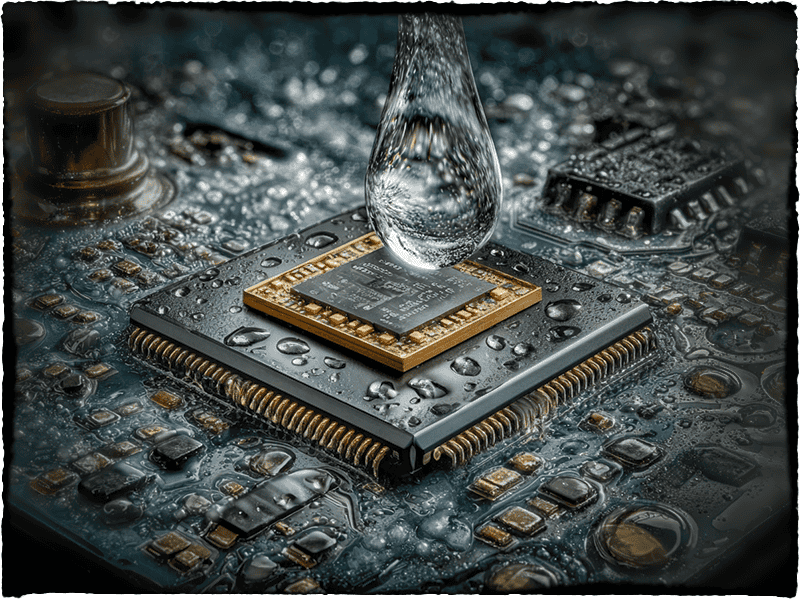
Hard drives depend on a spinning platter and a mechanical read/write head positioned within microns of the surface — a design that is inherently vulnerable to shock, vibration and wear on moving parts. NAND removed that mechanical layer entirely. The result is a storage medium that is smaller, lighter, silent, faster at random access, and dramatically more shock-resistant, since there's no head to crash and no platter to scratch.
That combination is why NAND-based solid-state drives have replaced hard drives as the default in laptops, and why nearly every portable device — phones, tablets, cameras, drones, USB drives — has used NAND from the start rather than any mechanical alternative. Hard drives still hold an edge in raw cost per gigabyte at very high capacities, which is why they remain common in large-scale backup and archival storage, but for anything that moves, gets bumped, or needs to be small, NAND is the standard.
Why NAND Is Used in Demanding Environments
The same properties that make NAND resilient in a dropped phone make it a common choice anywhere vibration, shock, temperature swings or weight are a concern — industrial equipment, military and aerospace electronics, automotive systems, and portable field devices all lean on solid-state NAND storage rather than anything with moving parts. Higher-endurance SLC and MLC NAND, often paired with additional radiation-hardening and error-correction measures at the system level, is a standard building block in these environments precisely because it has nothing to shake loose or wear out mechanically.
That ruggedness is a genuine engineering advantage, not a guarantee of immortality. NAND dies can still be damaged by extreme radiation exposure, connector or controller failure, thermal stress, or simple end-of-life wear — which is exactly why chip-level data recovery techniques exist for NAND-based devices in the first place, regardless of how demanding the environment they were built for.
How NAND Devices Actually Fail
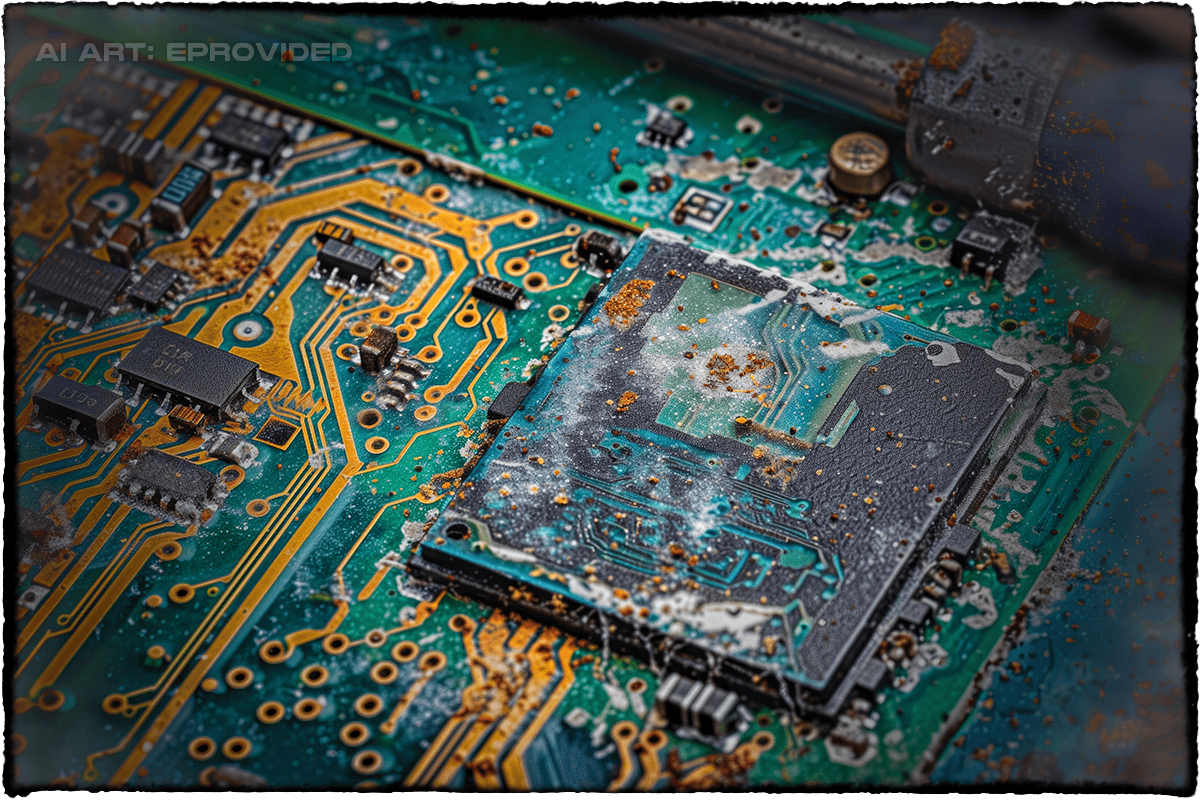
In our lab, the overwhelming majority of "dead" NAND devices — USB drives, SSDs, memory cards, phones — fail at the controller, connector or firmware level rather than inside the NAND die itself. A blown controller, corroded contacts, a snapped connector, or firmware corruption can make a device completely unreadable to a computer while the NAND chip underneath is still holding every bit of data it was asked to store.
That distinction is the entire basis of chip-off data recovery: when the surrounding electronics fail but the NAND die is intact, our engineers physically remove the chip, read its raw data directly on specialized hardware, and reconstruct the original file system by reversing the device's proprietary wear-leveling scheme. It's a fundamentally different process from recovering a mechanical hard drive, because there's no physical head or platter to repair — the challenge shifts entirely to reading and reassembling raw flash data correctly.
A note on encrypted NAND devices: most consumer NAND devices store data with no encryption at rest, which is exactly why direct chip-off recovery works so well on them. A growing number of newer devices — modern smartphones and self-encrypting SSDs in particular — bind their decryption key to a separate security chip or controller fuse rather than to the NAND die itself. On those specific devices, extracting the NAND chip alone returns unreadable ciphertext; the honest recovery path there is repairing the original board or controller so that separate security silicon can still unlock the data, not chip-off. We evaluate every device under the microscope before choosing a method, and we'll tell you plainly which category yours falls into before any recovery work begins.
How We Recover Data From NAND
Every NAND recovery case starts the same way, regardless of the device it came from:
- Free evaluation — Our engineers inspect the device under a microscope and give you a firm quote before any work begins. No Data, No Data Recovery Fee.
- Diagnosis — We identify the exact failure point: connector, controller, firmware, or the NAND die itself.
- Repair or chip-off — A repairable connection or controller gets fixed directly; a damaged board gets bypassed with direct NAND chip extraction.
- Raw data reconstruction — Extracted data is read bank by bank and the device's wear-leveling algorithm is unscrambled to rebuild the real file structure.
- Verification & delivery — Recovered files are checked, then delivered on new media or a secure download.
Our lab follows strict confidentiality protocols on every case, from individual customers to government agencies. If your device has already failed, our recovery lab handles the extraction and reconstruction end to end, or read our companion piece on what NAND actually means if you're starting from the basics.
NAND Device Failing or Already Dead?
Every extra power-on risks the exact damage that turns a recoverable device into an unrecoverable one. Free, confidential evaluation — no obligation.
Start My Free Evaluationor call (866) 857-5950 now
What Our Customers Say
Getting the Most Life From a NAND Device
Do
- Keep firmware and drivers updated on SSDs and other NAND devices
- Back up important files to a second device or the cloud regularly
- Let a device power down cleanly instead of pulling power mid-write
DON’T Do
- Don’t keep power-cycling a device that's already showing read errors
- Don’t expose NAND devices to extreme heat or standing water
- Don’t assume a "dead" device means the stored data is gone
These habits protect the controller and connector — the parts most likely to fail — and buy the NAND die itself the best odds of staying untouched. For general best practices on protecting data, see the NIST guidelines on data protection. If a USB-based NAND device is already showing symptoms, stop using it — see our USB flash drive recovery page for what happens next rather than continuing to power it on.
Frequently Asked Questions
NAND Device Failing or Already Dead?
Every extra power-on risks the exact damage that turns a recoverable device into an unrecoverable one. Free, confidential evaluation — no obligation.
Start My Free Evaluationor call (866) 857-5950 now
Recovery Services for Every Storage Device Class
NAND flash sits inside far more than USB drives — eProvided recovers every storage class from one lab: