
Used by NASA · the FBI · the U.S. Navy · Since 1999
Modular vs. Monolithic Storage: Which Array Is Right for Your Business?
- Written by a 27-year data recovery engineer
- Covers RAID, SAN & NAS array recovery
- No jargon — every term defined as it appears
- No Data, No Data Recovery Fee if an array ever fails on you
Modular vs. Monolithic Storage: What’s the Difference?
Modular storage uses separate, swappable controller and disk shelves cabled together — cheaper and easier to expand in stages. Monolithic storage builds controllers, cache, and disks into one integrated frame — costlier upfront, with more cache and redundancy. Both run on standard hard drives or SSDs.
“Whichever architecture a business chooses, the drives inside still fail the same way — and recovering a RAID array takes a different approach than recovering one drive.” — Bruce Cullen, founder, eProvided
Choosing a storage array for a business almost always comes down to the same fork in the road: a modular system built from separate, swappable pieces, or a monolithic system built as one integrated frame. Vendors pitch both, and the marketing rarely explains what the words actually mean or what either choice means the day a single drive inside the array — recovered the same way as any standalone failed hard drive — or the whole array fails. After 27+ years recovering data from failed RAID, SAN, and NAS arrays of both architectures, here is what modular and monolithic storage actually are, how they differ, and what determines whether your data comes back when one goes down.
Modular storage arrays separate the controllers from the disk shelves, connected by cable — cheaper, and you expand by adding shelves as needed. Monolithic storage arrays build controllers, cache, and disks into one integrated frame — costlier upfront, but more shared cache and stronger built-in redundancy. Both use ordinary hard drives or SSDs, so recovery from either depends on the RAID level and how many drives failed, not on the chassis architecture itself.
What Is Modular Storage?

Modular storage arrays keep the controllers and the disks in separate, physically distinct units — typically a controller shelf and one or more disk shelves, connected by copper or optical cable. Most modular systems run dual controllers so that if one fails, the second takes over automatically, keeping the array online.
The practical advantage is how you buy and grow one: start with a single controller and one disk shelf sized for today’s needs, then add shelves later as capacity demand grows, without replacing what you already own. That pay-as-you-grow model is why modular storage tends to run roughly 20–25% cheaper than an equivalent monolithic system, and it is why smaller offices and departments with modest, growing storage demands usually start here.
Modular systems also lean toward simpler, more user-friendly management interfaces, which reduces how often a business needs to call in outside technical support for routine capacity changes.
What Is Monolithic Storage?
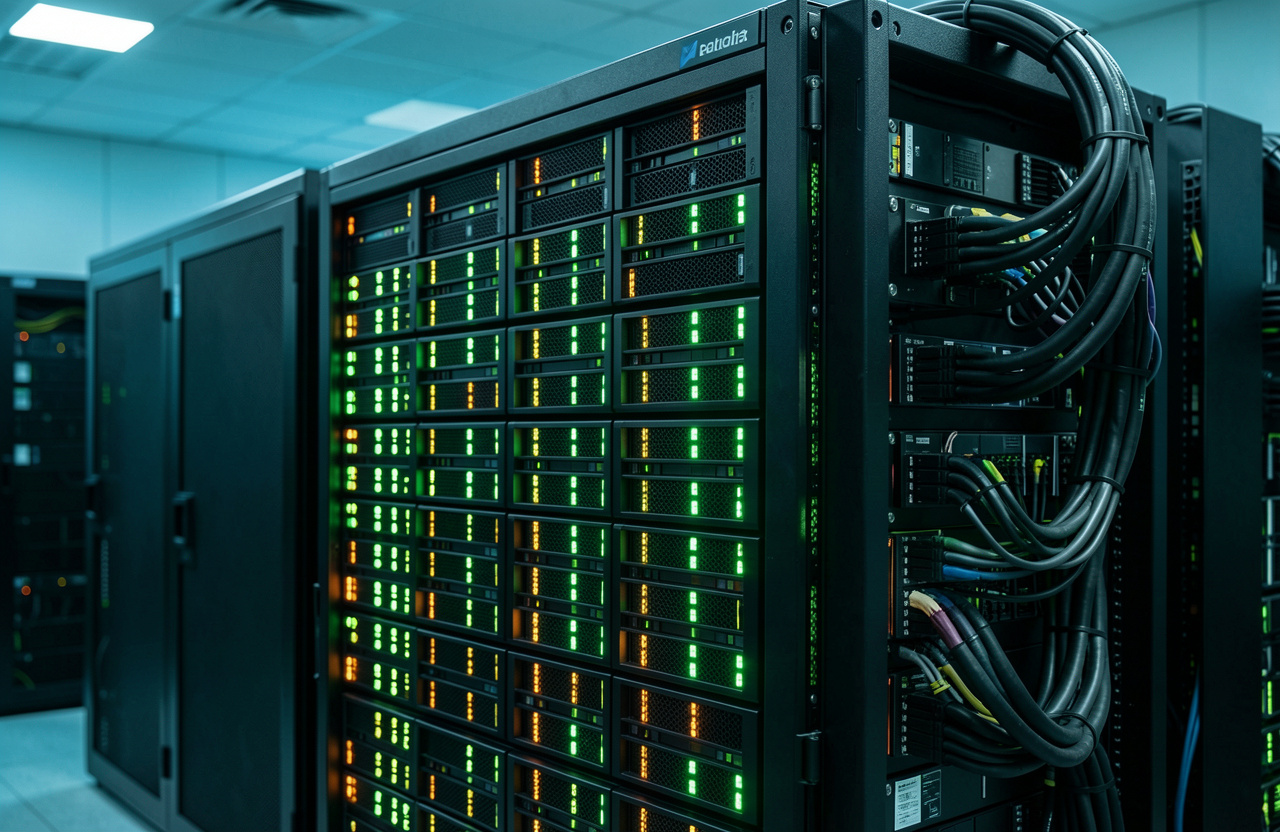
Monolithic storage arrays build the disks directly into one robust array frame alongside multiple controllers and a large shared cache, rather than housing them in separate shelves. That integration is the whole point: more cache shared across every attached device means faster, smoother performance under heavy load, and the built-in redundancy is deeper — disk failures are compensated for immediately inside the same frame.
The tradeoff is cost and flexibility. Monolithic arrays carry a higher upfront price than modular systems and don’t expand in small increments the way a modular shelf-at-a-time approach does — you are generally sizing for years of growth up front. In exchange, businesses get higher raw capacity ceilings, stronger vendor support tiers, and disaster-recovery features that appeal to organizations that can’t tolerate downtime.
One clarification worth making plainly: “monolithic” here describes the array’s chassis architecture — one integrated frame instead of separate shelves. It does not mean the storage media inside is anything unusual. A monolithic array's drives are still standard enterprise hard drives or SSDs, the same components you'd find inside a modular array or a single desktop — not memory chips fused directly to a circuit board, which is a completely different (and unrelated) use of the word "monolithic" in flash-memory device packaging.
Key Differences at a Glance
| Factor | Modular | Monolithic |
|---|---|---|
| Controllers & disks | Separate shelves, cabled together | Built into one integrated frame |
| Upfront cost | Lower — roughly 20–25% cheaper | Higher |
| Expansion | Add shelves incrementally as needed | Sized up front for future growth |
| Cache | Smaller, per-controller | Large, shared across attached devices |
| Redundancy | Dual-controller failover | Deeper, built into the integrated frame |
| Best fit | Smaller offices, growing/uncertain capacity needs | Larger organizations needing top performance & uptime |
Making the Choice for Your Business

There is no universally right answer — the choice comes down to weighing cost, expected growth, and how much downtime the business can tolerate. A smaller business or department with a growing, hard-to-predict storage need is usually better served by modular storage's lower entry cost and shelf-at-a-time expansion. A larger organization that needs maximum cache-driven performance, deeper built-in redundancy, and a proven disaster-recovery story may find monolithic storage worth the higher upfront investment.
Whichever architecture is chosen, eProvided recovers data across all device types — including hard drive recovery, SSD data recovery, and cell phone data recovery — regardless of how the storage was built.
What Happens When a Storage Array Fails
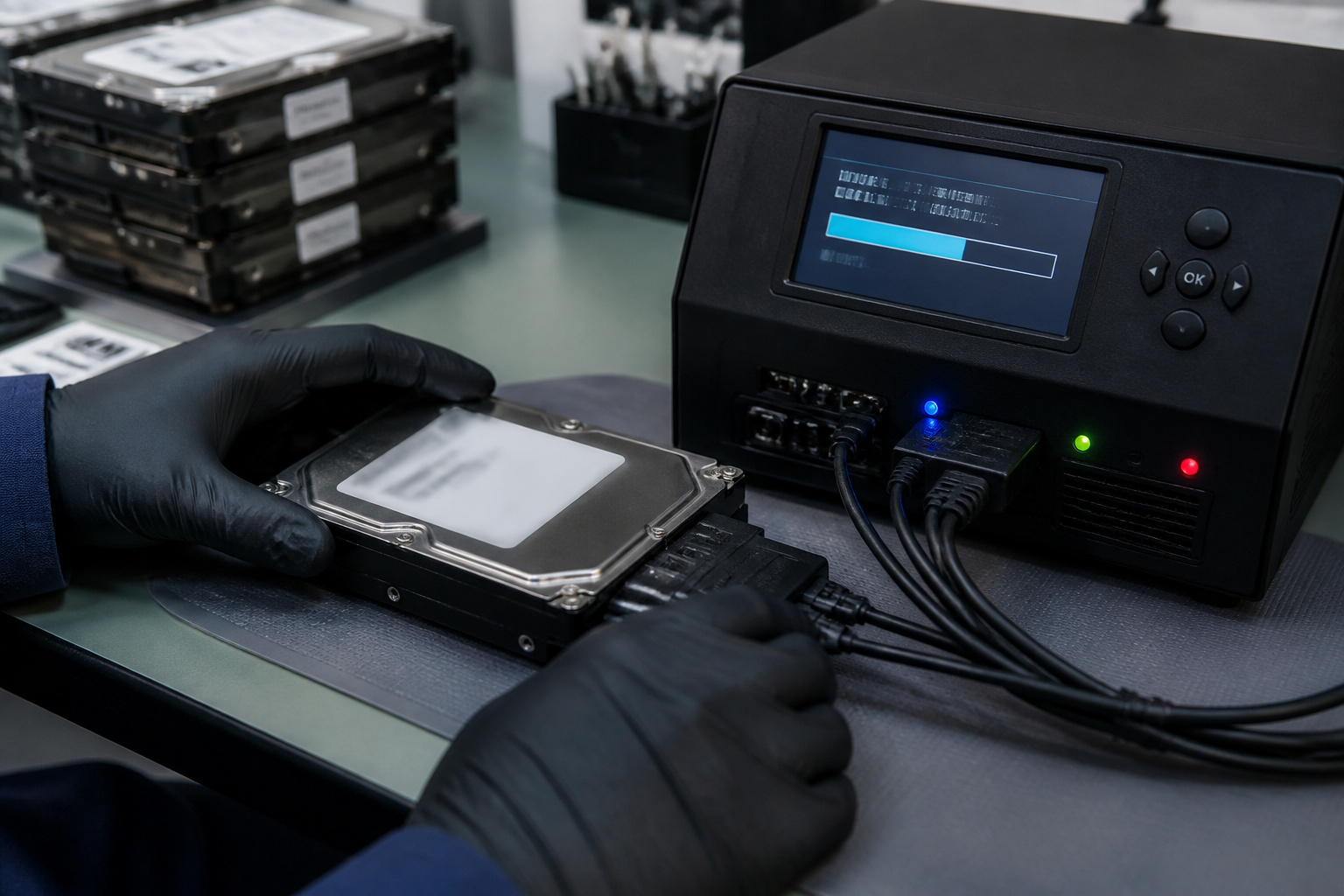
Both modular and monolithic arrays store data on ordinary hard drives or SSDs, so the drives themselves fail exactly the same way any hard drive or SSD does — a head crash, a dead controller board on the drive itself, a firmware fault, or simple wear. What actually determines how recovery works is the RAID configuration the array uses (RAID 1, 5, 6, 10 and similar), not whether the outer chassis is modular or monolithic.
When one drive fails inside a healthy RAID array, the array's own built-in redundancy typically rebuilds the missing data automatically once the drive is replaced — no outside recovery needed. Recovery becomes necessary when multiple drives fail at once, a rebuild goes wrong, the array's controller or configuration data is corrupted, or the array was never protected by redundancy in the first place. In those cases, the recovery work is RAID reconstruction: imaging every surviving drive individually, working out the original stripe order and parity layout, and rebuilding the array's data virtually before extracting files — a very different process from recovering a single failed drive, and one where the order of operations matters more than which chassis architecture the array shipped in.
If just one member SSD inside either type of array needs recovery on its own rather than the array as a whole, our guide to recovering a single failed SSD covers how that works. An evaluation determines the right path for a specific array before any work begins — start a free evaluation or call (866) 857-5950.
RAID Array Failed? Every Rebuild Attempt Risks the Data Underneath It.
Our engineers will image every surviving drive and map the real path back to your files — free, no obligation, completely confidential.
Start My Free RAID Recovery Evaluationor call (866) 857-5950 now
Frequently Asked Questions
Modular or Monolithic, a Failed Array Doesn't Have to Mean Lost Data.
Send us your drives and we'll tell you exactly what's recoverable — free, no obligation, completely confidential.
Start My Free Evaluationor call (866) 857-5950 now
Related Articles
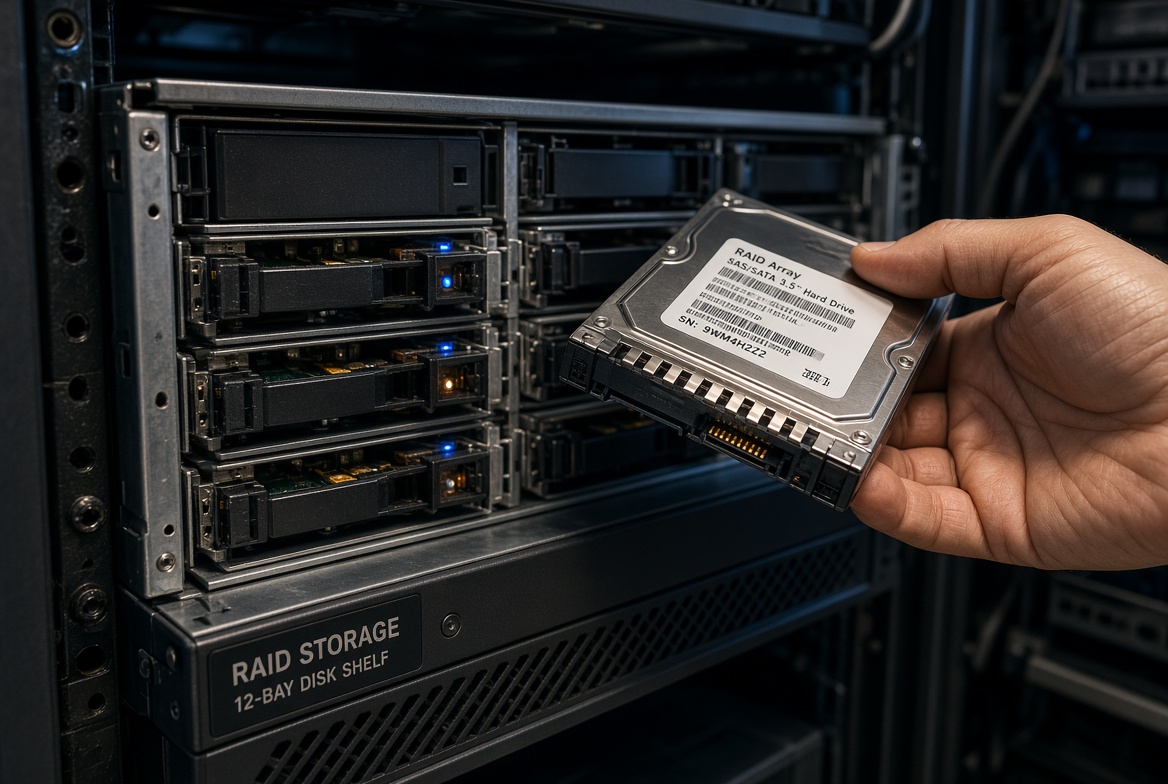
For recovery from a single drive inside either array type, see our hard drive recovery and SSD data recovery guides linked above. For the unrelated "monolithic" term used in flash-memory device packaging (NAND chips fused to a circuit board, as opposed to enterprise disk arrays), see our plain-English guide to NAND flash memory. Whichever architecture is involved, the drive itself is the same physical component: a standard 3.5-inch or 2.5-inch SAS/SATA hard drive or SSD, pulled from its bay and imaged on its own before any RAID reconstruction begins. Labeling each drive with its original bay position before removal matters more than most IT teams realize, since a rebuild that reassembles drives out of their original stripe order can make a recoverable array look unrecoverable.
And if a storage array or drive connected to your network simply stopped responding: the files are very likely still recoverable. You can find out free what’s recoverable » or call (866) 857-5950 — No Data, No Data Recovery Fee, since 1999.
Recovery Services for Every Storage Device Class
Whichever array architecture (or single device) is involved, eProvided recovers all of them from one lab: