
External Hard Drive Data Recovery
External Hard Drive Data Recovery Service
Can You Really Recover Data From a Dead External Hard Drive?
Yes, in most cases. A dead external hard drive usually means the enclosure’s USB bridge board failed, the drive’s own controller stopped, or a head crash happened while it was spinning, not that the platters holding your files were destroyed. eProvided tests the bare drive outside its enclosure first, before assuming anything is unrecoverable.
“Most of what looks like a dead drive is actually a dead cable or a dead bridge board — the drive itself is usually the last thing to actually fail.” — Bruce Cullen, founder, eProvided
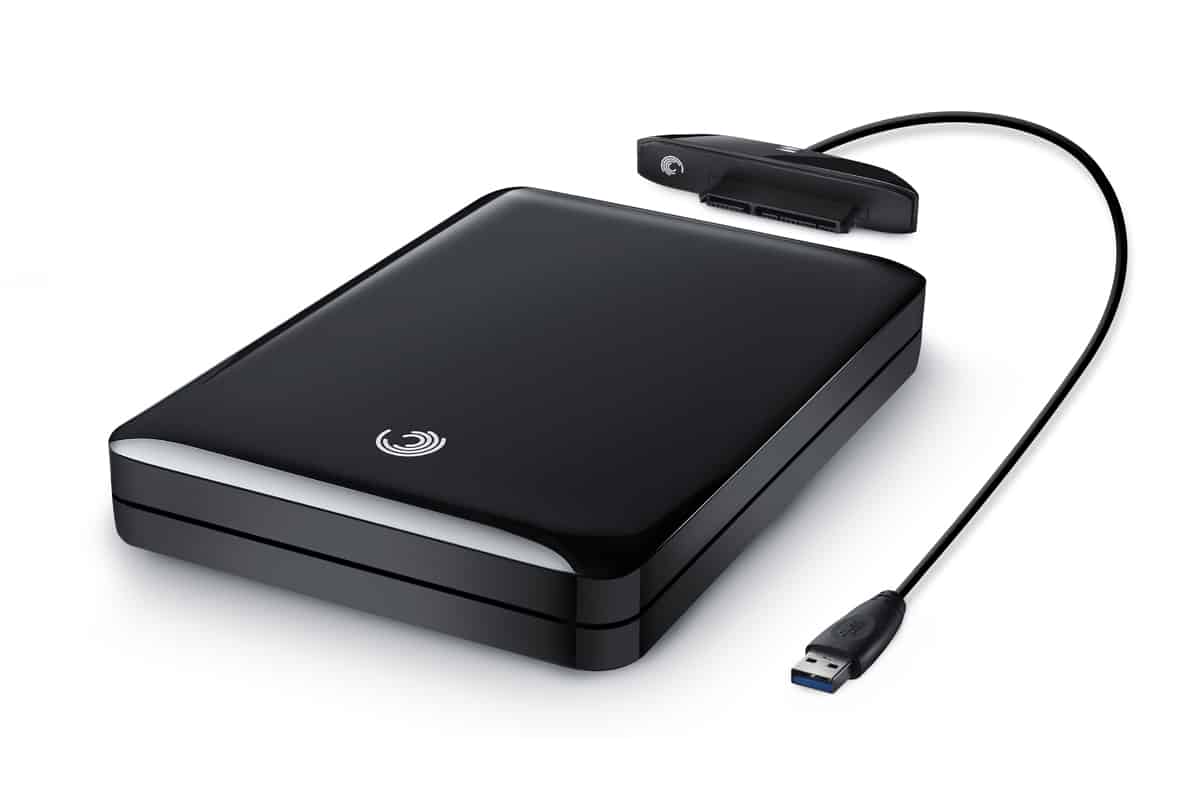
Yes, data can usually be recovered from a failed, dropped, or unrecognized external hard drive — whether the problem is the drive itself or just the USB enclosure around it. eProvided has performed hard drive data recovery since 1999, and the same mechanical-failure expertise behind our lab's 27+ years of recovery work applies directly to the drive inside your portable enclosure. With a free evaluation and No Data, No Data Recovery Fee guarantee, you have nothing to lose by asking.
An external hard drive is really two separate things bolted together: a small circuit board that talks to your computer over USB, and an ordinary internal-style hard drive sealed inside. When people search for external hard drive recovery, the drive has usually done one of a handful of things — stopped spinning, started clicking, dropped or been knocked while plugged in, or simply stopped showing up at all. Call (866) 857-5950 to talk it through, or use the form to start your free evaluation online.
- What External Hard Drive Data Recovery Involves
- External Drive vs Internal Drive
- Signs Your External Hard Drive Is Failing
- Common Causes of External Hard Drive Failure
- DIY Software vs Professional Service
- Brands We Recover
- External Hard Drive Recovery Cost
- Our Recovery Process
- What Customers Say
- Frequently Asked Questions
- Related Recovery Services
Free External Hard Drive Recovery Evaluation
Send in your external drive and we’ll open the enclosure, test the bare drive, and identify whether the fault is the bridge board, the cable, or the drive itself — free. No Data, No Data Recovery Fee.
Get My Free EvaluationWhat External Hard Drive Data Recovery Involves
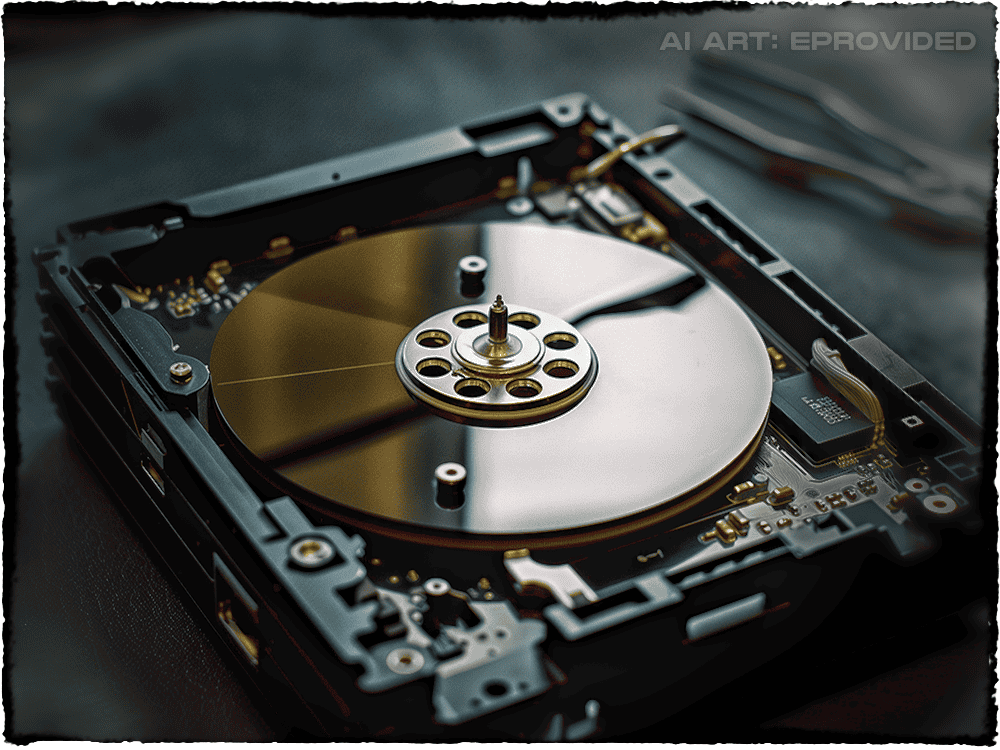
External hard drive data recovery is the process of retrieving files from a portable hard drive when it stops working normally — whether the drive has failed mechanically, the enclosure electronics have died, or the drive shows up as RAW, unreadable, or missing entirely. Because most portable drives use the same spinning platters and read/write heads as a desktop hard drive, the underlying work is USB hard drive recovery — the same mechanical repair, reached through the USB shell rather than a SATA cable. Since 1999, eProvided has recovered hard drives, averaging a 98% success rate on mechanical failures, head crashes, firmware corruption, and enclosure electronics failures, across Seagate, Western Digital, Toshiba, LaCie, G-Technology, and every other major portable-drive brand.
External Drive vs Internal Drive
An external hard drive is a portable drive in its own case that plugs into a USB, USB-C, or Thunderbolt port — the kind you carry in a bag or keep on a desk for backups. An internal hard drive is mounted inside a desktop tower or laptop and connects over a SATA cable you never see. The distinction matters for one reason: on an external drive, the point of failure could be the drive, the enclosure's USB bridge board, or the cable — three separate things that fail independently. If your drive is mounted inside a computer rather than in its own portable case, see our internal hard drive recovery page instead; the diagnostic steps below are specific to the external, enclosure-based case.
Signs Your External Hard Drive Is Failing
External hard drive data recovery starts with the warning signs. These drives rarely fail without one, and catching it early improves your chances of a full recovery.
- Clicking, grinding, or repeated spin-up/spin-down noises coming from the enclosure
- The drive spins up (you can hear or feel it) but never appears on the computer
- The drive doesn’t spin up at all — no sound, no vibration, nothing
- Windows or macOS asks to format the drive before it can be used
- The drive shows the wrong capacity, or shows as 0 bytes
- Files and folders disappear, become corrupted, or the drive is reported as RAW
- The drive worked a moment ago and stopped after being bumped, dropped, or unplugged while active
If you hear clicking or the drive isn’t spinning, power it down and stop reconnecting it. Every additional power cycle on a failing drive risks turning a recoverable head issue into permanent platter damage.
Common Causes of External Hard Drive Failure
Dropped or Bumped While Plugged In

A portable drive is most vulnerable while it is spinning. A drop, a knee against a desk, or a knocked cable mid-write can send the read/write heads into the platter surface — a head crash. It is the most common way we see external drives fail, and it is a mechanical, in-lab repair, not something software can fix.
Enclosure and USB Bridge Failure
The small circuit board that translates USB signals for the drive can fail on its own — from a power surge, a bad cable, or age — while the drive inside stays healthy. That is good news: when the bridge board is the failure, we can often connect the bare drive directly and image it without deeper repair.
Not Recognized / Drive Won’t Mount
A drive that spins up but never appears usually means firmware corruption, a failing controller board, or a dead USB bridge — three different repairs sharing one first step: opening the enclosure to test the bare drive.
Power Surge or Bad Cable
External drives are especially exposed to power surge data loss because the USB bridge board sits right at the connection point. A surge can take out the bridge board, the drive's own controller board, or both.
Corrupted File System / Shows as RAW
An external drive unplugged mid-write, or ejected improperly, can corrupt its own file system — the computer can see the drive but not the files on it, and often prompts to reformat. The files are usually still there; reformatting is what actually destroys them.
Water Damage
A spilled drink, rain in a bag, or a flooded room usually kills the enclosure's USB bridge board first — it sits closest to the port and corrodes fastest. If the drive was off when it got wet, the sealed drive inside often survives dry. Do not plug it in to check; powering on a wet drive can turn a harmless short into a real one. Disconnect it, dry the outside only, and send the whole enclosure in as-is.
DIY Software vs Professional Service
Whether you can recover data from external hard drive failures yourself with DIY recovery software depends entirely on which of the failures above you have — here is an honest comparison.
| Scenario | DIY Software | eProvided Professional |
|---|---|---|
| Deleted files (drive still mounts) | Often works if no new data written | Higher success, preserves names and folders |
| Drive shows RAW / asks to format | May miss fragmented or large files | Full file-system reconstruction |
| Enclosure/USB bridge failure only | Cannot work — drive never mounts | Bare-drive connection, often no repair needed |
| Drive clicking or not spinning | Cannot work — risks further damage | Head-stack or motor repair in a controlled lab |
| Dropped while running (head crash) | Cannot work | Donor head-stack swap, platter imaging |
| Power surge damage | Cannot work | Board-level diagnosis and repair |
The rule is simple: if the drive still mounts and shows its files (even oddly named), DIY software is a reasonable first try. If it clicks, doesn’t spin, was dropped while running, or simply never appears — stop, and don't keep plugging it back in to check. Every extra power cycle on a mechanically failing drive reduces the odds of a full recovery.
Brands We Recover
Our lab performs external hard drive data recovery on every major brand: Seagate (Backup Plus, Expansion, One Touch), Western Digital (My Passport, Elements, Easystore), Toshiba (Canvio), LaCie, G-Technology / G-Drive, and generic USB-enclosure drives from Samsung, ADATA, and Silicon Power. The recovery method depends on the failure, not the logo on the case.
External Hard Drive Recovery Cost
External hard drive data recovery pricing depends on the failure, and every case begins with a free evaluation — we never charge to diagnose your drive. A bare-drive re-connection (enclosure failure only) is the least expensive outcome. Firmware or controller-board repair is mid-range. A mechanical rebuild — head-stack replacement, motor issues, platter damage — is the most involved. Whatever the tier, the policy is absolute: No Data, No Data Recovery Fee. See our what professional recovery costs page, or call (866) 857-5950.
Our External Hard Drive Data Recovery Process

Here is what to expect when you send your drive in for external hard drive data recovery.
1. Contact us. Call (866) 857-5950, or start your case online and tell us what happened — we’ll send shipping instructions.
2. Ship your drive. Send the whole external drive, cable included, packed with bubble wrap, to our Las Vegas data recovery lab at 9527 Knopfler Ln, Las Vegas, NV 89148.
3. Free evaluation. We open the enclosure, test the drive on its own, and identify whether the fault is the bridge board, the cable, or the drive itself — then contact you with the cause, method, success probability, and exact cost.
4. Recovery. A bare-drive reconnection can be same-day; mechanical repairs typically take 3–7 business days after your approval.
5. Verification and delivery. We send a complete file listing for your review, then return your data on new media or via our secure download portal.
What Our External Hard Drive Data Recovery Customers Say
Frequently Asked Questions: External Hard Drive Data Recovery
Can data be recovered from an external hard drive that won’t turn on?
Usually, yes. A drive that won’t spin up is almost always the drive's own motor or controller, or a dead USB enclosure — not the data itself. We open the enclosure, test the bare drive directly, and go from there. Call (866) 857-5950 or see our pricing page.
My external hard drive is clicking — is my data gone?
Not necessarily. Clicking almost always means the read/write head is malfunctioning, not that the platters holding your files are damaged. Power the drive down immediately and stop reconnecting it — every additional power-on cycle risks turning a recoverable head issue into permanent platter damage.
Can you recover data from an external hard drive that is not recognized?
Yes. An unrecognized external drive is usually a failed USB bridge board, a bad cable, or a corrupted file system, while the drive holding your files is intact. We test the drive outside its enclosure to isolate which part actually failed.
How long does external hard drive recovery take?
A bare-drive reconnection (enclosure failure only) can be same-day, since there is no repair — only a healthy drive to read through a new interface. Standard mechanical recovery, such as a head-stack swap, takes 3–7 business days from when we receive your drive. Expedited 48-hour service is available for urgent cases.
What if my external hard drive was dropped while it was plugged in?
A drop while the drive is spinning is the most common cause of a head crash. Power it off immediately and do not try to power it back on — this is a mechanical, in-lab repair using donor parts and controlled imaging equipment.
Is my data safe if I send in my external hard drive?
Yes. Every case starts with a free evaluation and our No Data, No Data Recovery Fee guarantee — if we cannot recover your files, you pay nothing at all. Recovered files are delivered back to you on new media or through our secure download portal, and your original drive is returned along with them, whether or not the recovery succeeds.
I lost my BitLocker recovery key for my external hard drive — can you get my data back?
It depends why the drive wants the key. A healthy, locked drive cannot be bypassed without the 48-digit key or password — check your Microsoft account first. If you have the key but the drive itself failed, that is a hardware problem: we image the drive, and you apply your key afterward.
Is there an external hard drive recovery service near me?
Wherever you are, yes — eProvided accepts external hard drives by mail from anywhere in the world, and near Las Vegas you can bring yours to the lab by appointment. Every case starts with the same free evaluation and No Data, No Data Recovery Fee guarantee. See also: why portable USB drives fail.