
File Recovery Software
Used by NASA · the U.S. Navy · the FBI · Since 1999
File Recovery Software vs. a Real Recovery Lab — When Each One Works
- No Data, No Data Recovery Fee
- Free evaluation before you pay
- 27+ years of recovery experience
- Every device, every brand
When Does File Recovery Software Actually Work?
File recovery software brings back files deleted or formatted while the drive still works and mounts normally. It cannot fix a drive that is physically broken — snapped, water-damaged, or with a dead controller. Once hardware is the problem, every extra pass adds wear and risks overwriting the data.
“Let data recovery professionals handle your lost data and irreplaceable photos. Avoid risking crucial files being lost forever to a failed software pass.” — Bruce Cullen, Founder, eProvided
File recovery software can bring back files that were deleted or formatted while the drive still works. It cannot fix a drive that is physically broken — a snapped USB-C stick, a water-damaged CFexpress card, a dead NVMe controller. For anything physical, the safe move is to stop and send it to a lab. Since 1999, eProvided has recovered data at the chip level after software had already given up — for NASA, the U.S. Department of the Navy, the FBI, professional photographers, and everyday customers. If the data matters, don’t gamble a second attempt on a download.
Software Is OK When…
- The drive still powers on and is recognized, and you can see it mount normally
- The loss came from a delete, format, or software mistake — not a drop, spill, or burn
- You have somewhere else to save the recovered files (never the same drive)
- You’re prepared to stop at the first sign the drive is struggling, not push through it
Power Off & Stop If…
- The device clicks, buzzes, runs hot, or smells burnt
- It got wet, snapped, or has a loose connector
- It isn’t recognized at all, or shows the wrong capacity
- A prior software scan already found nothing — that usually means a hardware fault, not erased data
Already ran software and it found nothing, or the drive won’t mount? You can start a free evaluation » or call (866) 857-5950 to talk it through first.
- When DIY Software Is Okay — and Why Sending It to Us Is the Safer Call
- The Storage Everyone’s Losing Data on in 2026
- Why Professional Photographers Don’t Gamble on Software
- How eProvided Recovers What Software Can’t
- Software vs. Lab Recovery, Side by Side
- What Our Customers Say
- File Recovery Software FAQs
- Recover Your Data the Safe Way
- Related Recovery Services
When DIY Software Is Okay — and Why Sending It to Us Is the Safer Call
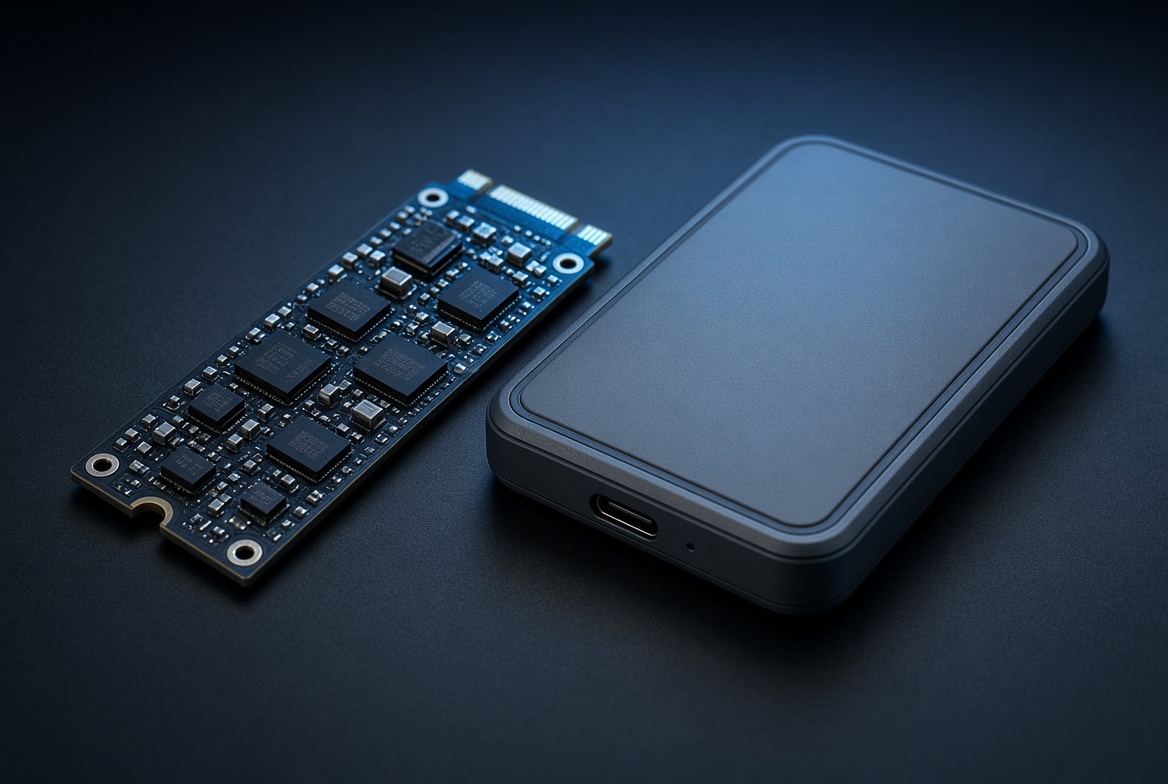
Software can work when all of these are true: the drive still powers on and is recognized, you can see it mount, the loss came from a delete, format, or software mistake (not a drop, spill, or burn), and you have somewhere else to save the recovered files.
Here is the honest part most “free recovery tool” pages won’t tell you: even then, every scan a struggling drive performs is wear on hardware that may already be failing. The single most common way a fully recoverable job arrives at our lab as a partially destroyed one is a customer running undelete tools on a drive that was quietly dying. If the data matters, the cheapest insurance is to stop and let us evaluate it — the evaluation is free, and you avoid the one mistake that turns a routine recovery into permanent loss.
Power the device off immediately if it clicks or buzzes, runs hot or smells burnt, got wet, snapped, has a loose connector, isn’t recognized, or shows the wrong capacity. A powered-off drive loses nothing. Start a free evaluation and let a specialist take it from there.
The Storage Everyone’s Losing Data on in 2026

Storage in 2026 is faster, denser, and far harder to recover with software than the spinning hard drives of a decade ago. The devices we see fail most right now:
- NVMe & portable SSDs — PCIe 4.0/5.0 M.2 drives and pocket SSDs (Samsung T9/T7, SanDisk Extreme Pro, Crucial X9/X10). When the controller or a single NAND package fails, the drive vanishes and no software can see it. We handle these on our SSD data recovery service (see related services below).
- USB-C & USB 3.2/USB4 flash drives — the connector or controller cracks, the stick reads 0 MB, and undelete tools find nothing because there is nothing to mount.
- SD, microSD & CFexpress (Type A/B) — the cards in today’s mirrorless bodies and phones. UHS-II and CFexpress hold enormous RAW and 8K files; a damaged card needs a raw chip read, not a scan.
- Phone storage (UFS 4.0 / eMMC) — soldered-in flash where recovery apps are useless once the device won’t boot.
- Industrial, embedded & ruggedized flash — the drives behind field, defense, and aerospace work, where the data is mission-critical and there is no second copy.
All of it uses 3D NAND with QLC/TLC cells and controllers that constantly shuffle your data across the chip to spread wear. Even a perfect raw chip read is only the start — the real recovery is reversing that scramble using the manufacturer’s wear-leveling and ECC logic. That is the exact layer consumer software never reaches, because it can’t get past a dead controller to see the chip at all.
Why Professional Photographers Don’t Gamble on Software

A wedding, a commercial shoot, a once-in-a-lifetime assignment — when a CFexpress or UHS-II card corrupts mid-job, there is no reshoot. Photographers who have been burned once never run a recovery app on the original card again, because a failed pass can overwrite the very frames they need. They pull the card, stop, and send it in. We recover the original RAW and video files and hand back verified, openable images — the work software routinely reports as “unrecoverable” simply because it could not read a damaged card. The same goes for lost and corrupted photos on any memory card. This is exactly why studios that shoot high-volume events keep our number saved before they ever need it — the same discipline that protects a wedding gallery applies just as much to a single once-in-a-lifetime personal photo. A backup drive helps, but it only helps if it survived whatever took out the original; we treat every card and drive as the only copy until proven otherwise, because that assumption is usually the correct one. Even photographers who religiously back up to a second card or a cloud service still send us the primary card when it fails, because a partial local backup is rarely a complete one, and the gap between them is exactly where the irreplaceable frames tend to live.
How eProvided Recovers What Software Can’t
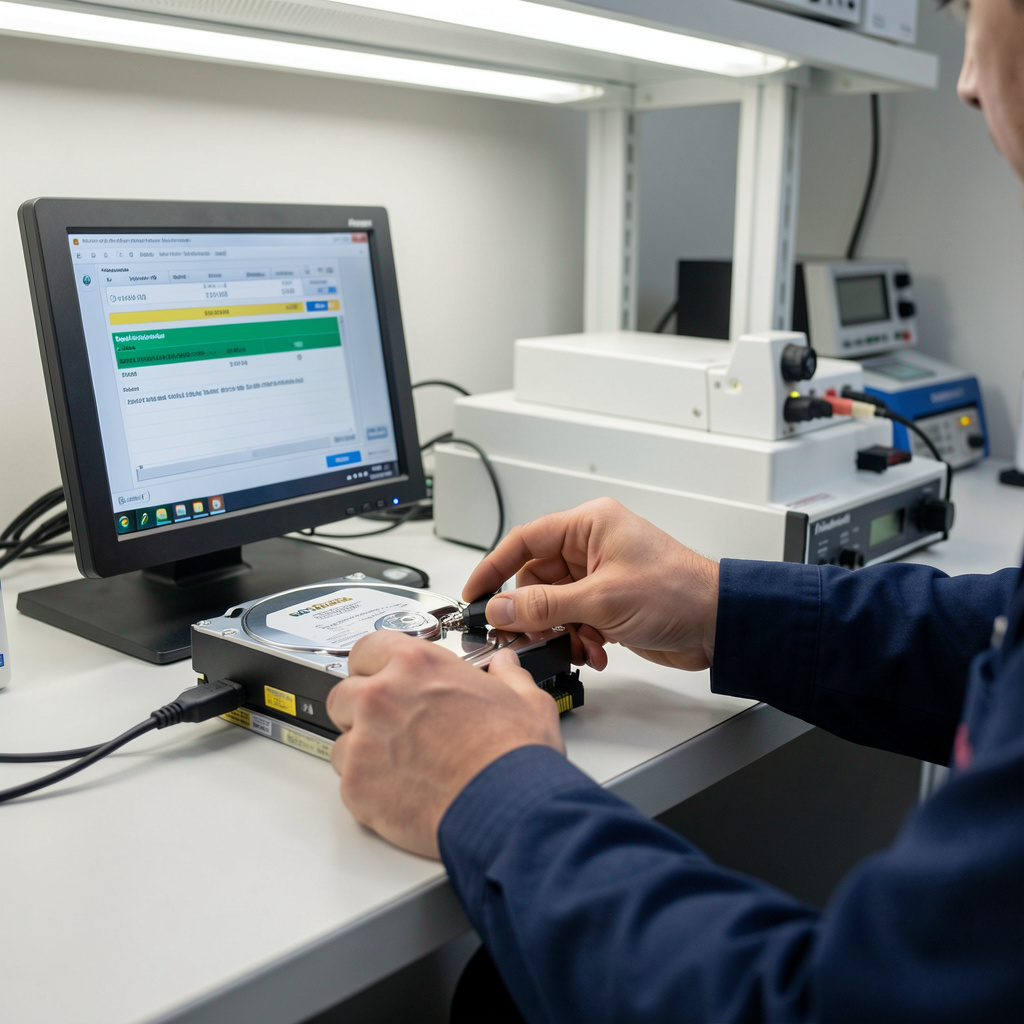
- Free evaluation. You send the device in; we diagnose the real failure — logical, electronic, or physical — and tell you what is recoverable before you owe anything.
- Hardware repair. If the controller, circuit, or connector failed, we repair or bypass it in our lab so the storage can be read at all. The same chip-level work applies to a failed hard drive or a dead phone.
- Raw read + rebuild. We pull the raw NAND data, then reassemble the file system the controller was managing, validating real, openable files at the end.
- You approve, then you pay. Our guarantee is simple: No Data, No Data Recovery Fee. If we can’t get your data back, you don’t pay a recovery fee.
That last point is the honest difference from a download: a store-bought tool charges whether or not it works, and risks your data while it tries. We carry the risk instead of you. Send your device in for a quote or call (866) 857-5950.
Software vs. Lab Recovery, Side by Side
| File Recovery Software vs. eProvided Lab Recovery | ||
|---|---|---|
| Situation | File recovery software | eProvided lab recovery |
| Deleted / formatted, drive healthy | Often works | Works |
| Dead controller / won’t mount | Can’t see the drive | Raw NAND read + rebuild |
| Physical damage (snapped, water, burnt) | No | ✓ Hardware repair |
| CFexpress / UHS-II / NVMe failures | Logical only | ✓ Chip-level recovery |
| You pay if it fails | Yes (tool cost) | ✓ No Data, No Data Recovery Fee |
What Our Customers Say
File Recovery Software FAQs
Recovery Services for Every Storage Device Class
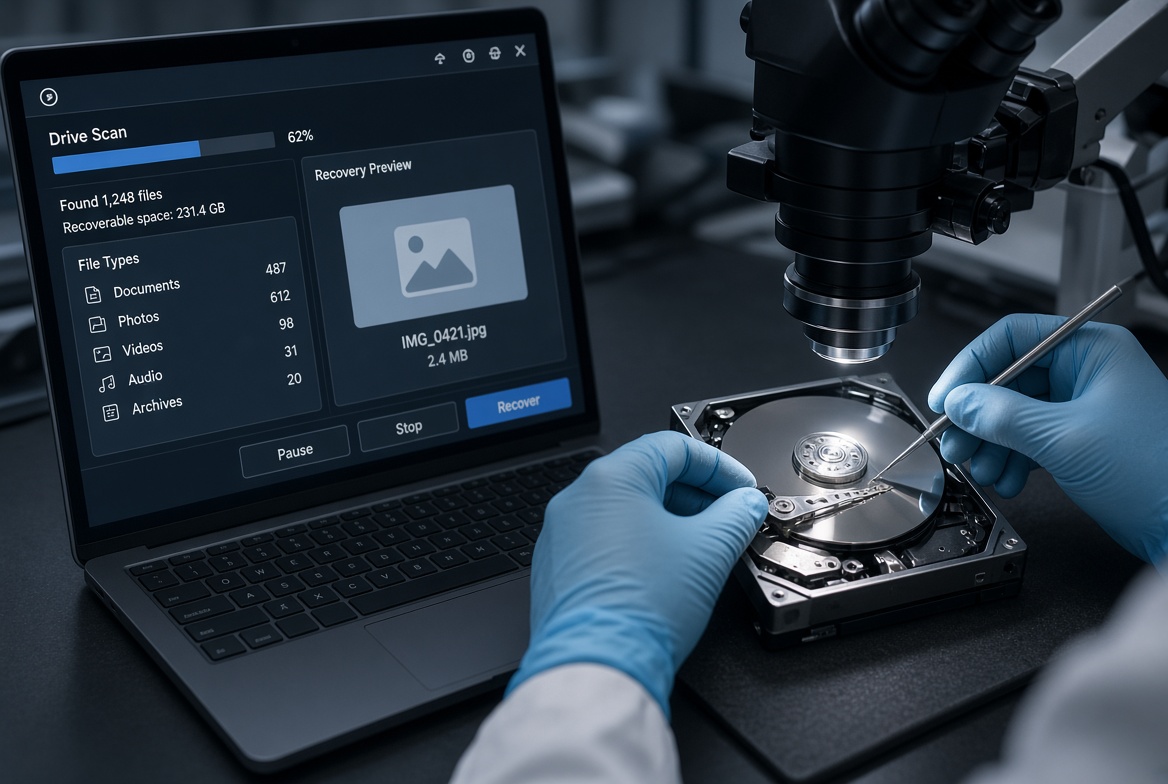
Whatever device the failed software attempt happened on, eProvided covers every storage class from one lab: hard drives (mechanical and logical failures), SSDs (NVMe and SATA, controller and chip-off recovery), USB flash drives (broken connectors, dead controllers, monolith chip-off), and memory cards (SD, SDHC, microSD, CFexpress, every brand). Every device that arrives goes through the same free evaluation first, whether it previously ran through a dozen recovery apps or was never touched by software at all — the diagnosis, not the prior attempt, decides the recovery path. That evaluation costs nothing and commits you to nothing, which is the opposite of a download that charges up front and risks the very data you're trying to save. Whichever path a device took to reach us, the same specialists and the same bench handle the actual recovery work. See all our data recovery services →
Recover Your Data the Safe Way
Software can’t repair hardware. We can. Our engineers will confirm what’s recoverable during a free evaluation. No obligation, confidential.
Start My Free Evaluationor call (866) 857-5950 now
Recovery Services for Every Storage Device Class
Whatever device the failed software attempt happened on, eProvided recovers the data from every storage class in one lab: