
Used by NASA · the FBI · the U.S. Navy · Since 1999
How iPhone Data Recovery Actually Works
- No Data, No Data Recovery Fee
- Board repair & donor transplant — in-house
- 27+ years of recovery experience
- Every iPhone generation
Can a Lab Just Pull the Chip Off My iPhone to Recover Data?
No — on an iPhone 3GS or newer, the decryption key is fused into the phone’s processor, not the memory chip. Pulling the NAND chip off the board returns only scrambled, unreadable data. Recovery instead means repairing the original logic board, or moving the processor and NAND together onto a donor board.
“The chip is never the problem on a modern iPhone. The processor is the lock, and the lock has to come with it.” — Bruce Cullen, founder, eProvided
Why can’t a lab just pull the chip out of my iPhone? It’s the first question almost every customer asks, and it makes sense — chip-off recovery is exactly how eProvided recovers a broken USB drive or a snapped microSD card. But an iPhone is not built the same way, and treating it like one is how a recovery attempt destroys the only readable copy of the data. After 27+ years running our own data recovery process, here is what actually happens inside the phone, why the chip-off method that works everywhere else fails here, and the two methods that genuinely do work.
Every iPhone from the 3GS onward locks its files to the phone’s own processor. Reading the memory chip alone gives back scrambled bytes, so a lab has two honest options: repair the original logic board, or move the processor and NAND together onto a matching donor board. Chip-off stays the right tool for USB sticks and SD cards, and the wrong one for an iPhone.
Do RIGHT NOW
- Stop trying to power the iPhone on repeatedly — repeated attempts on a shorted or damaged board can spread damage to the processor itself
- If the phone was wet, do not attempt to charge it — let it dry completely and get it evaluated before applying power
- Note the exact model and, if you can find it, the year you bought it — it tells us which recovery method applies before we open the case
- Keep every piece, including a cracked screen or snapped connector — the logic board is what matters, not the housing
DON’T Do
- Don’t let anyone attempt chip-off on a 3GS-or-newer iPhone — it separates the NAND from its only key and sharply lowers the odds of recovery
- Don’t plug a water-damaged iPhone into a computer to check for files — powering a shorted board can finish off a processor that was still salvageable
- Don’t send the phone to a generic phone-repair shop for a “board swap” before a data recovery evaluation — a swapped board without the original processor and NAND moved together erases the data permanently
- Don’t assume a phone that won’t power on has no recoverable data — power failure and data-recovery difficulty are almost always two different problems
Already holding a dead, crushed, or water-damaged iPhone with data you can’t lose? Start a free evaluation, or call (866) 857-5950 and describe what happened to the phone. The same logic-board diagnosis applies to any phone we get on the bench, not just iPhones — see our broader phone recovery work.
- Two Eras of iPhone Storage
- Why Modern iPhones Can’t Be Chip-Off’d
- Method 1: Board-Level Repair
- Method 2: Donor Board Transplant
- A Repaired iPhone Still Needs Your Passcode
- Where Chip-Off Still Works
- Which Path Does Your iPhone Need?
- What Our Customers Say
- Frequently Asked Questions
- Recover Data from a Damaged iPhone
- Related Recovery Services
Two Eras of iPhone Storage
Every iPhone stores its data on a NAND flash memory chip — the same broad category of memory used in USB drives and SSDs. What changed in 2009, starting with the iPhone 3GS, is that hardware encryption entered the phone. Apple lists the iPhone 3GS as introduced in 2009, and TechTarget reports that since the 3GS Apple has built encryption into the hardware and firmware of its iPhones and iPads. Apple’s platform security guide explains that a unique ID key is fused into the phone’s processor chip at manufacturing and is unique to each device. Per-file Data Protection, where each file gets its own key, arrived later with iOS 4. The keys that protect your files depend on that processor-bound key, so they are not stored on the memory chip, and no external tool can read them out. That single architectural change is the entire reason iPhone data recovery works completely differently from every other storage device eProvided handles.
Why Modern iPhones Can’t Be Chip-Off’d
 Enlarge
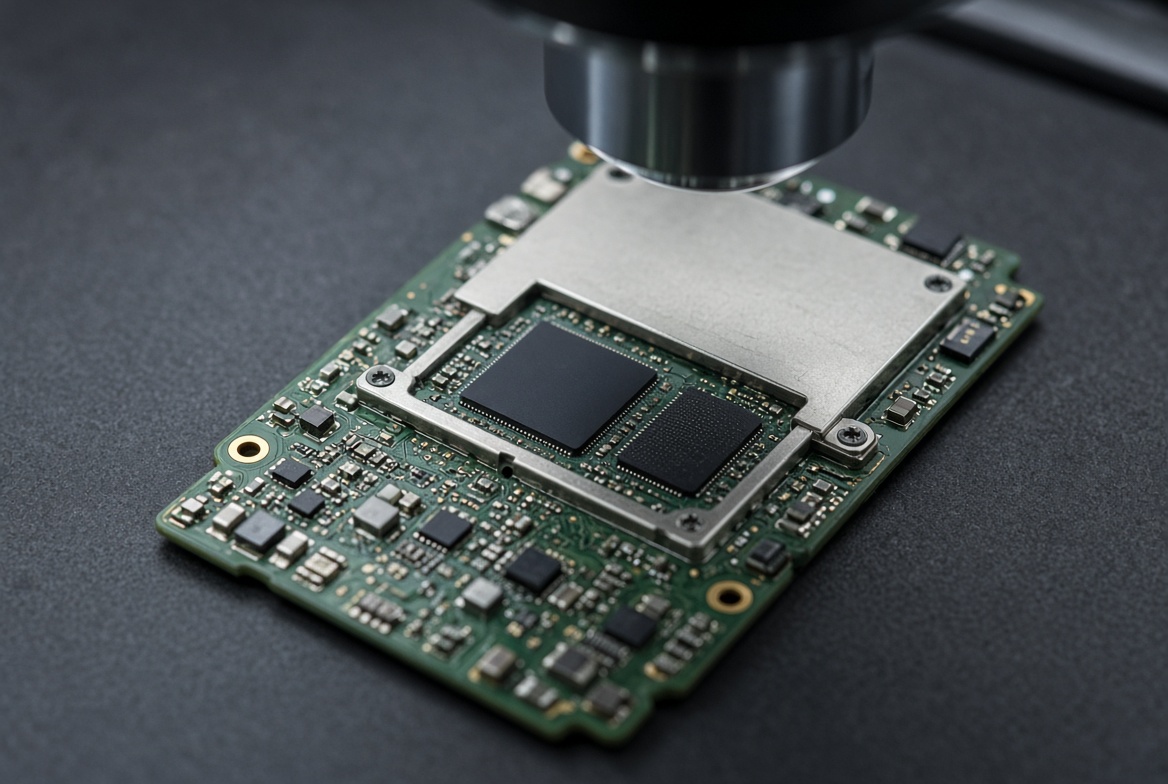
The gating question for any storage device is whether its decryption key is bound to silicon that is separate from the memory chip itself. On a modern iPhone, the answer is yes, and that answer flips the entire recovery approach on its head. Desoldering the NAND chip and reading it on a chip-off reader — the exact process that gets flawless results on a USB drive or SD card — returns nothing but ciphertext: unreadable, randomized-looking data with no file structure, because the key needed to decrypt it was never on that chip in the first place. It stayed behind on the processor, fused in at the factory, readable by nothing except that specific piece of silicon. Once the NAND chip is physically removed from the board, whatever tiny chance existed of reuniting it with its matching processor drops sharply, because reattaching a chip that has been desoldered rarely restores a reliable enough connection for the phone’s own decryption hardware to read it correctly. This is also why a generic phone-repair shop’s instinct — swap in a working logic board and move on — destroys the data rather than saving it: a donor board’s own processor has its own unique key, so it can never decrypt a NAND chip that isn’t its own. The processor the data is locked to has to be the one doing the unlocking.
Method 1: Board-Level Repair
 Enlarge
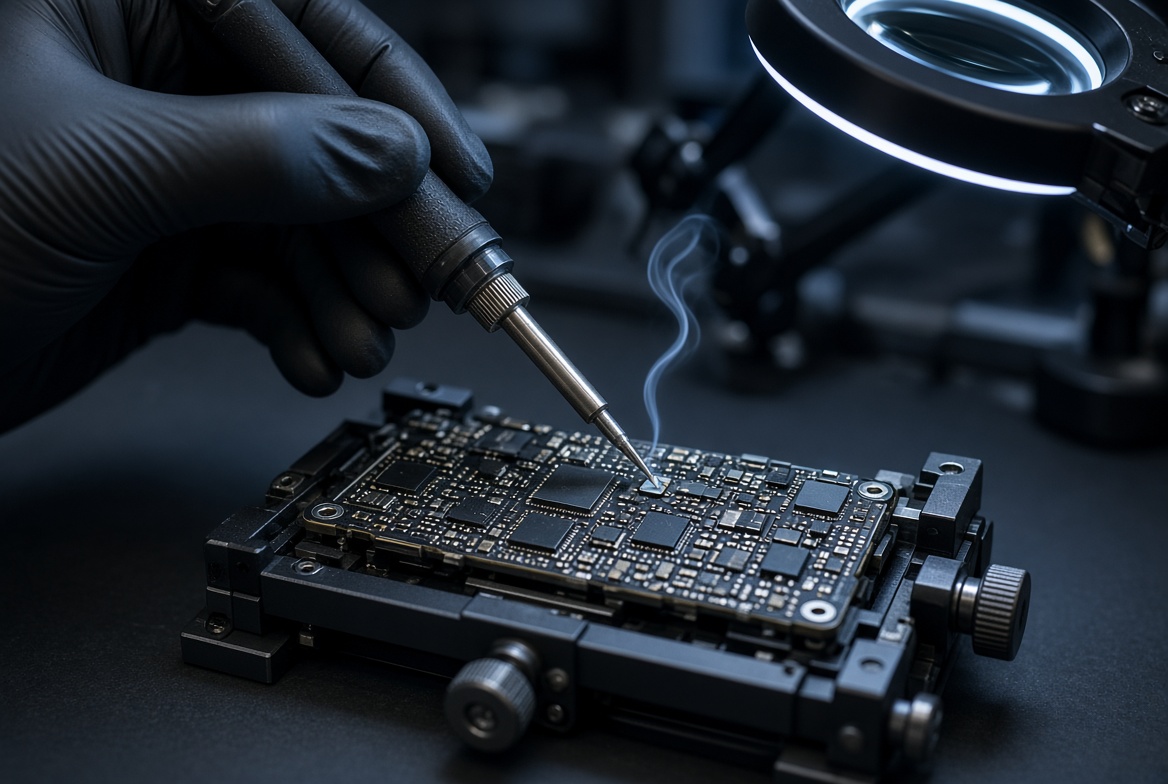
The first and strongly preferred method is repairing the phone’s original logic board — the one that already contains the matching processor and NAND chip pair. Most iPhones that won’t power on, show no display, or died after a liquid exposure have damage that’s localized to one component: a shorted power-management chip, a corroded connector, a failed charging circuit, or a cracked solder joint from an impact. None of that touches the processor’s fused key or the NAND chip’s stored data — it just breaks the pathway that lets the rest of the phone talk to them. Our recovery lab diagnoses exactly which component failed, using microscopic inspection and targeted electrical testing rather than guessing — the same board-level diagnostic discipline behind our bench work on failed hard drives — then repairs or replaces that specific part directly on the original board. Because the processor and NAND never leave the board they were paired on at the factory, the phone’s own decryption hardware stays fully intact through the entire repair — if the processor and NAND are intact, the data is still there once power and signal paths are restored. That is why board repair comes first: it leaves everything the encryption depends on in place, so a repaired phone can boot and decrypt as before. We confirm what is possible after inspection, and many board-repair cases are resolved without lifting any chip from the board.
 Enlarge
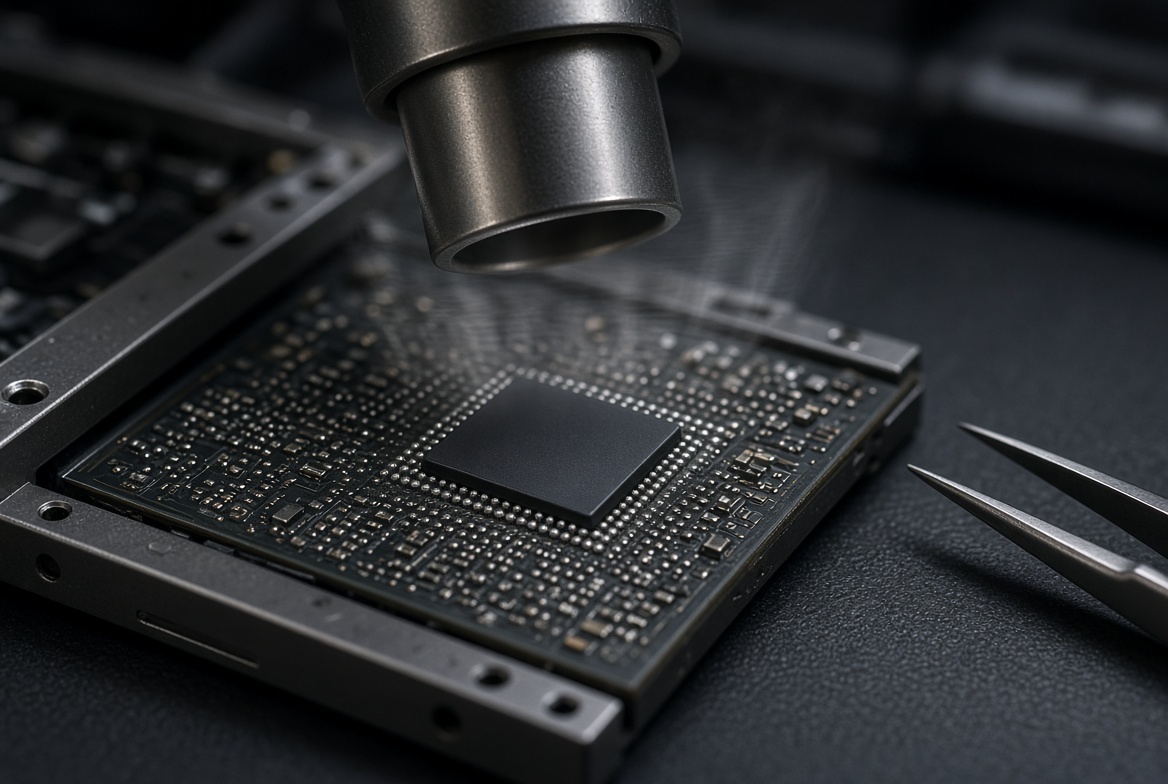
Some board repairs go a step further and require BGA rework — removing and replacing a single ball-grid-array chip package, such as a power management IC, using precisely controlled hot air rather than a soldering iron. This is delicate work: the target chip sits millimeters from the processor and NAND pair that must stay completely undisturbed. Done correctly, BGA rework isolates and replaces only the failed part, leaving the phone’s data-holding components exactly as they were. It is also why board-level repair belongs in a dedicated recovery lab rather than a general phone-repair counter — the margin for error next to an irreplaceable processor is measured in fractions of a millimeter, and a rushed or overheated rework job can crack the very ball-grid array it was meant to fix. Our technicians verify the rework under magnification before the board is ever reassembled, confirming every joint reflowed cleanly and no solder bridged onto a neighboring pad. Only after that visual confirmation passes does the board go back into the phone for a power-on test — skipping that step is exactly how a rushed repair shop turns a fixable board into a phone with a dead processor and no recoverable data at all.
Method 2: Donor Board Transplant
 Enlarge
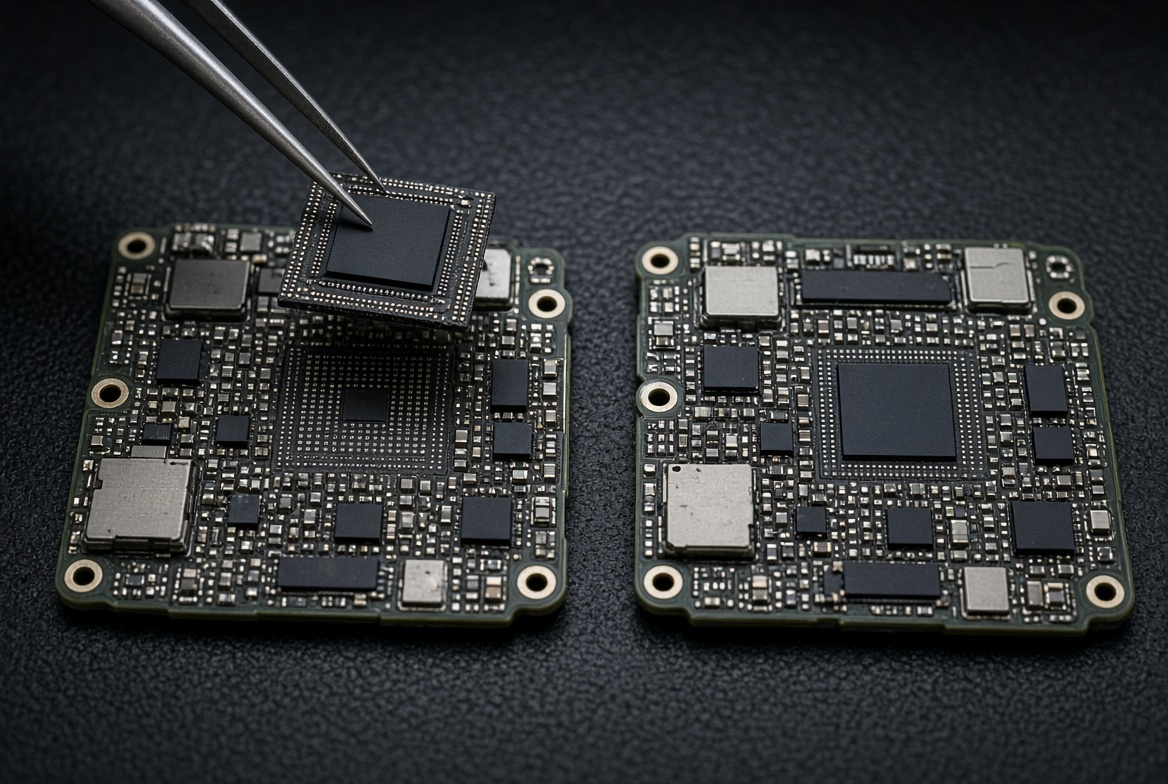
When the original board is too badly damaged to repair — crushed, burned, or missing large sections of circuitry — the second honest method is a donor-board transplant. This is not a simple board swap. It means physically removing both the processor and the NAND chip from the damaged board as a matched pair, and transferring them together onto a healthy donor board of the identical model. The processor still carries its original fused key, and the NAND chip still holds the data that key decrypts — because the two never get separated during the move, the phone that results can boot and decrypt its own data exactly as if nothing had happened to the original board. This is precision, component-level microsoldering work: both chips are desoldered, the donor board is prepared, and both chips are reattached together, then the phone is tested for a successful boot. The single rule that makes this method work at all is that the processor and NAND travel together, always — a donor board with a new, unrelated processor and only the original NAND chip attached can never decrypt that chip’s data, for the reasons covered above.
A Repaired iPhone Still Needs Your Passcode
Getting the phone to start again is only half of the job. Apple’s platform security guide explains that every file is protected by its own key, and whether a file can be opened depends on whether the class keys have been unlocked. In practice the passcode is part of what protects the data. A repaired or transplanted phone comes back protected by the same passcode, so the phone has to be unlocked before its files can be read, and no lab can supply a passcode that you no longer know. Tell us at the start whether you remember it. If the passcode is lost, our guide to locked phone data recovery explains what is and is not possible.
Where Chip-Off Still Works
 Enlarge
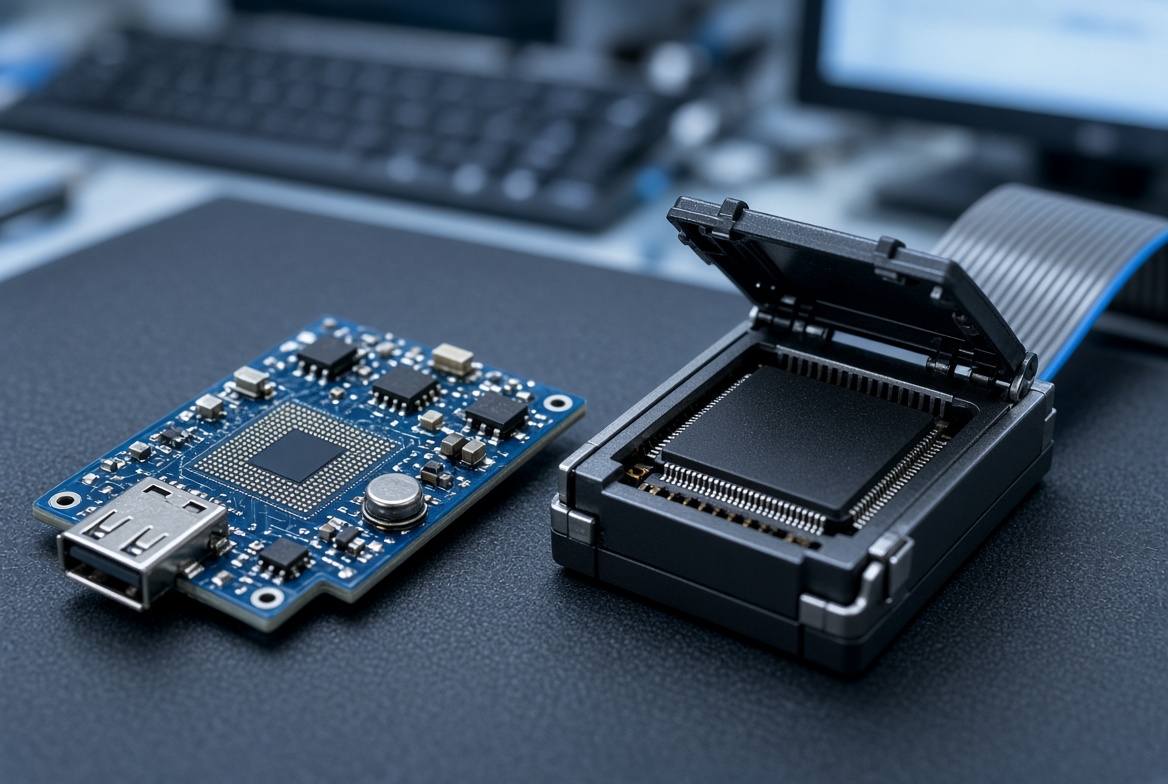
Chip-off recovery isn’t obsolete — it’s simply the wrong tool for a modern iPhone. It remains the correct, primary method on devices where the decryption key isn’t bound to a separate processor: USB flash drives, SD and microSD cards, and other monolithic flash media, covered in detail in our memory card chip-off recovery guide. Every iPhone we recover goes through board repair or a donor transplant instead, which is the split this entire page exists to explain. If you’re unsure which category your own device falls into, the model name alone usually settles it — anything sold after 2009 needs board-level work or a donor transplant, never chip-off, when the hardware has failed. One practical test is whether the memory and its controller sit inside the device as a single self-contained package, as they do in a USB stick or a microSD card. If they do, nothing else holds the key, and reading the chip directly is the right tool. If the memory is paired with a separate processor that decrypts it, as in every iPhone, that pair has to be brought back together instead. That is why we ask for the exact model before any bench work begins, and why a photo of the back of the device helps.
Which Path Does Your iPhone Need?
 Enlarge
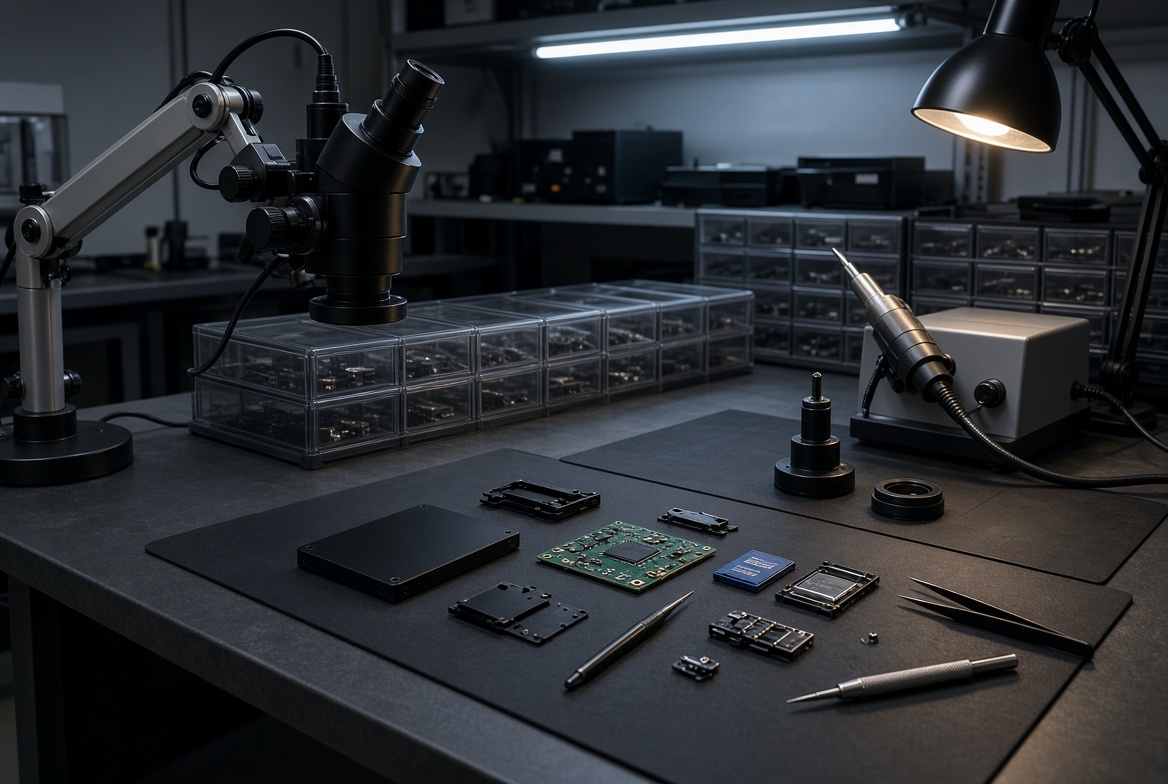
You don’t need to diagnose your own iPhone before contacting us — that’s exactly what the free evaluation is for — but knowing the rough shape of the problem helps set expectations. A phone that’s dead or won’t power on, with an otherwise intact board, is usually a board-repair case: a failed component is blocking power or signal, and the processor-NAND pair is untouched. A phone with a visibly crushed, cracked, or burned board is usually a donor-transplant case: the board itself can’t be brought back to life, so the working pair moves to a healthy one. We answer this for free before you’re charged anything: every evaluation includes a physical inspection of the board itself, not a guess based on the phone’s outward condition, and you get a fixed quote for the correct method before any work begins. Three details help us triage faster: the exact iPhone model, whether the phone shows any sign of life when plugged in (a logo, a vibration, a warm spot on the back), and what happened to it first. A short description is enough, and a photo of any visible damage is better. None of this replaces the evaluation; it only helps us point your phone toward the right bench sooner.
| iPhone Failure & the Correct Recovery Method | ||
|---|---|---|
| What you see | What it usually means | Correct method |
| iPhone (3GS or newer) won’t power on | Localized board fault — processor and NAND pair usually untouched | ✓ Board-level repair |
| Board is crushed, burned, or badly corroded | Original board can’t be brought back to life | ✓ Donor board transplant |
| Screen cracked, case damaged, phone still boots | Cosmetic/housing damage only — data typically unaffected | ✓ Usually no board work needed |
| NAND chip already removed by another shop | Processor and chip separated — recovery odds drop sharply | ⚠ Evaluation required, not guaranteed |
What Our Customers Say
Frequently Asked Questions
Recovery Services for Every Storage Device Class
Board-level iPhone work isn’t the only recovery eProvided performs — we cover every storage class from one lab: professional hard drive data recovery (Seagate, Western Digital, Toshiba, mechanical and logical failures), SSD data recovery (Samsung, WD, Crucial, NVMe and SATA, firmware repair and original-controller revival), USB flash drive recovery (broken connectors, dead controllers, monolith chip-off), and memory card recovery (SD, microSD, CompactFlash, all formats) — see the related services below. See all our data recovery services →
More Phone & Mobile Recovery Guides
- See our guide to iPhone backup and recovery basics for backup options, common methods and FAQ covering every iPhone recovery scenario.
Whatever damaged your iPhone — including a phone soaked and never fully dried — the method that gets your data back depends on where the damage is, not on how badly the case looks, and that’s exactly what a free evaluation confirms.
Recover Data from a Damaged iPhone
Dead, crushed, or water-damaged — our engineers will confirm the correct method during a free evaluation. No obligation, confidential.
Start My Free Evaluationor call (866) 857-5950 now
Related Recovery Services
iPhone board-level work isn’t the only recovery eProvided performs — these services get the data back from every storage class in one lab: