
Used by NASA · the FBI · the U.S. Navy · Since 1999
NAND Chip Technology: How SSDs Actually Store Your Data
- No Data, No Data Recovery Fee
- SSD controller revival, USB & SD chip-off
- 27+ years of recovery experience
- Every NAND type, every brand
What Is NAND Chip Technology?
NAND flash technology is the physical memory chip inside an SSD, USB drive, phone, or memory card, storing your files as electrical charge in tiny cells. A separate controller manages every read and write — and on an encrypted SSD, that controller, not the NAND chip, holds the decryption key.
“Every SSD, USB stick and SD card has NAND inside it. What’s different is what else is guarding that NAND — and that’s what decides how we get the data back.” — Bruce Cullen, founder, eProvided
Nearly every storage device made in the last twenty years — SSDs, USB flash drives, SD and microSD cards, and the internal storage in phones — is built around the same core component: a NAND flash chip. After 27+ years running NAND flash chip-off recovery on devices from every major manufacturer, we can walk you through what NAND chip technology actually is, how it’s manufactured, why it comes in several different densities, and — the part most explainers skip — exactly which devices can have that chip read directly for recovery and which ones can’t.
NAND flash chips are the actual memory inside SSDs, USB drives, phones and memory cards, storing data as electrical charge in blocks of cells. Modern NAND comes in SLC, MLC, TLC, QLC and 3D-stacked densities, made by a handful of manufacturers worldwide, and wear-leveling firmware means it rarely fails from simple use. None of that changes how a failed device is recovered: on a monolithic USB stick or SD card, reading the NAND chip directly (chip-off) works because there’s no separate lock on it. On a modern encrypted SSD, a controller chip holds the key, so the correct recovery path is reviving that controller — not removing the memory chips.
Do RIGHT NOW
- Check your SSD’s model number if you’re troubleshooting slow performance — it usually tells you the NAND type (TLC, QLC) without opening anything
- Run a S.M.A.R.T. health check periodically — NAND wear and rising error counts usually show up there well before a real failure
- Ask any recovery provider directly whether they plan to repair your SSD’s controller or pull its memory chips — the honest answer for a modern drive is controller repair
- Keep a second copy of anything irreplaceable, regardless of which NAND type your drive uses
DON’T Do
- Don’t assume “NAND chip” and “chip-off recovery” mean the same thing for every device — they don’t
- Don’t let anyone pull the NAND chips off a modern encrypted SSD and call that the recovery — it returns scrambled, unreadable data
- Don’t confuse NAND wear-out with controller failure — they look different and need different fixes
- Don’t choose a replacement drive on NAND type alone — controller quality decides most real-world reliability differences
Dealing with a drive that’s already failed? A free evaluation tells you what's on the NAND, or call (866) 857-5950 to ask first.
- What Is NAND Flash Chip Technology?
- SLC, MLC, TLC, QLC & 3D NAND: What the Differences Mean
- SSD Form Factors and Package Types
- Who Actually Makes NAND Flash
- Wear Leveling: Why NAND Rarely “Wears Out”
- Where Reading NAND Chips Directly Actually Applies
- What Our Customers Say
- Frequently Asked Questions
- Recover Files from a Failed NAND-Based Device
- Related Recovery Services
What Is NAND Flash Chip Technology?

NAND flash memory stores data by trapping an electrical charge inside a grid of tiny transistor cells — no charge reads as one binary value, a trapped charge reads as another, and that pattern of charged and uncharged cells is your file. It was invented by Dr. Fujio Masuoka at Toshiba in the 1980s and is named for the NAND logic gate its cells are wired to resemble. Unlike NOR flash, which allows random access and behaves more like traditional computer memory, NAND is organized in blocks and pages, read and written more like a disk — which is exactly why it became the standard for mass storage rather than for running code directly.
Every device built around NAND — an SSD, a USB flash drive, an SD or microSD card, or the internal storage in a phone — pairs the memory chip with a controller: a small processor that decides where each file physically lands, corrects errors, and spreads writes evenly across the chip. The NAND chip and the controller are two separate, distinct components, even when they’re bonded onto the same tiny substrate in a monolithic microSD or a phone’s internal storage. That distinction — memory chip versus controller — is the single most useful thing to understand about NAND technology, because it is exactly what decides how a failed device gets its data back, covered in detail further down this page.
SLC, MLC, TLC, QLC & 3D NAND: What the Differences Mean

Not all NAND stores data the same way. SLC (single-level cell) stores one bit per cell — the fastest and most durable option, now mostly limited to enterprise and industrial drives because it needs the most silicon per gigabyte. MLC (2 bits per cell), TLC (3 bits per cell) and QLC (4 bits per cell) each pack more data into the same physical space at the cost of endurance and write speed, which is why consumer SSDs moved from MLC to TLC over the last decade and increasingly to QLC for high-capacity, budget-friendly drives. More bits per cell means more distinct charge levels the controller has to distinguish during a read, which is also why heavier error-correction firmware became standard as density increased.
The other major shift is 3D NAND (also called V-NAND or BiCS depending on the manufacturer), which stacks memory cells vertically in layers — well over a hundred layers on current designs — instead of shrinking cells further on a single flat plane the way older planar NAND did. Stacking layers vertically let manufacturers keep growing capacity after planar NAND ran into physical scaling limits, and it’s a large part of why a modern 2TB or 4TB consumer SSD is affordable today in a way it simply wasn’t a decade ago. Nearly every SSD sold today, across every cell type, uses 3D-stacked NAND. For a deeper look at how recovery actually reads this chip-level data, see how chip-level NAND recovery works.
SSD Form Factors and Package Types
NAND technology reaches the market in several physical shapes. The 2.5-inch SATA form factor mimics a laptop hard drive for easy drop-in upgrades. M.2 is a small circuit-board stick that plugs directly into a slot on the motherboard, available in both SATA and much faster NVMe/PCIe variants — NVMe drives communicate with the system over the same high-bandwidth bus as a graphics card, which is why they dramatically outperform SATA-based SSDs. mSATA is an older, smaller M.2 predecessor still found in some compact laptops. At the smallest end, monolithic packages — used in some microSD cards, phones and eUFS/embedded storage — bond the NAND die and controller into a single sealed unit rather than two separate chips on a board.
The form factor changes how a device physically connects and how fast it transfers data, but it doesn’t change the underlying question that matters for recovery: is the controller managing that NAND chip a modern, encrypting design, or an older, non-encrypting one? A tiny M.2 stick and a full-size 2.5-inch drive can use the identical controller silicon and behave identically once something fails.
Who Actually Makes NAND Flash

Despite the huge number of drive brands on store shelves, the NAND chips themselves come from a short list of fabricators: Samsung, SK hynix, Kioxia (formerly Toshiba Memory), Micron (whose consumer brand is Crucial), and Western Digital/SanDisk, with YMTC a newer entrant in recent years. Most SSD brands you actually buy — including many budget and value-tier drives — use NAND manufactured by one of these five companies, then pair it with their own or a third-party controller and firmware. That’s why two drives with very different brand names and price points sometimes perform almost identically: the memory underneath can come from the exact same fabrication plant. We track the latest SSD and NAND news as manufacturers shift production between fabrication plants and process nodes.
The controller and firmware are where real differentiation happens, which loops back to the same point raised throughout this guide — the NAND chip is only half the story. A well-known, reputable NAND manufacturer says nothing about whether that specific drive’s controller encrypts its data, which is the detail that actually determines the honest recovery method if the drive fails.
Wear Leveling: Why NAND Rarely “Wears Out”
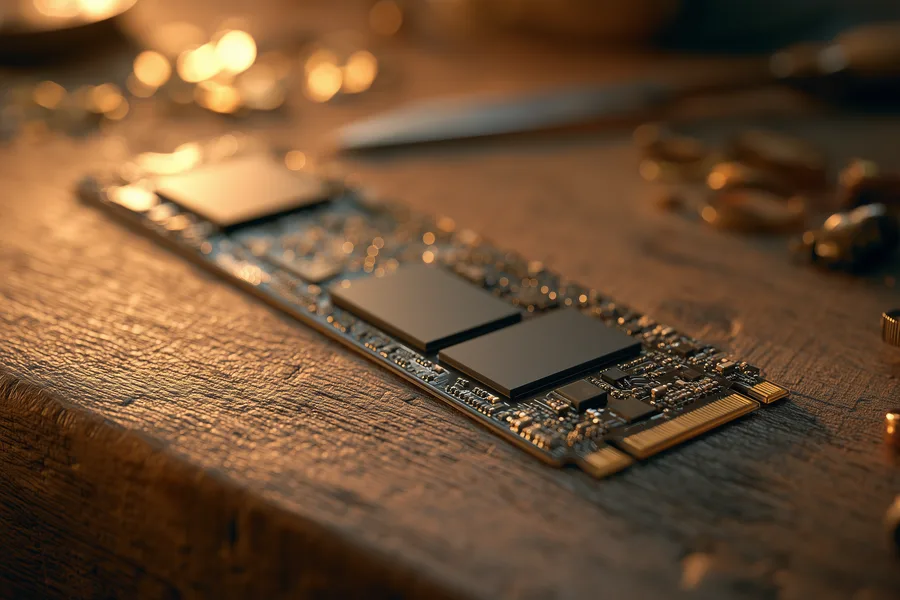
Every NAND cell can only be erased and rewritten a limited number of times — anywhere from a few thousand cycles on dense QLC to well over 100,000 on enterprise SLC — before it can no longer reliably hold a charge. Wear leveling is the controller firmware that prevents any single block from taking the brunt of that wear: instead of rewriting the same physical cells every time a file changes, the controller spreads writes evenly across the entire chip, and retires individual worn blocks in favor of spare capacity set aside for exactly this purpose. Combined with error-correction code (ECC) that catches and fixes small read errors before they become data loss, wear leveling is the reason a typical consumer SSD used for typical daily writing will realistically outlive the computer it’s installed in.
This is also why, in the real-world failure data eProvided sees across thousands of cases, outright NAND wear-out is one of the rarer causes of a failed SSD — the controller and firmware fail far more often than the memory does. When NAND wear genuinely is the cause, it tends to show up gradually as rising error rates and a dropping SMART “lifetime remaining” percentage, not as a sudden, total failure the way a controller fault usually does.
Where Reading NAND Chips Directly Actually Applies
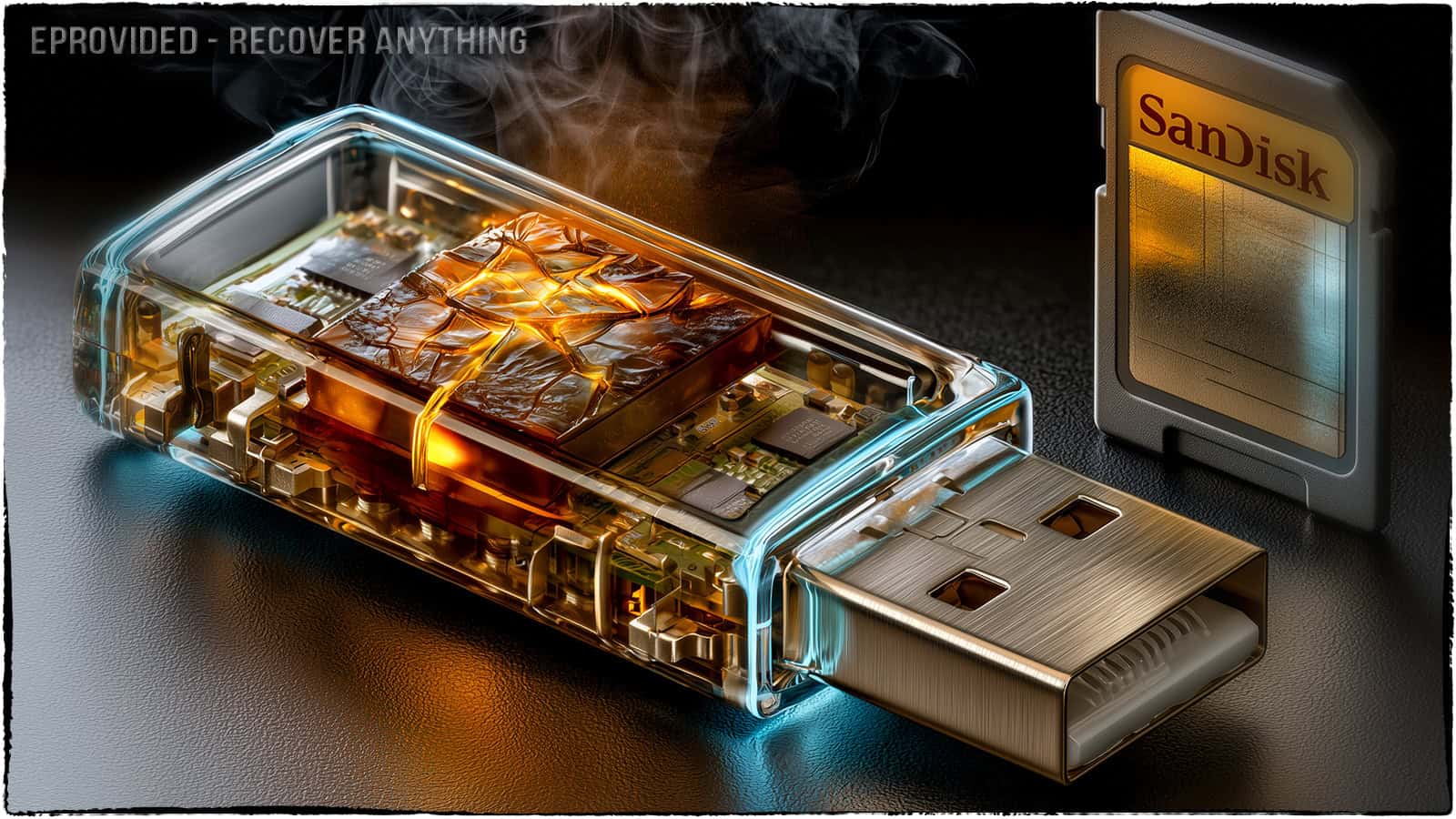
This is the question this guide exists to answer honestly, because it’s where a lot of recovery marketing gets vague on purpose. Reading a NAND chip directly — commonly called chip-off recovery — means physically removing the memory chip from its board and reading its raw contents on dedicated lab hardware, bypassing whatever controller or device it came from. Whether that actually recovers a device’s files depends entirely on one question: is the decryption key bound to something other than the NAND chip itself?
On a standard USB flash drive, an SD or microSD card, or an older monolithic device, the answer is usually no — there is no separate key locked inside another chip, so the NAND chip holds everything needed to reconstruct the data, and reading it directly is the correct, most reliable method. That’s exactly why chip-off is eProvided’s specialty on those device classes. On a modern SSD made since roughly 2015, the answer flips: the controller wraps the data in a key fused permanently into its own silicon, so pulling the NAND chips off that kind of drive returns scrambled, unreadable data — not because anything is broken further, but because the one component able to unscramble it was never on the memory chip. A donor controller doesn’t solve this either, since it derives a different key from its own fuses. Our SSD drive failure guide walks through why reviving that original controller, not removing the chips, is the honest recovery path for a failed modern SSD, and we verify which situation a given drive is in as part of every free evaluation.
| NAND Cell Types at a Glance | ||
|---|---|---|
| Type | Bits per cell / typical use | Endurance vs. density trade-off |
| SLC | 1 bit — enterprise, industrial | Highest endurance, lowest density per dollar |
| MLC | 2 bits — older consumer & prosumer | Strong balance, mostly superseded by TLC |
| TLC | 3 bits — most consumer SSDs today | Good balance of cost and everyday endurance |
| QLC | 4 bits — high-capacity, budget drives | Lowest endurance, highest density per dollar |
What Our Customers Say
Frequently Asked Questions
Recovery Services for Every Storage Device Class
Whatever device your NAND chips are inside, eProvided recovers it — from monolithic USB sticks and memory cards to modern encrypted SSDs, plus mechanical hard drives (Seagate, Western Digital, Toshiba) that carry no NAND at all. See all our data recovery services →
More SSD & NAND Guides
- Fix a dead SSD — the safe checks to try first if your drive isn’t showing up at all.
- What is NAND, explained simply — the plain-language definition if you're starting from scratch.
- SSD pros and cons — the reliability trade-offs worth knowing before your next drive purchase.
Understanding what’s inside your drive doesn’t replace a backup — keeping a second copy is still the fastest way to make sure a NAND-based device failing costs a replacement, not lost files.
Recover Files from a Failed NAND-Based Device
SSD, USB drive, memory card or phone — our engineers identify the right recovery method for your device's specific NAND and controller design during a free evaluation. No obligation, confidential.
Start My Free Evaluationor call (866) 857-5950 now
Related Recovery Services
Whatever device your NAND chips live inside, eProvided recovers it — these recovery services get the data back from every storage class in one lab: