
Used by NASA · the FBI · the U.S. Navy · Since 1999
CDs and DVDs Are Damaged — Can the Data Really Be Recovered?
- No Data, No Data Recovery Fee
- Specialized low-speed optical readers
- 27+ years of recovery experience
- CD, DVD, Blu-ray & M-DISC, every format
Can a damaged CD or DVD really be recovered?
Yes, in most cases. A scratch, a bad burn, or disc rot damages the surface a laser reads — it usually does not erase the data underneath. The disc’s own error-correction codes, a specialized reader, and a careful low-speed read can recover files a home drive has already given up on.
“A dead disc in your drive isn’t always dead data. The recording layer usually survives long after a consumer drive stops trying.” — Bruce Cullen, founder, eProvided
So a CD or DVD stopped reading, skips, or your drive suddenly calls it blank — and the honest question is whether the data on it is actually gone. It usually is not. Optical discs fail for a handful of well-understood, physical reasons — scratches, disc rot, bad burns, an unfinalized session — and in nearly every one of those cases the recording layer holding your files is still intact underneath the damage. This guide walks through why discs go bad, what your home drive cannot do that a recovery lab can, how long the process actually takes, and when it is genuinely time to stop trying and send the disc out. If you would rather skip ahead, professional CD and DVD data recovery handles the cases below every week.
- Why CDs and DVDs actually fail
- Free evaluation
- What survives damage, and what does not
- Why a home drive gives up before a lab does
- The disc that reads as “blank”
- What NOT to do to a failing disc
- How long does recovery actually take
- Do you need to send the original disc
- CD, DVD, Blu-ray & M-DISC differences
- Recovery software vs. a professional lab
- Start your recovery
- What our customers say
- About eProvided
- Recovery for every storage device
- FAQ — damaged CD & DVD recovery
- Related recovery services
- Further reading
Why Do CDs and DVDs Actually Fail?
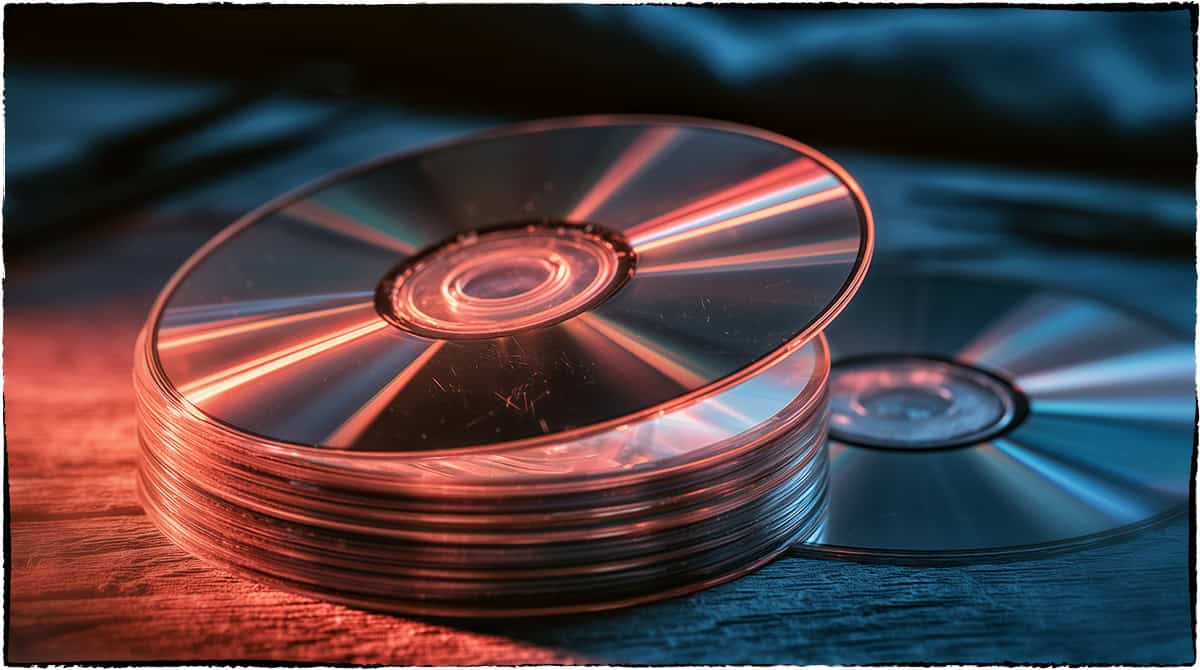
A CD or DVD stores your files as microscopic pits and lands (or, on a burned disc, marks in an organic dye layer) that a laser reads back as data. That data layer sits under a thin protective coating, not out in the open, which is exactly why most damage is survivable. The failures a lab sees over and over are:
Surface scratches are the single most common cause — a scratch scatters the laser so a normal drive cannot track the data, but it rarely reaches the recording layer itself. Disc rot is next: the thin reflective layer inside an older pressed CD slowly oxidizes, giving the laser less to reflect off, and it's the one failure type that genuinely gets worse with time. Dye fade affects recordable discs specifically — a burned CD-R or DVD-R holds data in an organic dye that fades with age, heat, humidity and sunlight, and cheap blanks fade fastest. A bad or interrupted burn, where a power loss or buffer error mid-burn leaves an incomplete write, never finishes correctly. An unfinalized session happens when the burner (often a camcorder) never closed the disc, so a normal drive reports it as blank even though the files are there. And cracks and physical breaks carry lower odds, but a cracked disc is not automatically a lost one.
Nearly all of these are physical or structural problems with the disc’s surface or session table — not the kind of full data erasure people assume when a drive throws an error. Knowing which of these six categories a disc actually falls into is also the fastest way to guess, before any lab touches it, roughly how good the odds already are.
Disc Won’t Read? Find Out for Free
Free evaluation on every CD, DVD, Blu-ray, or M-DISC — scratched, cracked, rotted, or unfinalized. No obligation, confidential.
Get My Free Evaluationor call (866) 857-5950 now
What Survives Disc Damage, and What Doesn’t
Every optical disc has built-in error correction — CIRC on a CD, Reed-Solomon Product Code on a DVD — designed to reconstruct small chunks of missing or misread data automatically. A home drive uses a little of that correction and then gives up quickly, because consumer drives are built for speed and convenience, not for squeezing every last readable byte out of a struggling disc. A recovery lab uses the same error-correction codes far more aggressively: reading the same troubled sectors many times over at a much slower speed, comparing multiple passes, and rebuilding bytes a single quick read could never resolve.
| Damage Type vs. Realistic Recovery Odds | ||
|---|---|---|
| What Happened | Is the Data Usually Still There? | What It Takes to Get It Back |
| Surface scratch | Yes, in most cases | Careful resurfacing/polishing to clear the scratch path, then a slow, error-corrected read |
| Unfinalized / reads as blank | Yes, almost always | Reading the raw lead-in directly and rebuilding the missing table of contents |
| Bad or interrupted burn | Usually, at least partially | Raw sector extraction and file-system reconstruction rather than a normal file copy |
| Dye fade (CD-R/DVD-R) | Often, if caught before it’s severe | Multiple slow, error-corrected reads combined together |
| Disc rot | Sometimes — depends on severity | Aggressive read-retry; badly rotted discs have real limits |
| Cracked or snapped disc | Partially, often | Careful low-speed reads of the intact sections |
The pattern across nearly every row: a drive using specialized optical readers at low speed, leaning on error correction, and reconstructing the file system by hand recovers what a normal drive-and-double-click never had a chance to.
Why Your Home Drive Gives Up Before a Recovery Lab Does
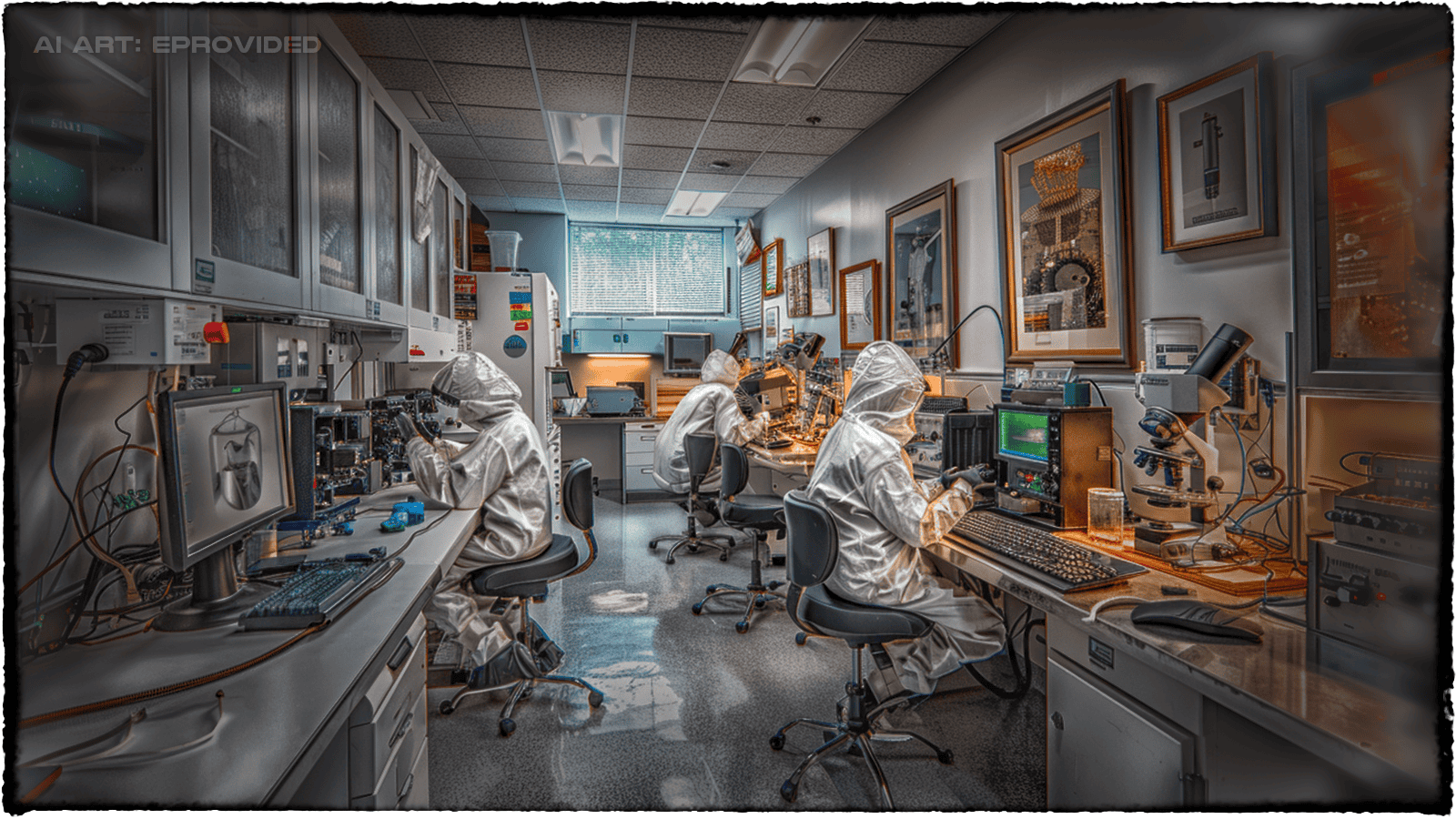
Your computer’s optical drive is built to read good discs quickly, not to fight through a damaged one. It spins the disc at full speed, tries the standard read pass, and reports an error the moment it cannot keep up — there is no retry logic tuned for a scratched or aging disc, and no ability to read raw sectors below the file-system level. That is a reasonable design for everyday use, but it means a drive that says a disc is unreadable is really only saying this drive, at this speed, couldn’t do it — not that the data is gone.
A specialized optical recovery setup is built for the opposite job: read the disc far below normal speed, retry the exact sectors that failed, pull data at the raw sector level instead of trusting the file system, and lean hard on the disc’s own error-correction codes across multiple passes. None of that is available in a laptop’s DVD drive or a standard external burner, which is the real reason a disc that a home drive calls dead so often turns out to still hold its data. This is the same underlying gap that shows up with failed hard drives: the structure can be damaged while the data underneath survives, and it takes the right hardware and technique — not a different disc, and not a different hard drive — to get past that damage. It is also why running the same disc through three or four different consumer drives rarely changes the outcome: those drives are all built to the same speed-first design, so a disc that fails in one usually fails in all of them the same way.
The Disc That Reads as “Blank” Isn’t Actually Blank
One of the most common and most misunderstood failures is a disc your computer reports as completely empty, even though you know files were burned to it. This almost always means the disc was never finalized — the burner (frequently a camcorder) wrote the data but never closed the recording session, so the table of contents a normal drive looks for was never written. With no table of contents, the drive sees nothing to list, even though every byte of your video or files is sitting on the disc. A specialist reads the raw lead-in area directly, reconstructs the missing table of contents, and closes the session in software — turning a “blank” disc back into your footage or files. This is a routine, high-success case, not a longshot, and it is one of the more common reasons families bring in old camcorder discs years after the camcorder itself stopped working.
What NOT to Do to a Failing Disc
What you do in the first few minutes after a disc stops reading has more effect on the outcome than almost anything that happens afterward:
- Stop re-inserting it into a struggling drive. Every retry in a drive that keeps grabbing and re-grabbing a damaged disc can add fresh scratches on top of the original damage.
- Do not use scratch-repair toothpaste, wax, or a home buffing kit. These risk cutting into the thin recording layer, and once that happens no data recovery lab — ours included — can undo it.
- Handle it by the edges and center hole only. Fingerprints and oils on the read surface add to the problem; a scratch or sticker on a CD’s label side is often worse than a scratch on the read side, because the data layer sits right beneath the label.
- Do not run free “disc repair” software before deciding what to do. Some of it can force a rewrite over a marginal area, closing off a professional read that might otherwise have worked.
- Set it aside, flat and cool, out of sunlight. A disc that has already lasted through the initial damage does not need heat or UV accelerating dye fade while you decide next steps.
How Long Does CD or DVD Data Recovery Actually Take?
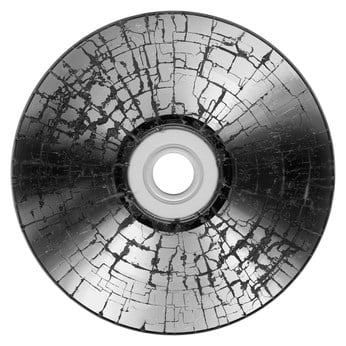
Turnaround depends almost entirely on which failure category the disc falls into. A scratched or unfinalized disc is usually the fastest case: the free evaluation identifies the failure type quickly, and a straightforward resurfacing-and-read or lead-in reconstruction often finishes within a few business days once the disc is on the bench. A badly rotted disc, a heavily dye-faded CD-R, or a disc with a deep crack takes longer, because the aggressive read-retry process has to run multiple slow passes over the same troubled sectors and compare the results before anything gets rebuilt. eProvided quotes a realistic timeline as part of the free evaluation itself, once the actual damage type on your disc is known — not before, because guessing a timeframe from a phone description alone is exactly the kind of guess that turns out wrong in either direction. Shipping time is the other variable worth planning around: a disc mailed in a rigid case typically reaches the lab within a few business days, so the total time from “disc stops reading” to “files back in hand” is shipping plus evaluation plus whichever recovery timeline the evaluation turns up.
Do You Need to Send the Original Disc?
Yes — there is no substitute for the physical disc when the failure is scratches, disc rot, dye fade, or a crack, because the recovery work happens directly against the surface and recording layer that is damaged. A copy made on a healthy drive before the disc failed further would already have captured whatever was still readable at that point, so if one exists, send that too; it can sometimes shortcut the process. But for the disc itself, mailing it flat in a rigid case (not a paper sleeve, which lets it flex and can add scratches in transit) protects it far better than trying to describe the damage over the phone and hoping a lab can work from a description alone.
Does This Apply to CD, DVD, Blu-ray, and M-DISC Alike?
The recording physics differ slightly by format, but the recovery logic above applies across all of them. A standard CD uses a longer-wavelength red laser and a single recording layer, which is one reason CDs are often the most forgiving format to recover from — there is simply less packed into the same physical space to damage. A DVD packs more data into the same disc size using a shorter-wavelength laser and, on dual-layer discs, a second semi-transparent recording layer behind the first; a scratch or rot problem on a dual-layer DVD can sometimes affect one layer more than the other, which a specialist can read around. Blu-ray discs use an even shorter blue-violet laser and pack far more data per disc, with a thinner protective layer over the recording surface — which makes a Blu-ray somewhat more scratch-sensitive than a DVD, but the same aggressive low-speed, error-corrected read strategy still applies. M-DISC, marketed as a centuries-long archival format, uses an inorganic recording layer instead of organic dye specifically to resist the fade that affects ordinary CD-Rs and DVD-Rs — it is far more resistant to age and light damage, though it is not immune to a physical scratch or a cracked substrate. In every case, the question a lab actually asks first is the same one this guide opened with: is the recording layer itself damaged, or just something in front of it — and for the large majority of failures across all four formats, it is the latter.
Recovery Software vs. a Professional Lab — When Each One Makes Sense
Consumer recovery software has a real, narrow use: on a disc that is mostly healthy with a small amount of read trouble, ripping software with a retry setting can sometimes pull the files off before things get worse. Where it runs out of road is exactly where the damage above starts — a scratch deep enough to scatter the laser badly, a disc that never finalized, meaningful dye fade, or actual disc rot. Consumer software reads through the same standard drive with the same speed and retry limits your computer already has; it cannot resurface a scratch, read raw sectors below the file system, or rebuild a missing table of contents. When a disc has reached that point, a professional data recovery lab is the difference between a drive that says “unreadable” and files that come back intact. Every eProvided case follows the same evaluation-first recovery process and one rule — No Data, No Data Recovery Fee.
Start Your CD & DVD Recovery
27+ years recovering scratched, unfinalized and rotted optical discs. Free evaluation, firm quote, no obligation.
Get My Free Evaluationor call (866) 857-5950 now
What Our Customers Say
About eProvided — Data Recovery Specialists Since 1999

eProvided has recovered data from thousands of failed storage devices since 1999, optical discs included. Our clients have included NASA, the Department of Defense, the Department of the Navy, and the FBI — work that requires the same careful, chain-of-custody-correct approach whether the device on the bench is a scratched DVD, a Seagate or Toshiba hard drive, a Samsung SSD, a Western Digital hard drive, or a Crucial NVMe drive. Founder Bruce Cullen has run the lab since 1999. Every case starts with a free evaluation, and the same guarantee applies across every device class we handle: No Data, No Data Recovery Fee.
Recovery Services for Every Storage Device Class
Optical discs are one of many storage types eProvided’s data recovery lab recovers from in one place — the same recovery lab that reads a damaged CD or DVD also handles failed hard drives, SSDs, USB flash drives and memory cards, using the same free-evaluation-first approach across every device class. A household that brings in an old camcorder DVD often turns out to also have a failing external hard drive or a phone with a cracked screen sitting in the same drawer, and every one of those goes through the same intake process: a free evaluation, a firm quote once the actual damage is known, and the same guarantee either way. There is no minimum device count and no extra fee for mixing formats in one shipment — a box that arrives with a disc, a drive, and a memory card gets one evaluation covering all three. See all our data recovery services for hard drives, SSDs, and flash media below.
See all our data recovery services →
Frequently Asked Questions — Damaged CD & DVD Recovery
Q: My CD or DVD suddenly reads as blank. Is the data gone?
Almost always, no. A disc that suddenly reads as blank is most often unfinalized rather than erased — the burner never closed the session, so a normal drive can’t see a table of contents even though the files are still there. This is one of the most recoverable failures in optical media.
Q: Can a scratched CD or DVD really be fixed?
Yes, in most cases. A scratch scatters the laser but rarely reaches the actual recording layer underneath. Careful resurfacing to clear the scratch path, followed by a slow, error-corrected read, recovers the large majority of scratched discs.
Q: What is disc rot, and is it always fatal to the data?
Disc rot is the slow oxidation of the thin reflective layer inside an older pressed disc, which leaves the laser less to reflect off. It is the one failure type that genuinely worsens with age, and severe rot does lower the odds — but even rotted discs are worth a free evaluation, since aggressive read-retry and error correction can still pull back a meaningful amount.
Q: Is free disc-repair software worth trying first?
On a disc that is only slightly troubled, it can be worth a single careful attempt. But it reads through the same standard drive your computer already has, with no ability to resurface a scratch or read below the file system — so on a genuinely damaged disc it usually just wastes time, and in some cases can make a marginal read worse.
Q: Does it matter if the disc is a factory-pressed CD or a burned CD-R/DVD-R?
Yes, because they fail differently. A factory-pressed disc has a metal reflective layer that can suffer disc rot over decades, while a burned CD-R or DVD-R stores data in an organic dye that fades with age, heat and sunlight instead. Both problems reduce how much light reflects back to the laser, and both respond to the same aggressive, low-speed, error-corrected read — but knowing which one you have helps set realistic expectations going in.
Q: How is optical disc recovery different from hard drive or flash drive recovery?
The physics are different — a laser reading pits and dye on a spinning disc instead of magnetic platters or flash memory cells — but the underlying idea is the same: the surface or structure can be damaged while the recorded data survives underneath, and specialized hardware plus the right technique is what closes that gap.
Further Reading
- NAND flash chip-off recovery — BGA, TSOP and monolith package extraction for failed flash storage.
- eProvided data recovery blog — more guides, tips and recovery case studies.
Related Recovery Services
A damaged CD or DVD isn’t the only storage problem eProvided solves — these recovery services cover every device and media type in one lab: